< Home
Day 1: Introduction
Assignment 18/11/2025
- Select and document a data set to analyze
- Connect to a JupyterLab server and become familiar with the user interface
Select and document a data set to analyze
Short project description
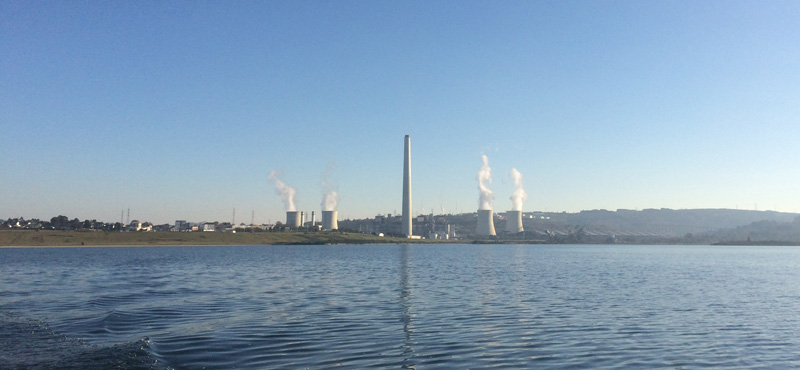
I want to analyze how the climate in As Pontes (A Coruña - Spain) has evolved before and after two major environmental changes:
- The filling of the artificial lake, which introduced a large new body of water. (from 2008 to 2012)
- The shutdown of the thermal power plant, which stopped the continuous release of warm vapor from the cooling towers. (It began in 1976 and was shut down in 2023)
I will use public AEMET (Agencia Estatal de Meteorología) weather data (temperature, precipitation, humidity, wind, pressure, etc.) to identify whether these events produced measurable local variations.
The goal is to compare both periods and detect changes in trends, averages, or seasonal behavior.
How to obtain AEMET data
AEMET provides public data in two ways:
1. Manual download (easiest option)
You can download CSV/JSON files directly from the Open Data portal: https://opendata.aemet.es/centrodedescargas/inicio
Steps:
- Create a free account.
- Search for the weather station closest to As Pontes.
- Go to “Climatological data” or “Daily data”.
- Download the CSV files with temperature, rainfall, humidity, wind, etc.
2. Using the AEMET API (ideal for automation and the course)
Steps:
- Create an account on AEMET OpenData.
- You will receive an API key.
- Use a request URL like:
https://opendata.aemet.es/opendata/api/valores/climatologicos/diarios/datos/fechaini/{YYYY-MM-DD}/fechafin/{YYYY-MM-DD}/estacion/{STATION_CODE}/?api_key=YOUR_API_KEY
- The API first returns a JSON containing a download URL.
- Fetch that URL to get the actual data (CSV/JSON).
Finding the station code
Use the portal’s Stations Inventory to locate “As Pontes” or the closest meteorological stations, and copy their official station codes. (The station code is: 1363X)
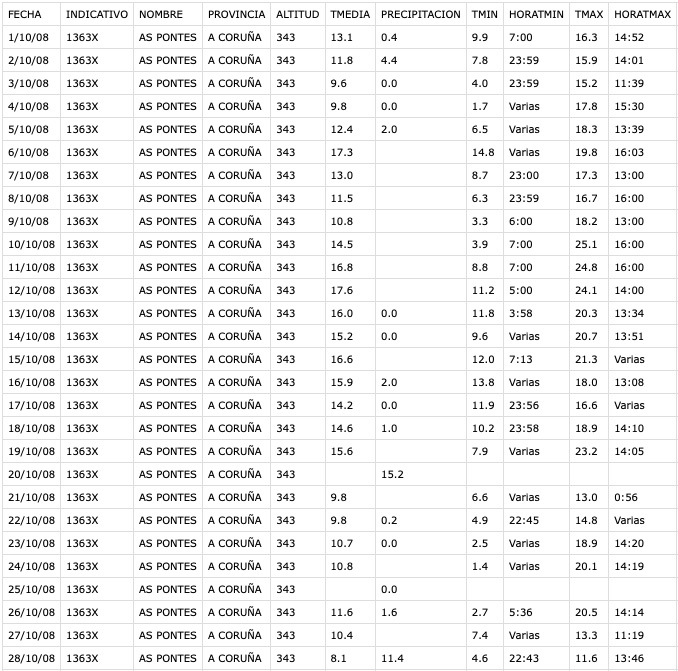
Sample data from 2008 to 2025
Connect to a JupyterLab server and become familiar with the user interface
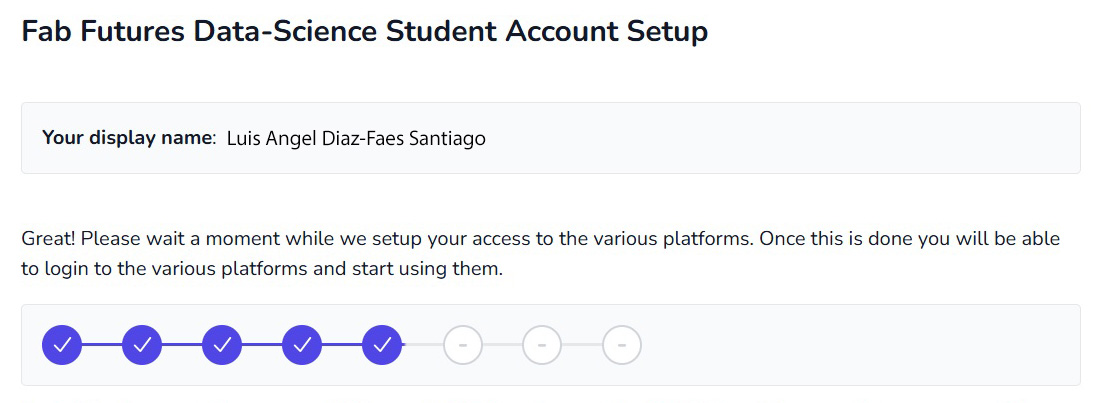
On November 17th, I received the email confirming my enrollment in the course, with instructions on how to connect to the Fab Futures Data-Science 2025 platforms.
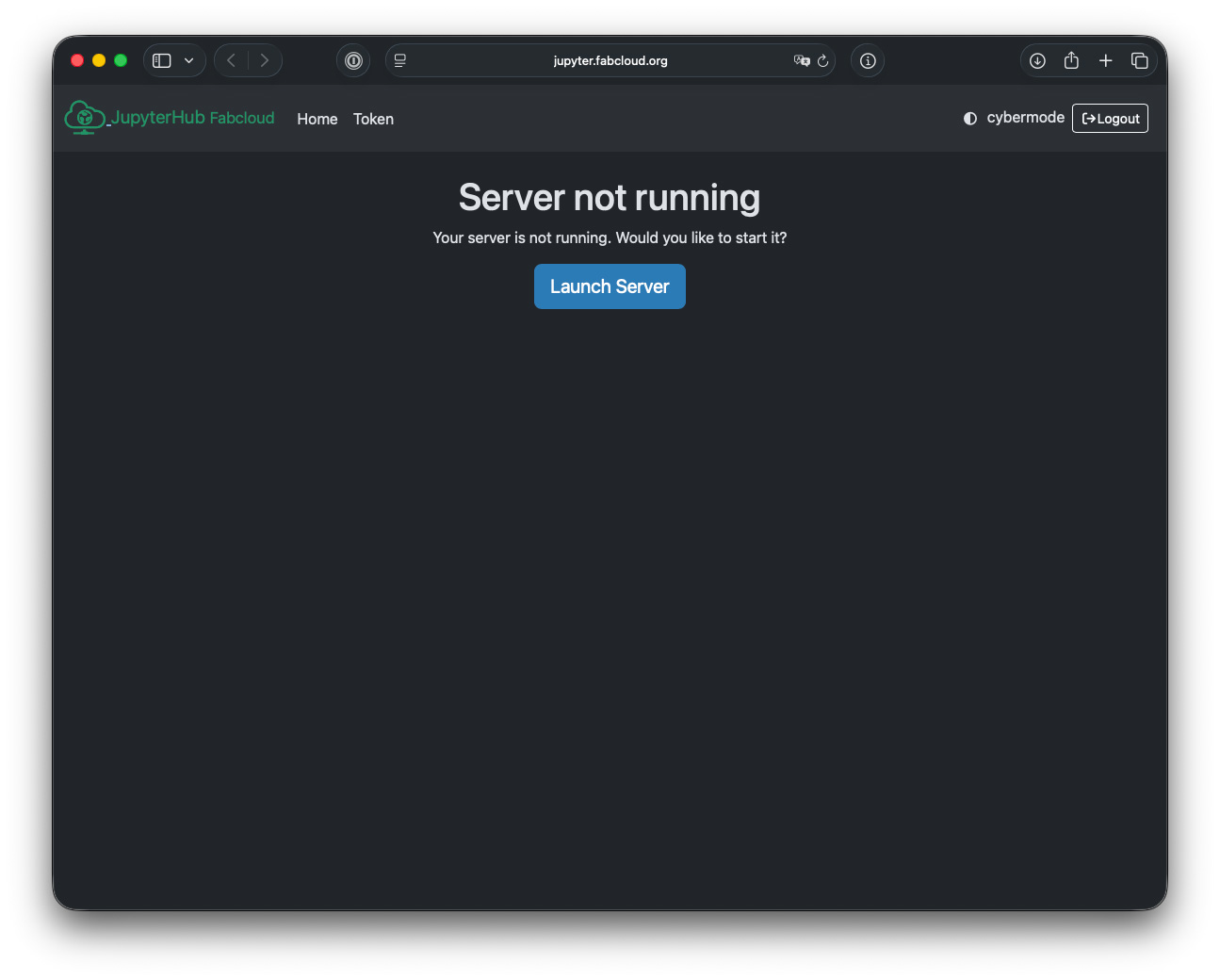
Once the class on November 18th was over, I started testing Jupyter and understanding what it is for and how it works.
Upon logging into my account, the first thing I have to do is launch server.
Start with Jupyter
Once open, a website appeared, reminiscent of a text editor.
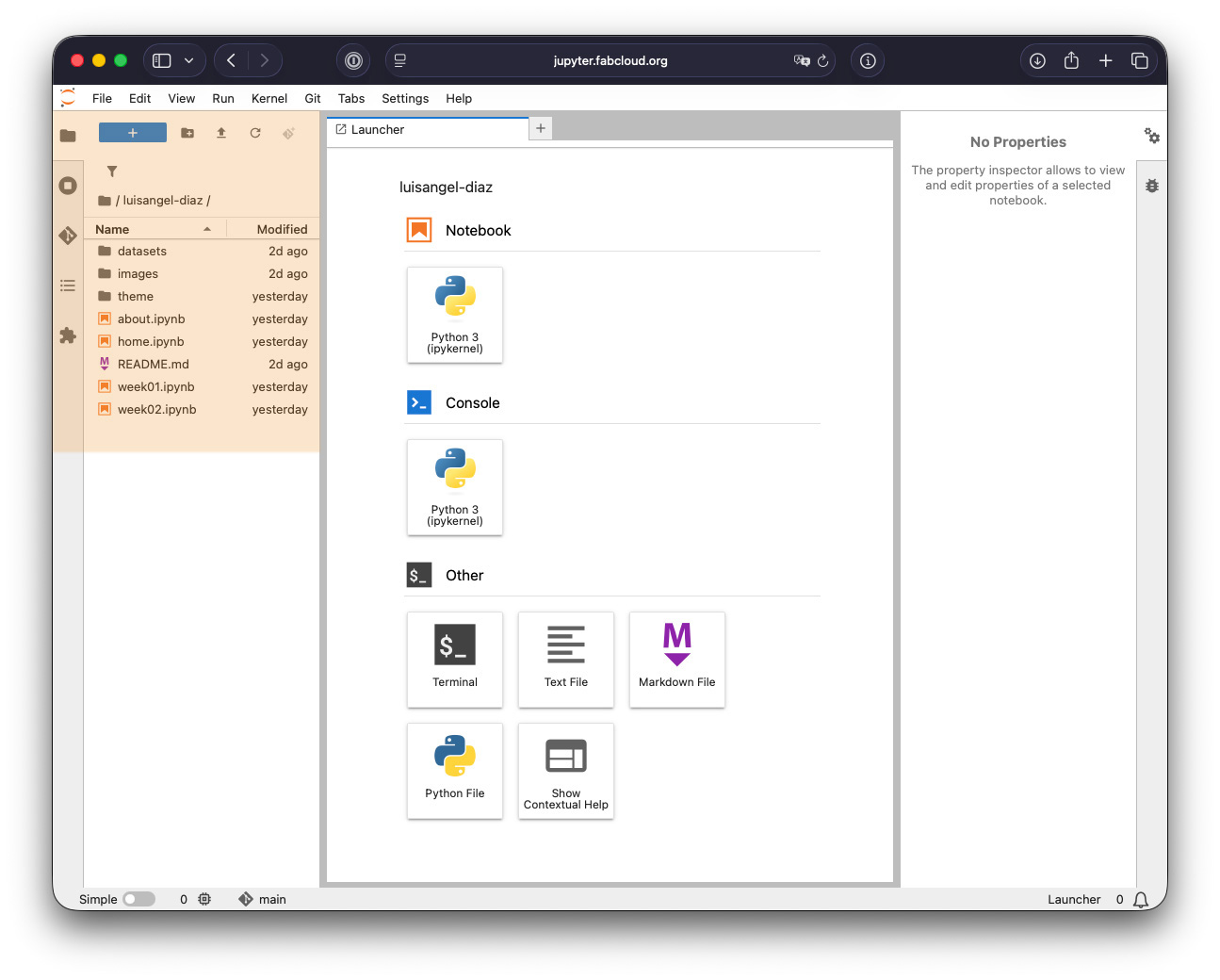
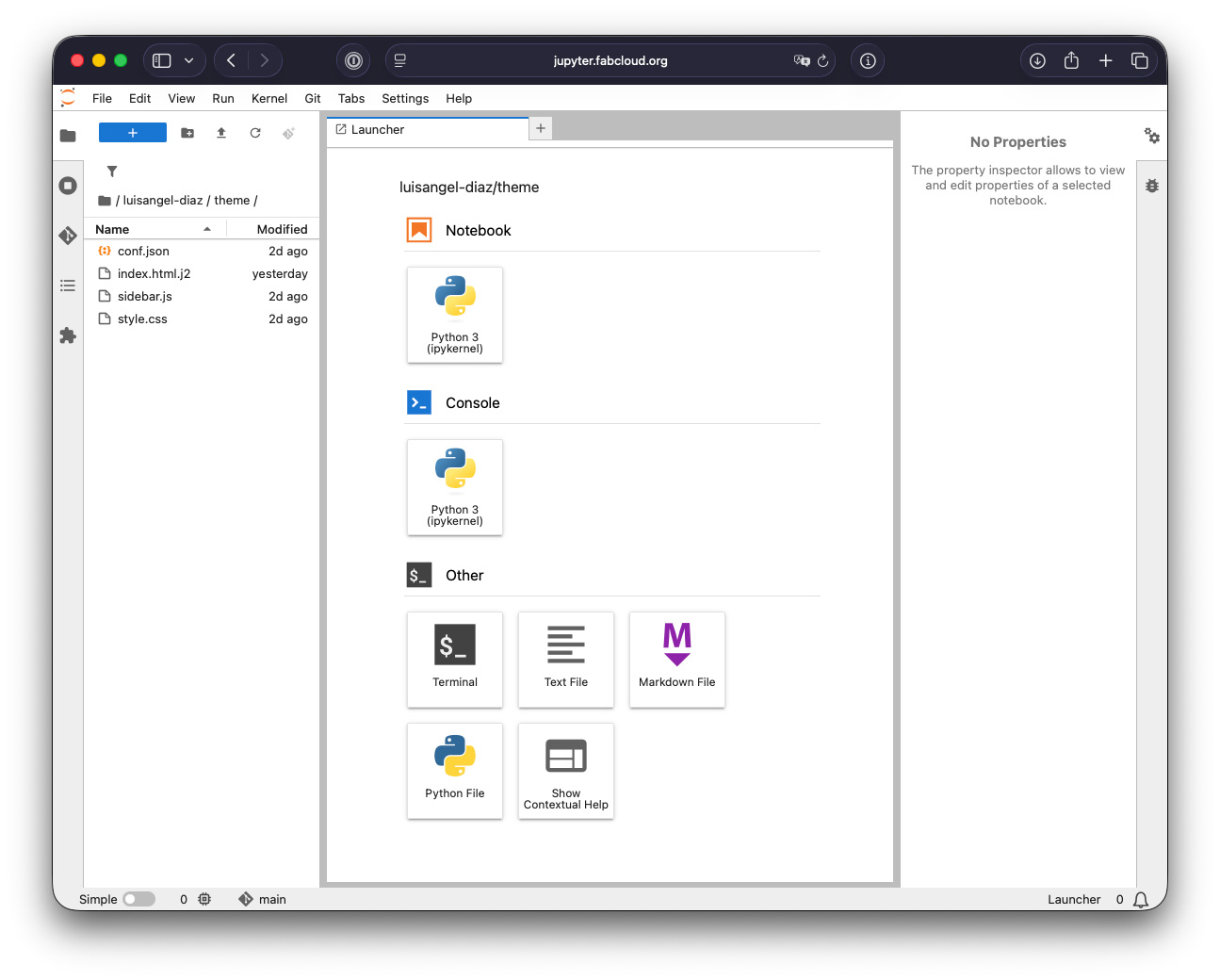
On the left, there were several tabs; the first was the file browser. I did some testing and found how to modify the template, specifically where my name was in the website header.
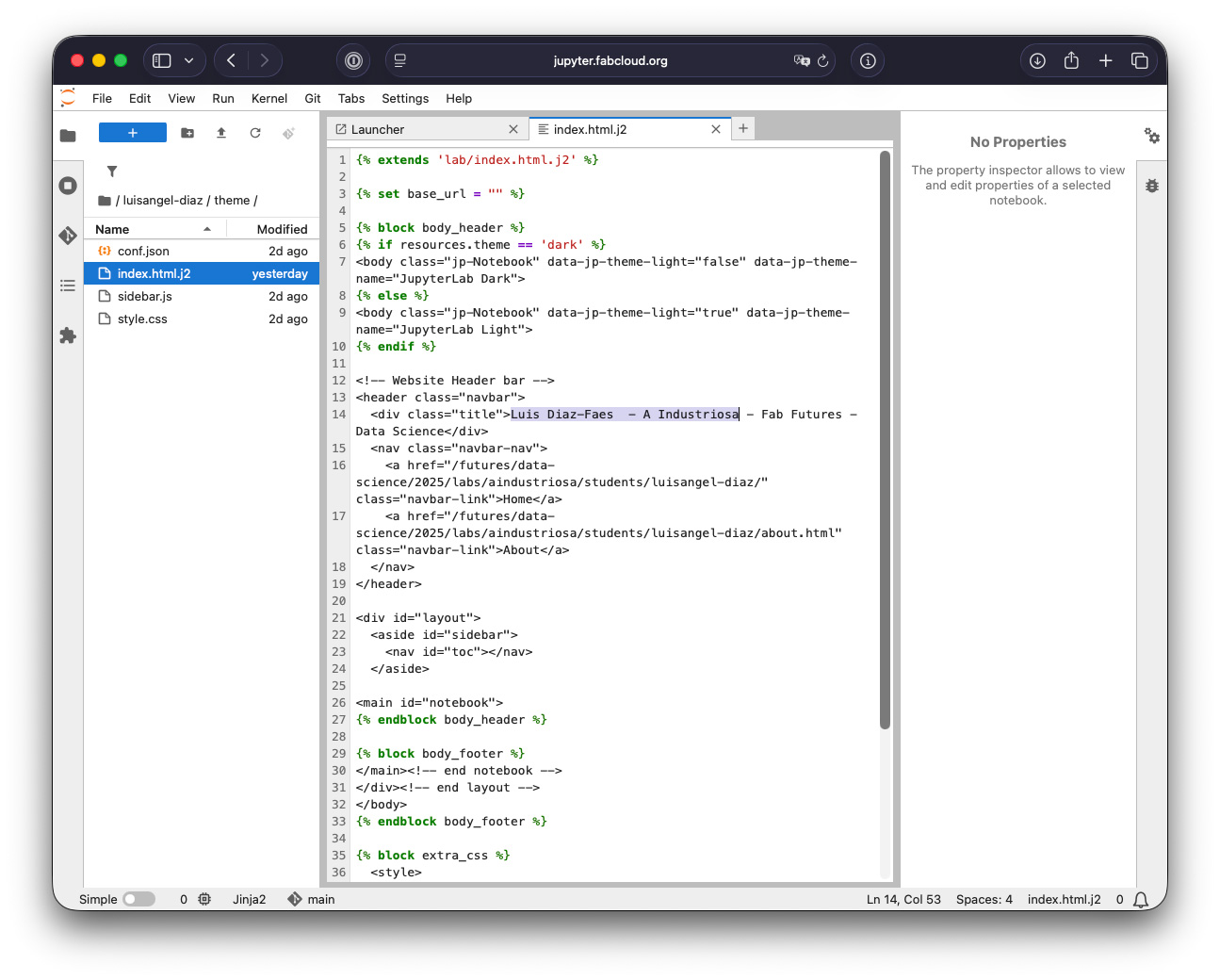
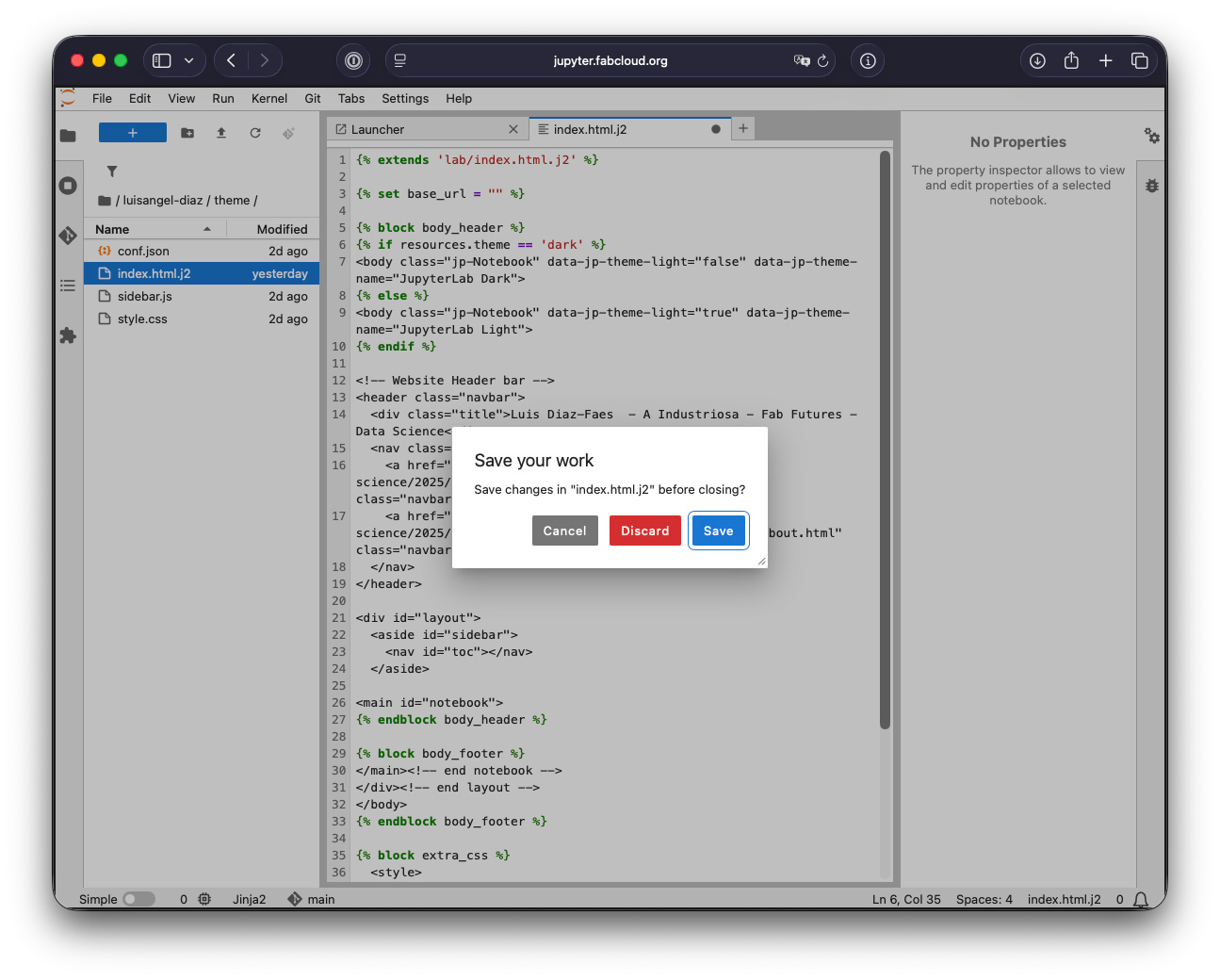
I replaced the text and closed the "index.html.j2" tab. An alert appeared asking if I wanted to save the changes.
Git
Once the files were modified, we wanted to publish them to Git. To do this, we added them to the commit by clicking the "+". We had to give the commit a name and finally push it.
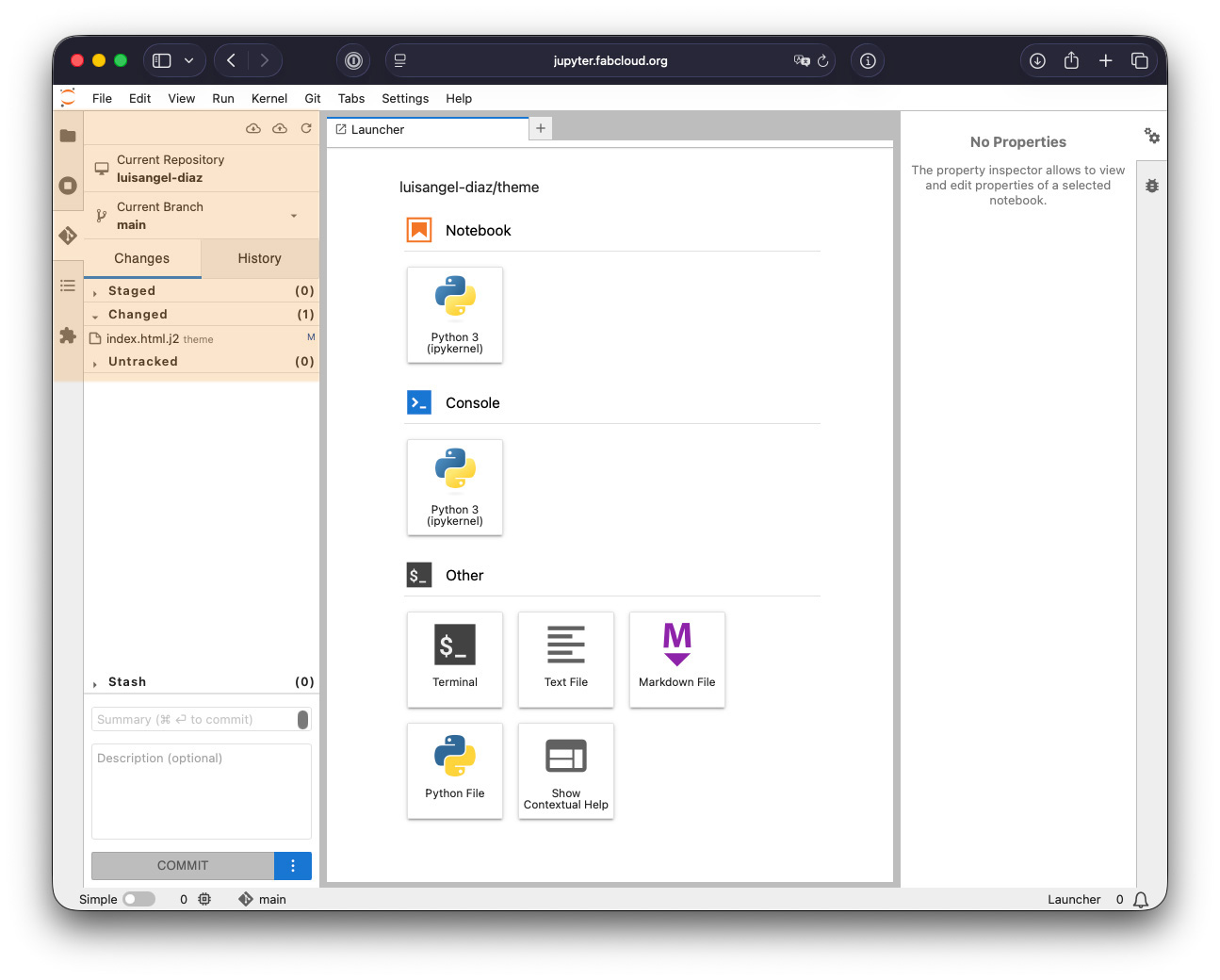
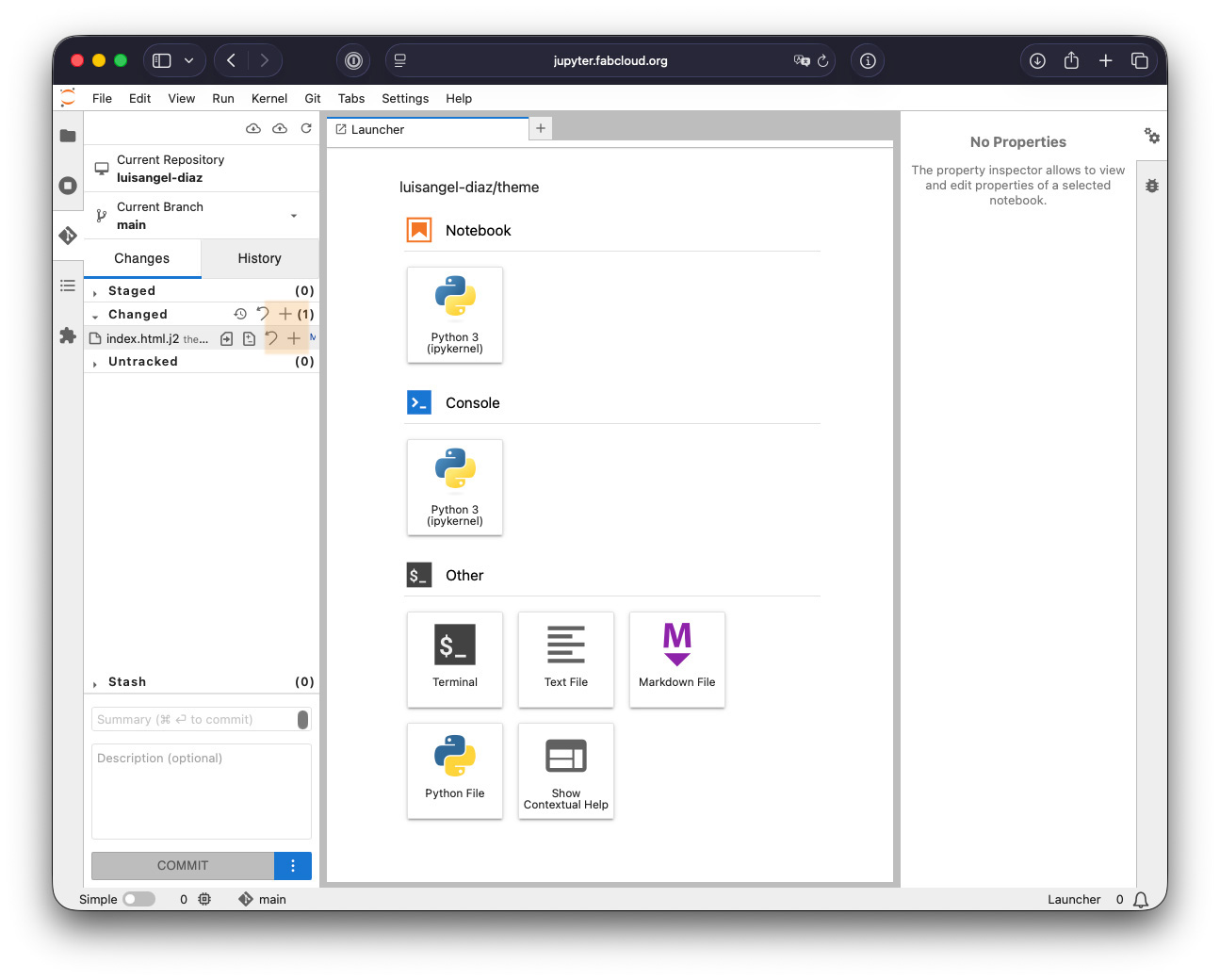
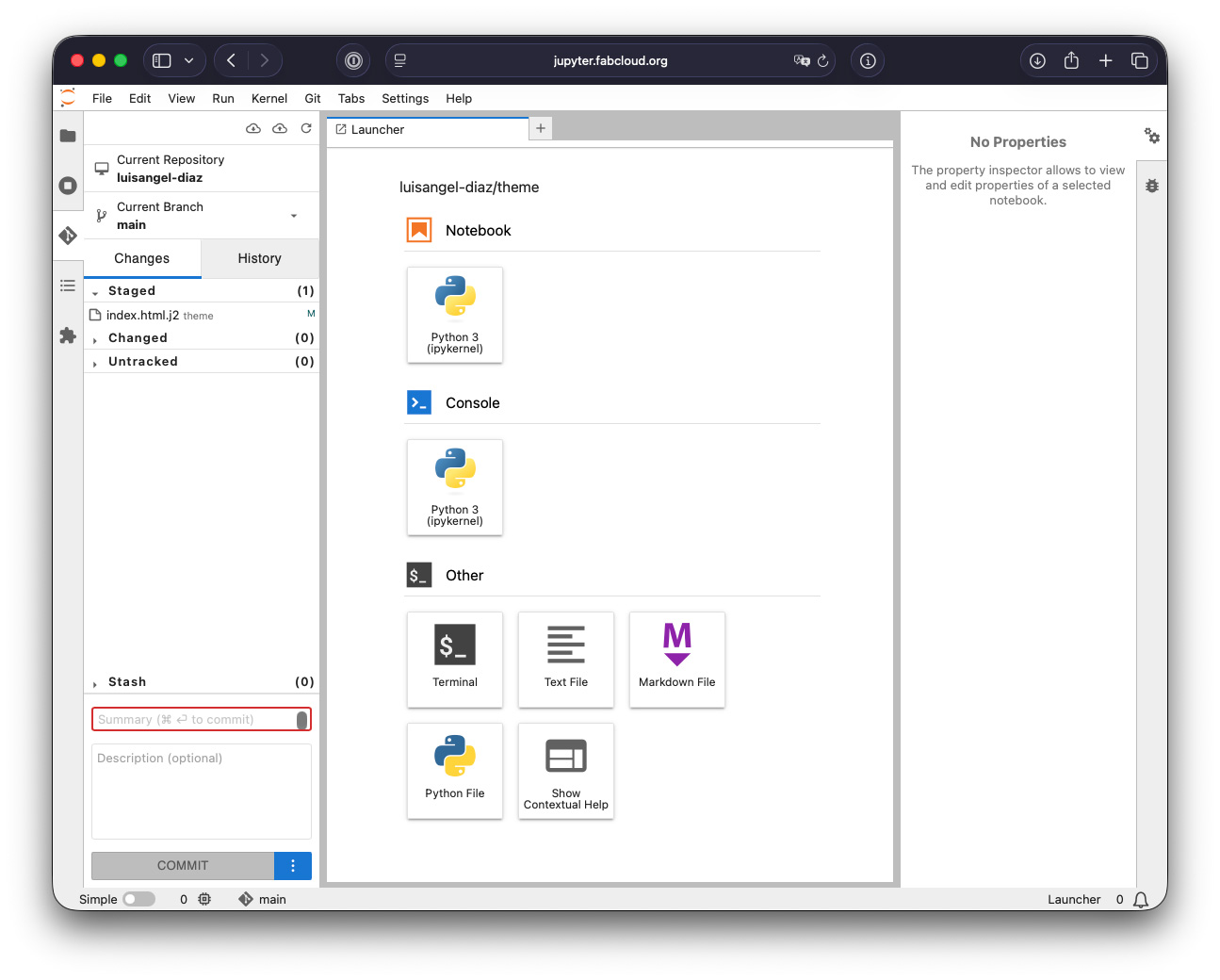
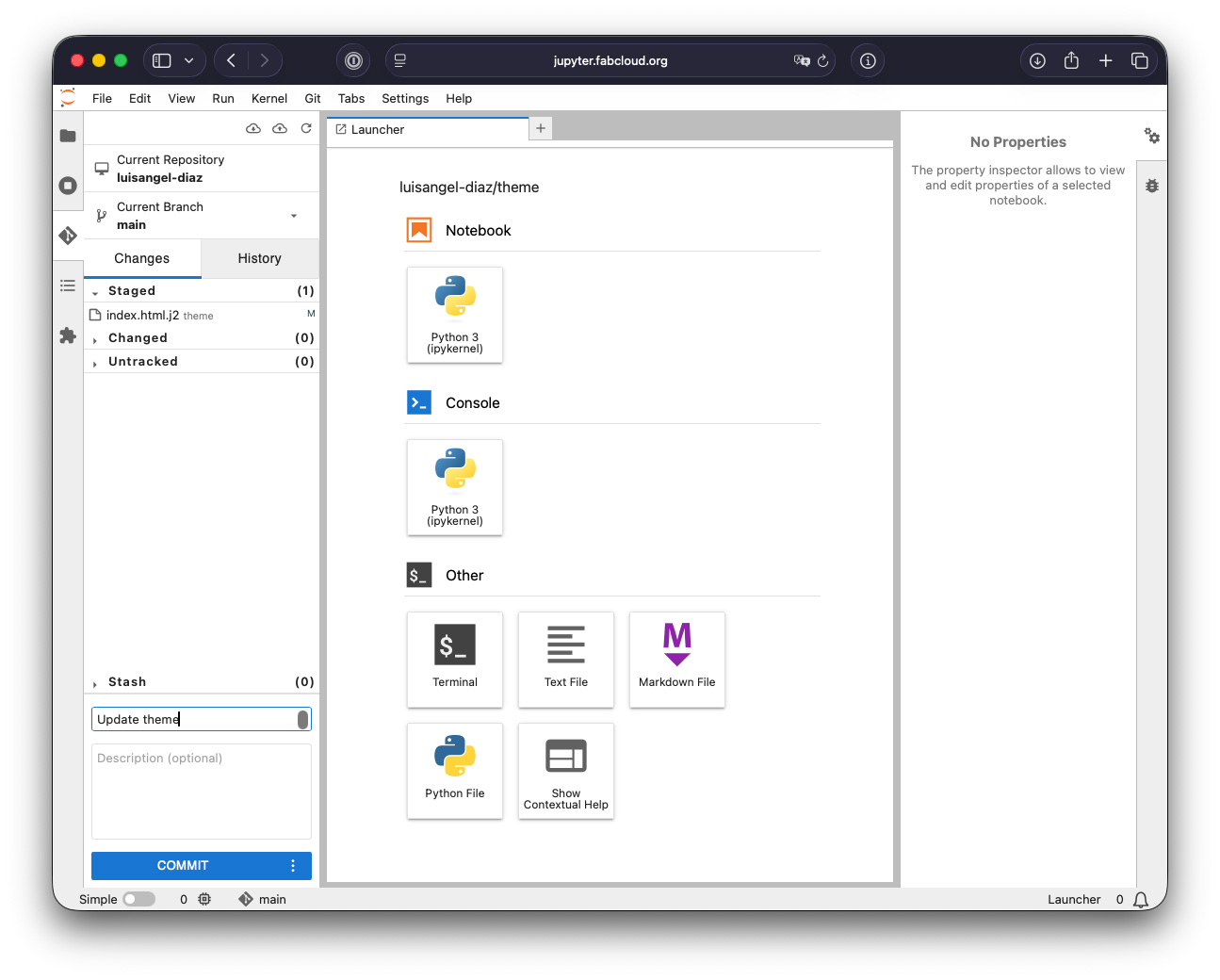
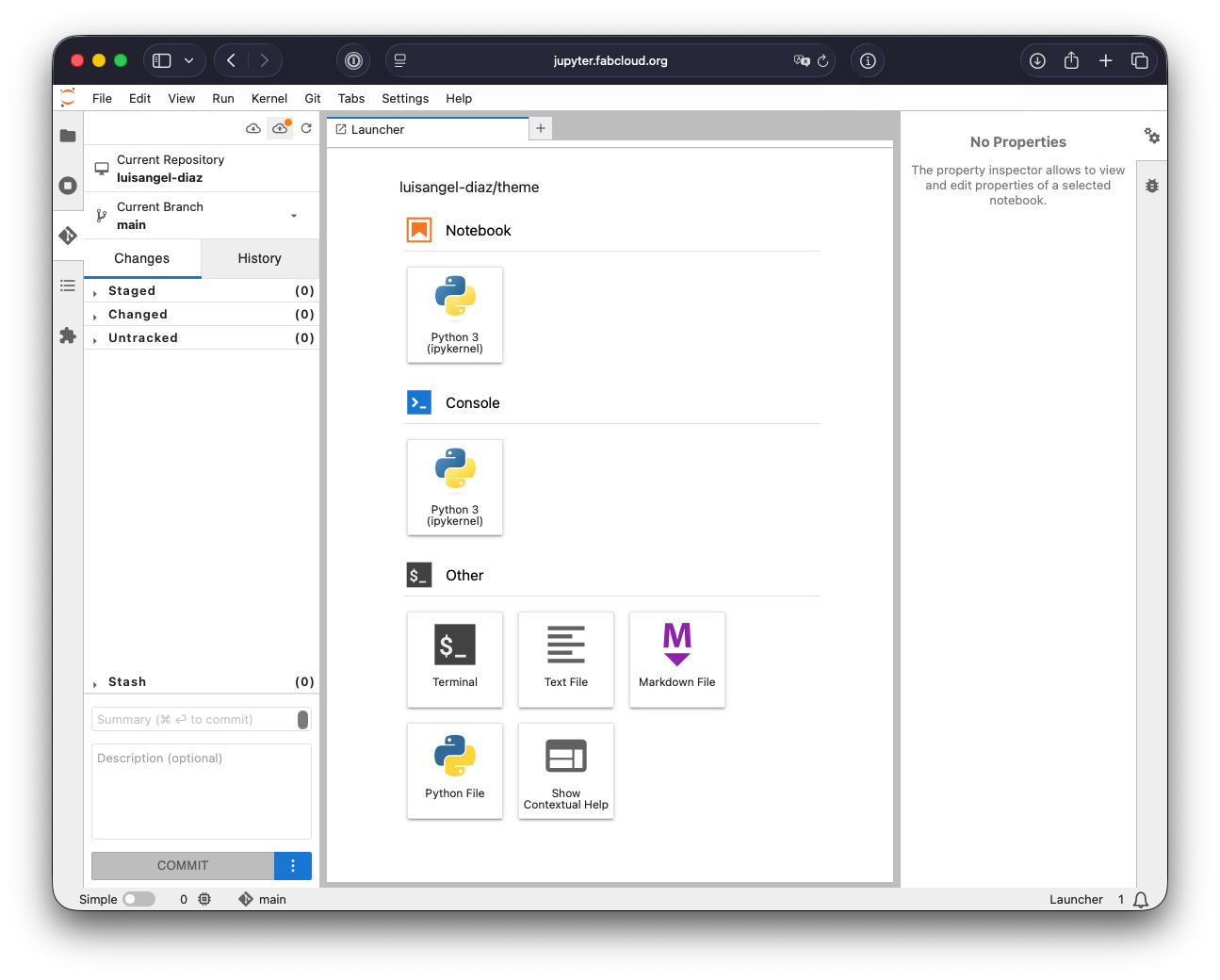
We could access more tools from the Git menu.
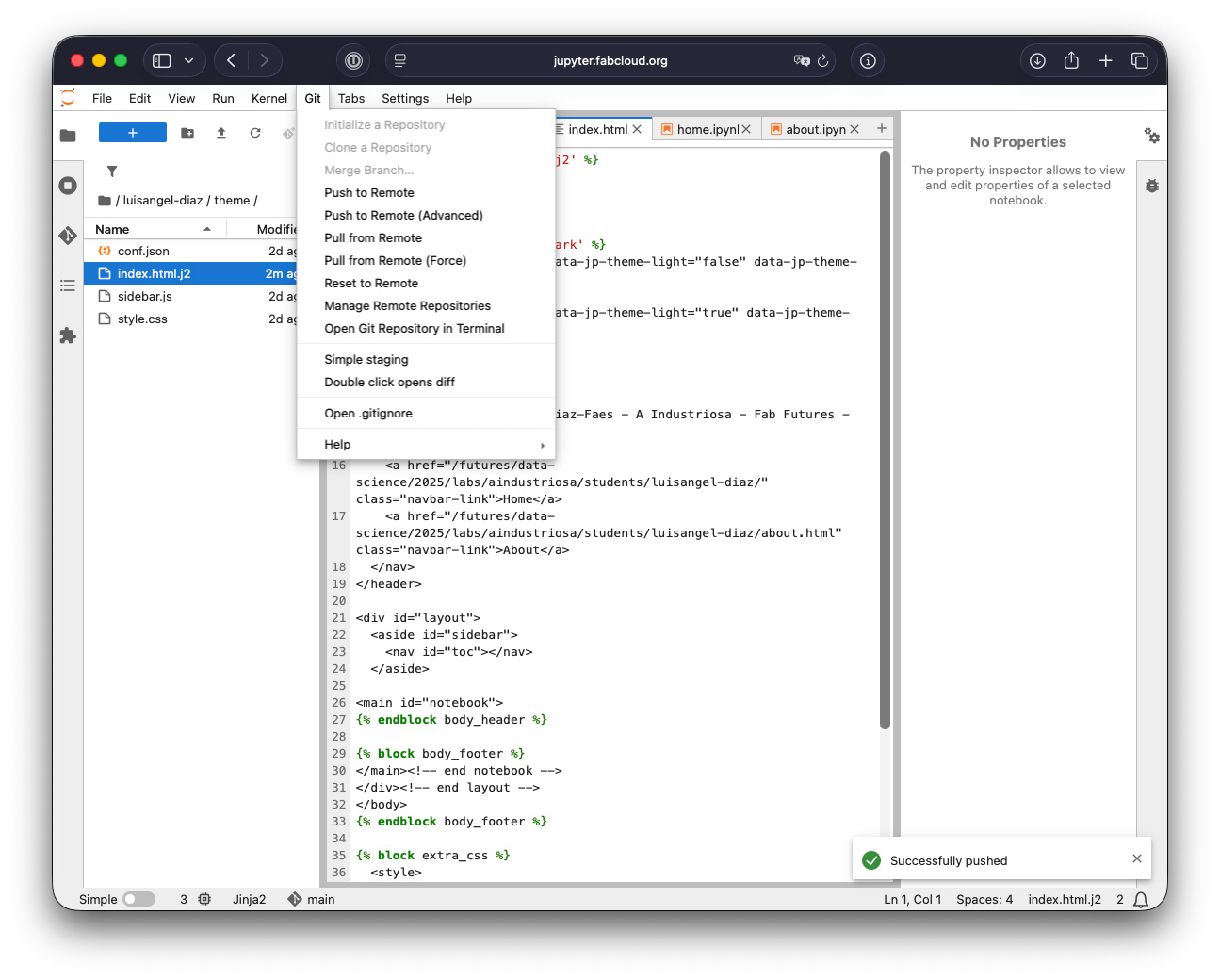
Pocket calculator ;)
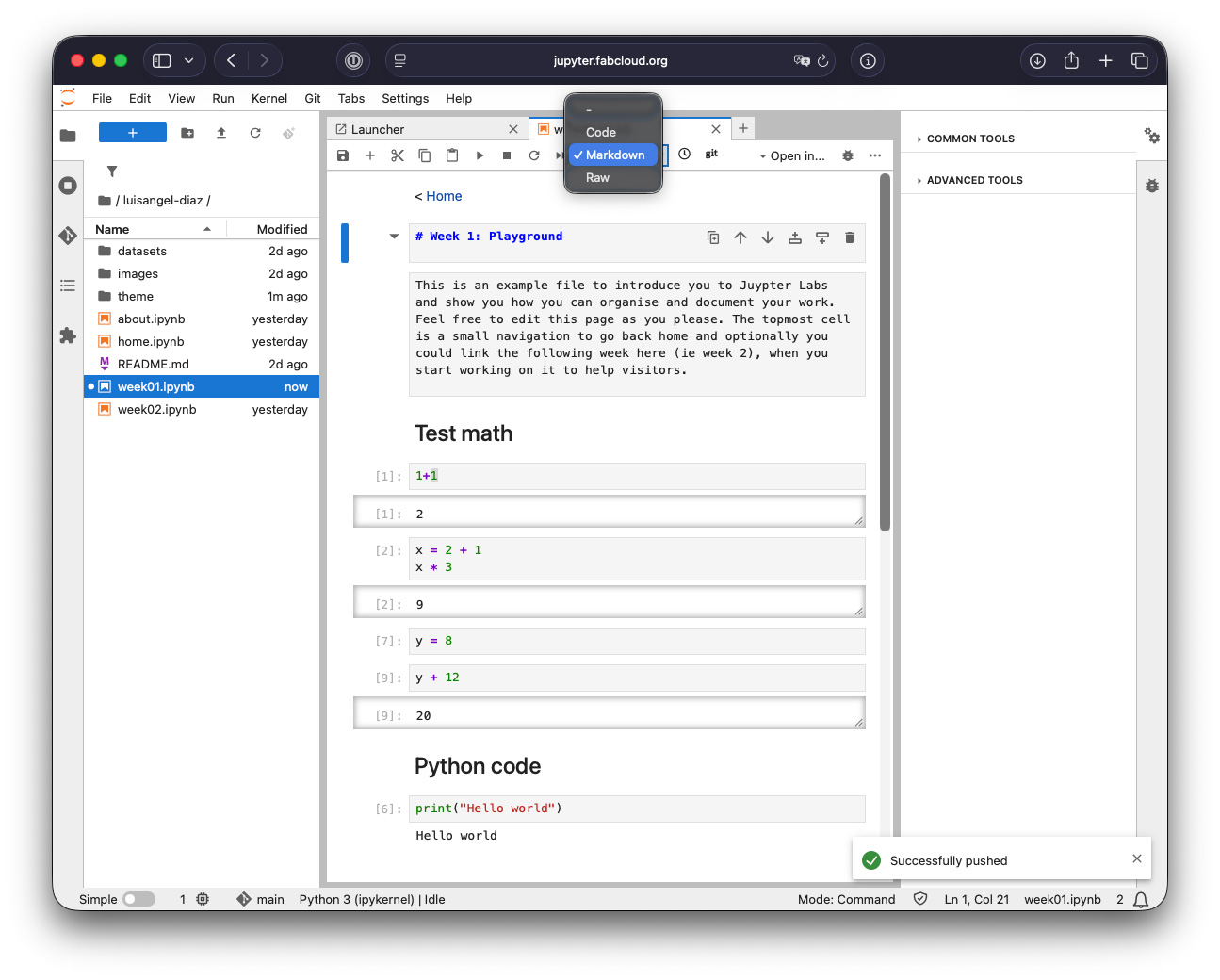
In Jupyter, there are two ways to edit the text. We have to define them when we create them, although we can change the type at any time.
Markdown is a lightweight markup language with a plain text syntax used to format documents.
Code is used to enter code or operations.
Raw is used for raw content.
In the case of Code, it's interesting how we can run it from the menu using Run.
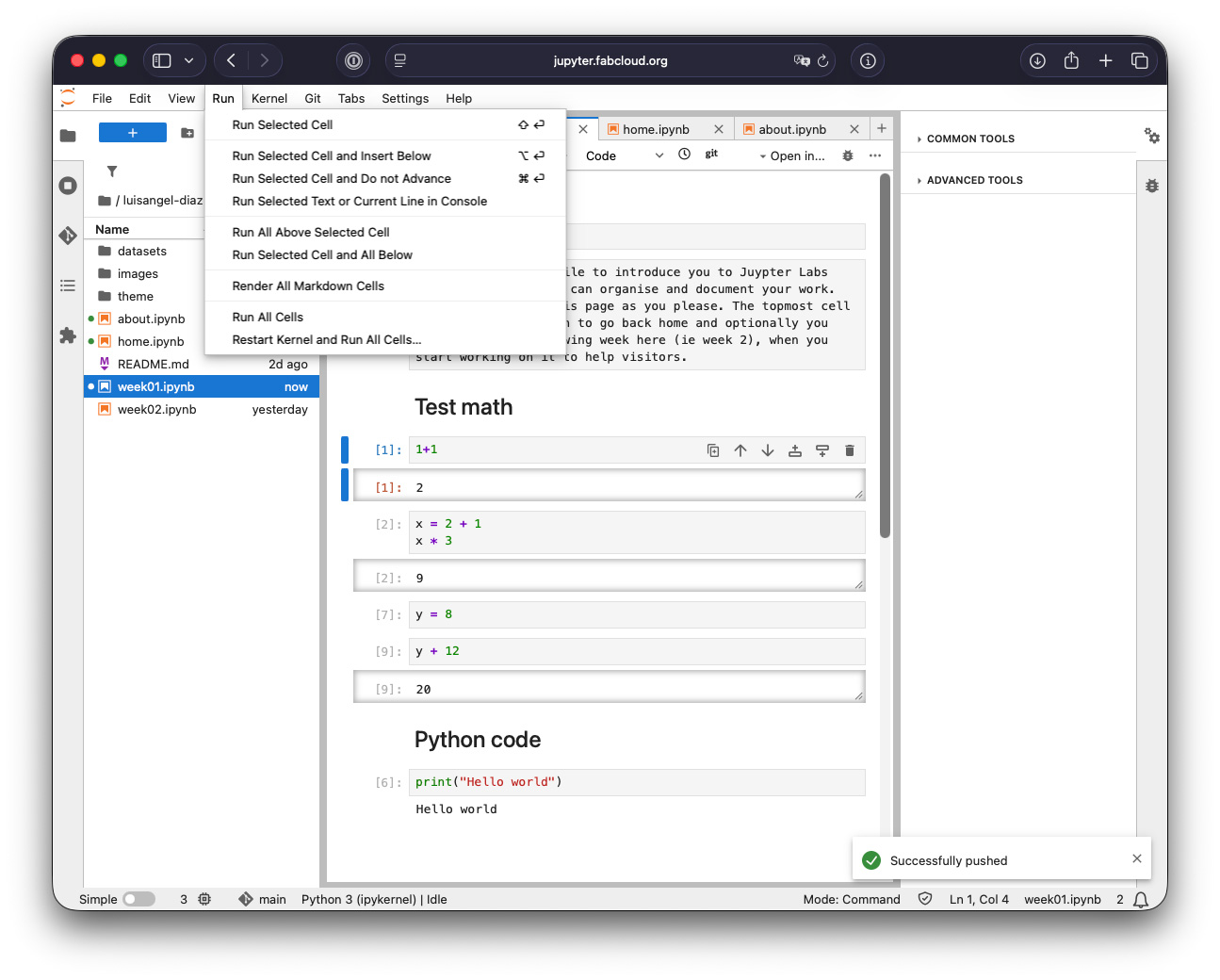
We also have buttons in the tab bar to save or a play button to do the same thing as Run.

Usefull links:
- Documentation of Jupyter
- Help with Markdown in Jupyter
The video of the class
Datos! from Metal & Ca
Metal & Ca was a Spanish musical group from the technopop era. "Datos" is the title track of the group's debut EP, released in May 1982.
My brain is empty, what can I have?... Give me data to feed it with