< Home
1. Introduction
Assignment
- Select and document a data set to analyze
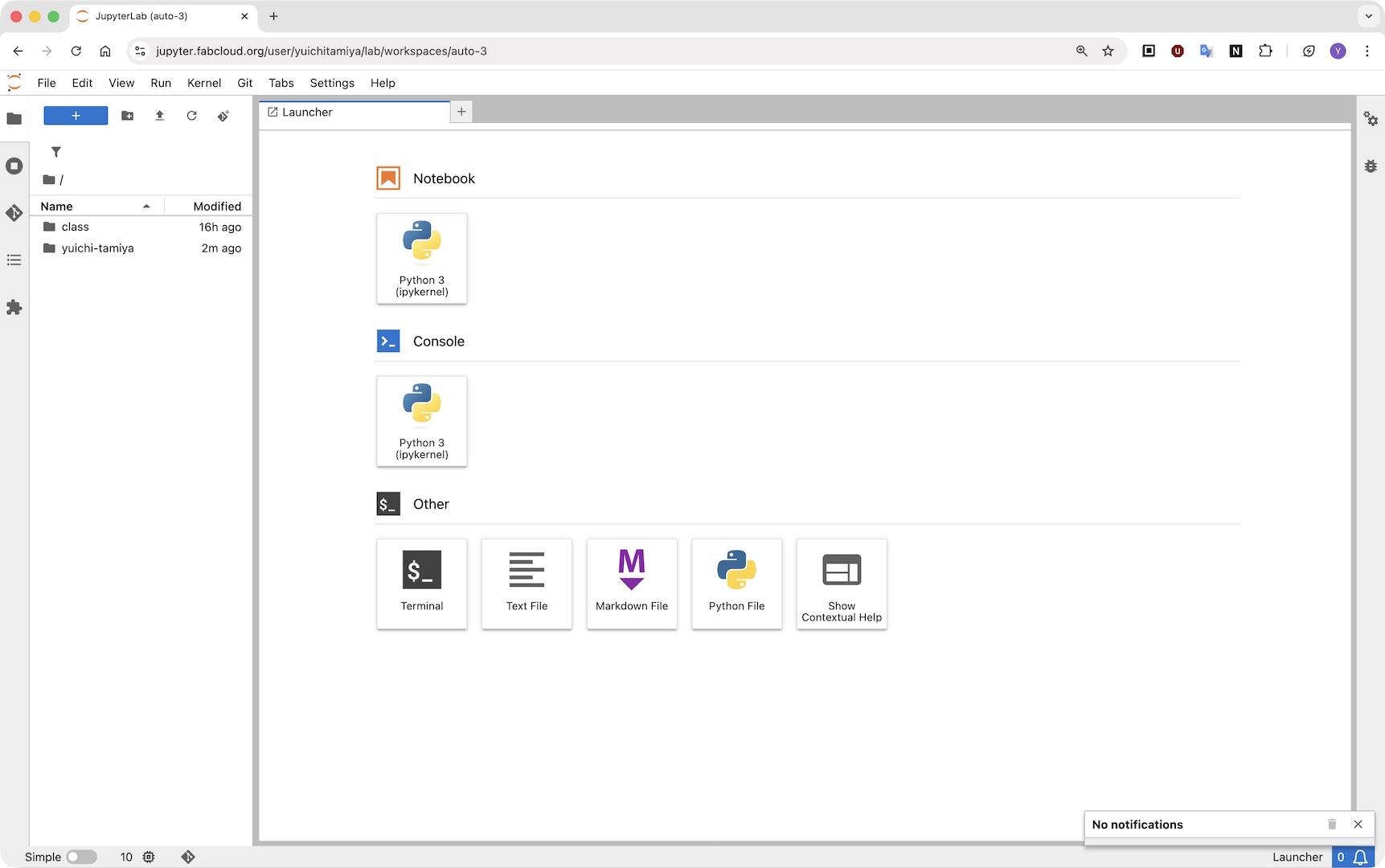
- Connect to a JupyterLab server and become familiar with the user interface
Prompt (ChatGPT)
What is a Jupyter Notebook, and what are its benefits?
Answer
A Jupyter Notebook is an interactive tool that lets you write and run code in small steps (called “cells”). You can mix code, text, images, and charts in one document, which makes it easy to experiment and explain ideas.
Benefits:
- Easy to test code step by step
- Great for learning and teaching
- Good for data analysis and visualization
- You can combine code and explanations in one place
- Supports many languages, including Python, R, and Julia
Connect to a JupyterLab server
In the email "Fab Futures Data-Science 2025 platform details" from Fab Futures Coordination, There is a button to set up my notebook.
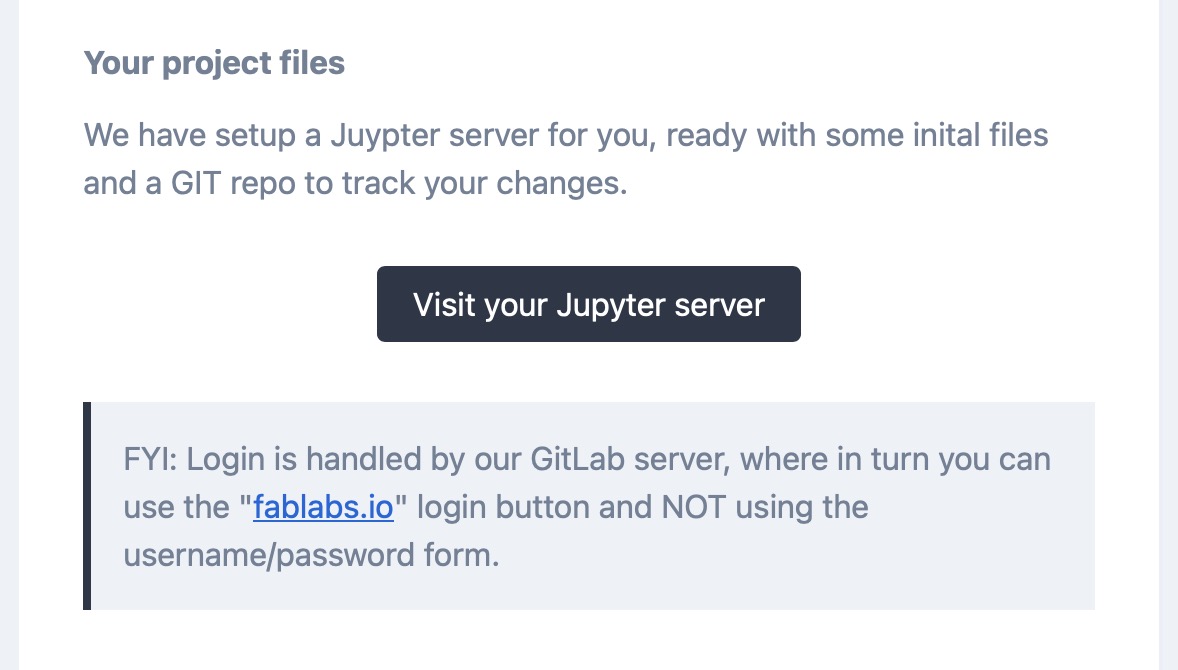
After logging in with the fablabs.io account, the script ran, and my notebook was made in a minute.
There is information about my project files in the email, which were a mystery to me.
- Your Jupyter notebook URL:
- Your public website URL:
- Your project repository (on our git platform):
This is a Jupyter notebook.
Select and document a data set to analyze
Datasets of interest
awesome public datasets
- Transportation
- Finance
- Government
- ImageProcessing
Select a data set
I have decided to select GDXray - X-ray images for X-ray testing and Computer Vision
Document a data set to analyze
Dataset 1
GDXray+

GDXray+ (the GRIMA X-ray database) is a public database consisting of more than 21,100 X-ray images collected for X-ray inspection and computer vision research.
GRIMA is the name of their Machine Intelligence Group
GDXray includes five groups of images as you can see from here
- Baggages
- Castings
- Nature
- Settings
- Welds
as you can see from here
I have chosen "Baggages".
Baggages.zip (3.41GB) In this dataset,
- 86 objects
- each object has 10-20 photos from different angles
- apploxmetry 1290 photos
It seems to be a suitable dataset for machine learning.
For the Day 2 assignment, I need to choose a different dataset that can be handled in Python.
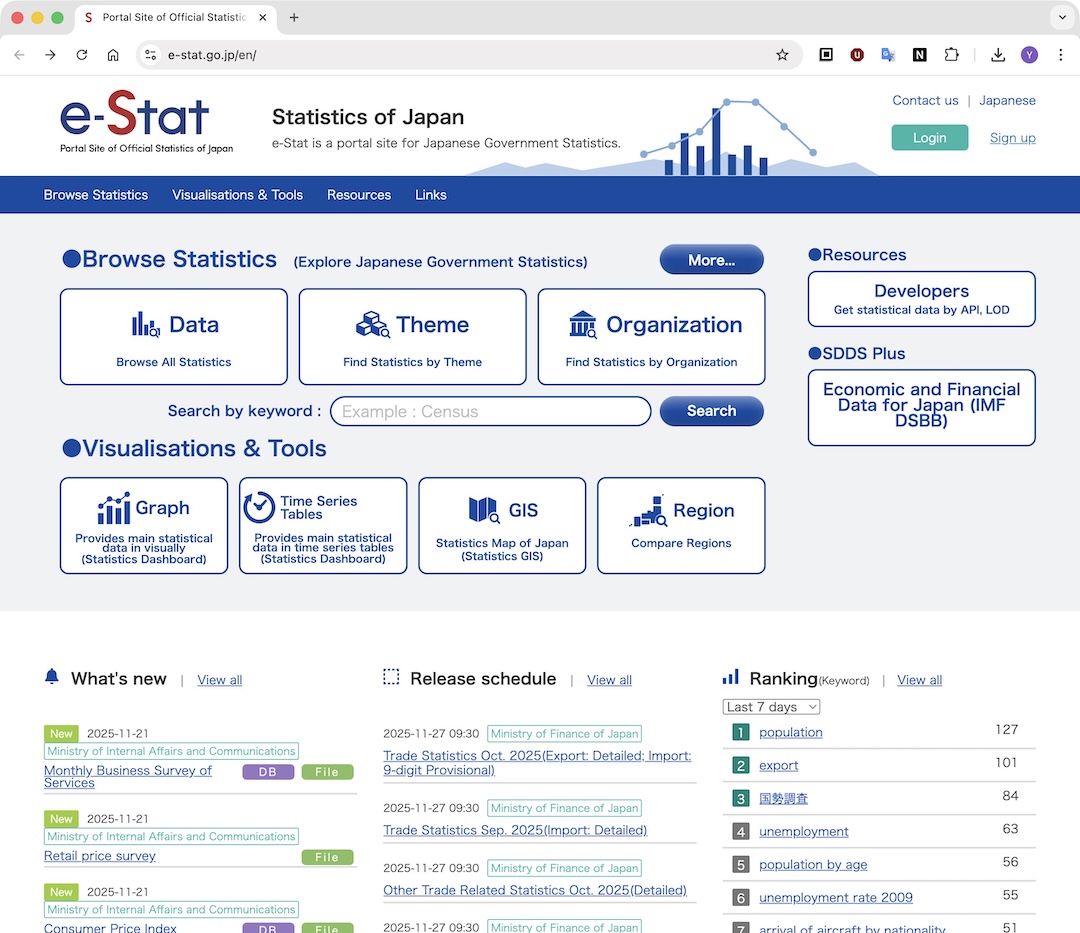 e-Stat has a dashboard.