< Home
1: Introduction
Assignment:
- Select and document a data set to analyze
- Connect to a JupyterLab server and become familiar with the user interface
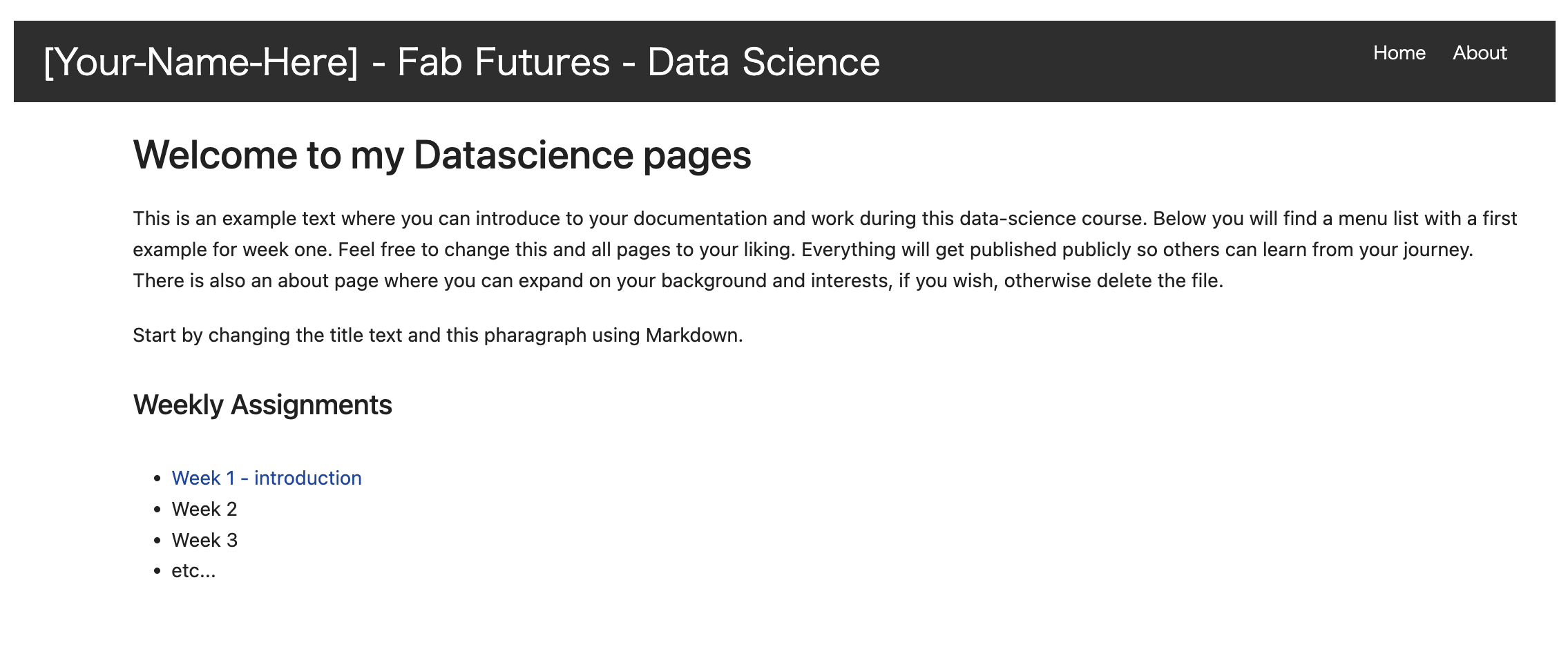
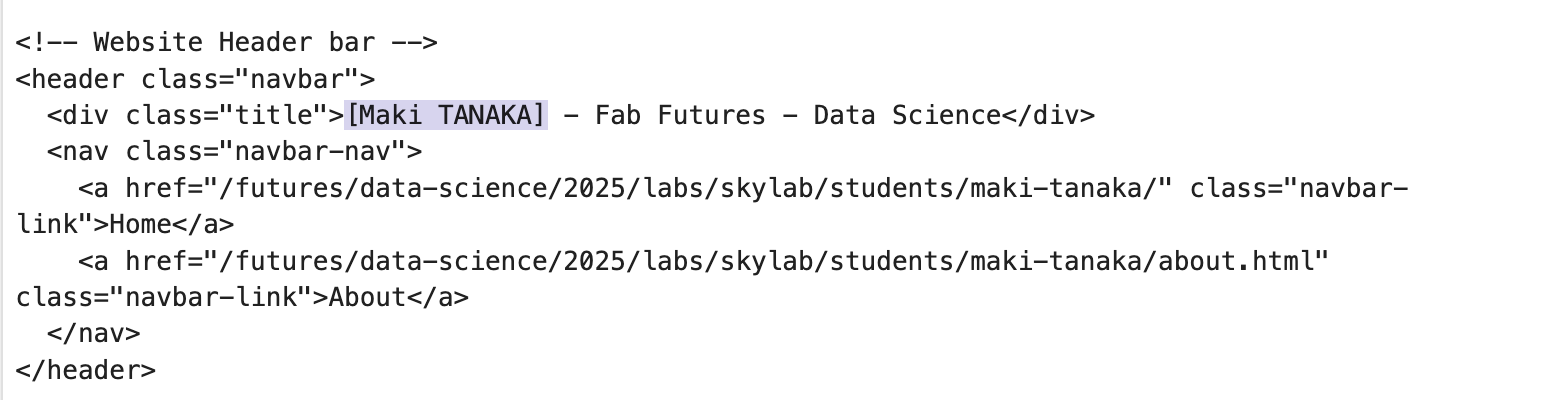
1-1. Jupyter
This is the first time to use Jupyter Notebook as a document tool.
This page is shown at first.
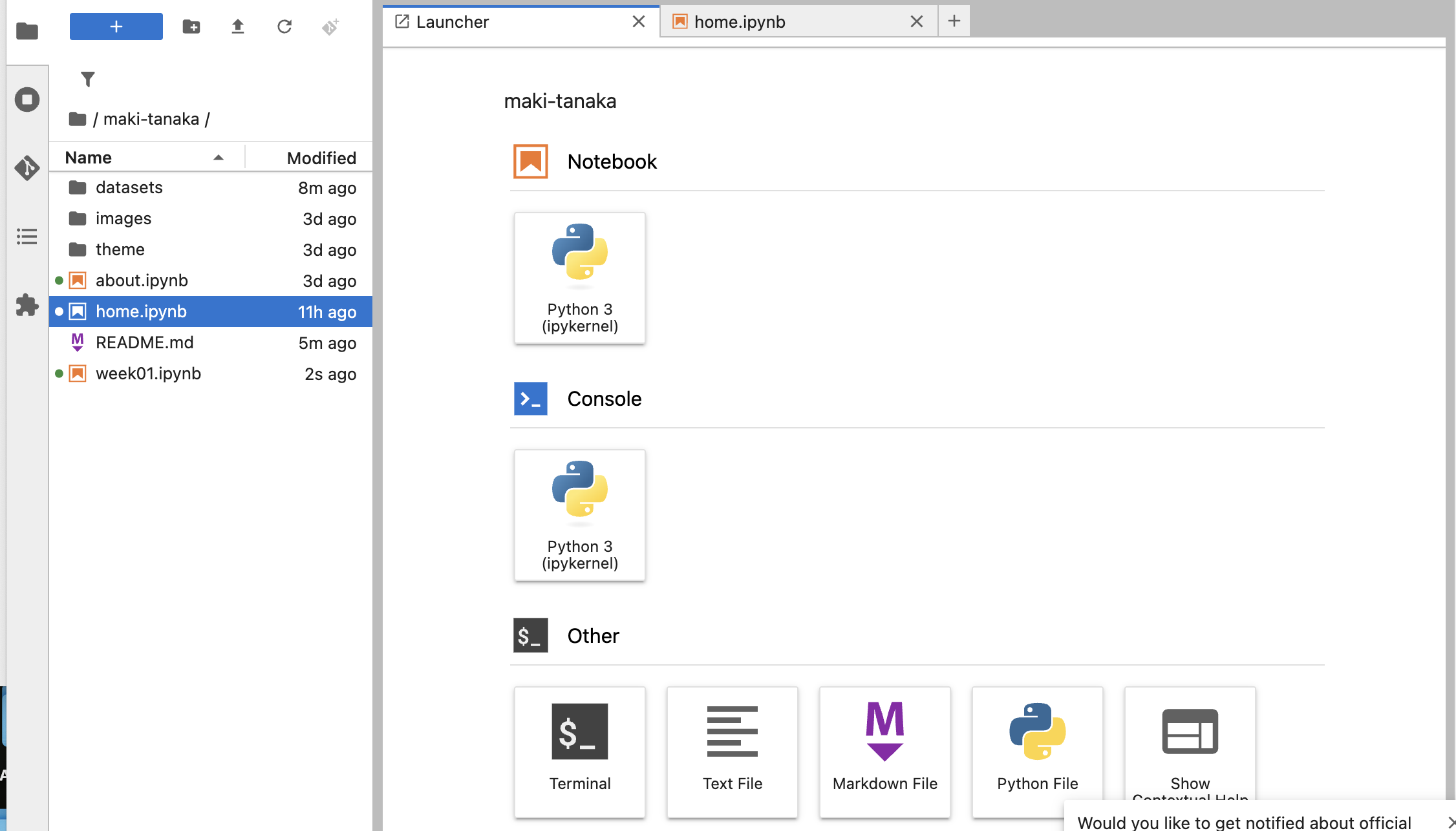
When selecting the file at the slide bar or just click the "Python 3" just after the Notebook, we can start to edit it.
if new page is open, you can see as follows;
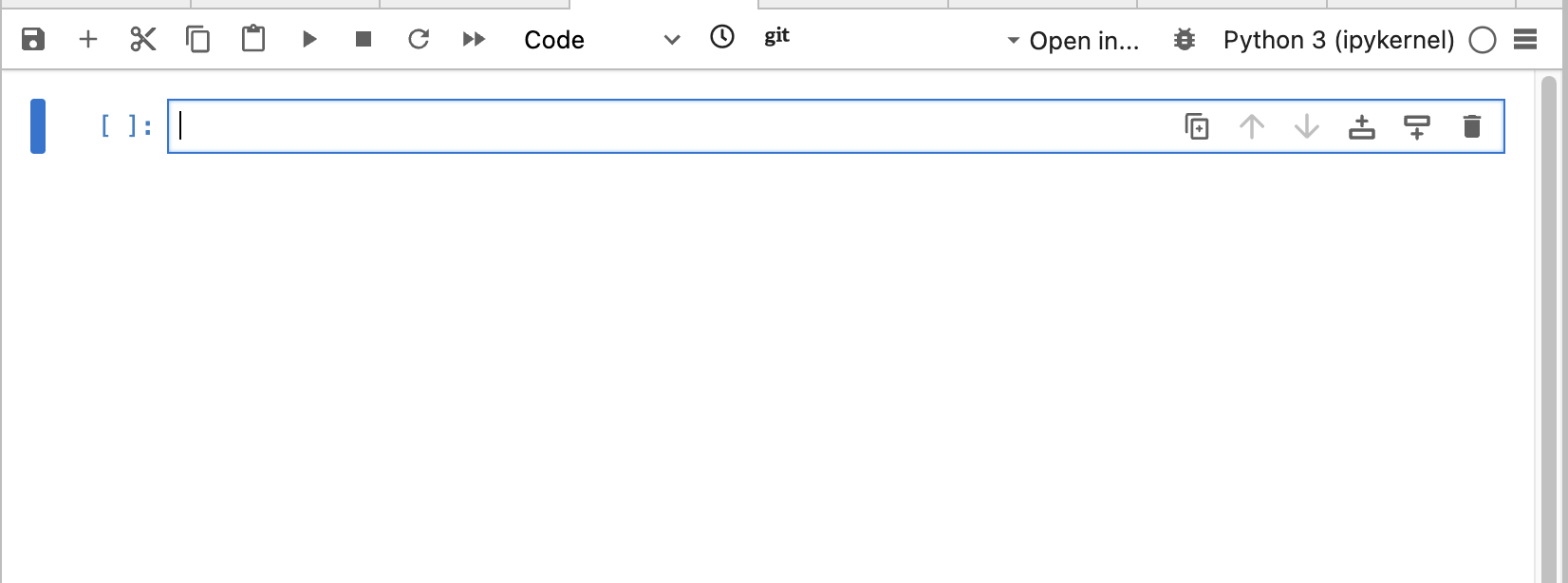
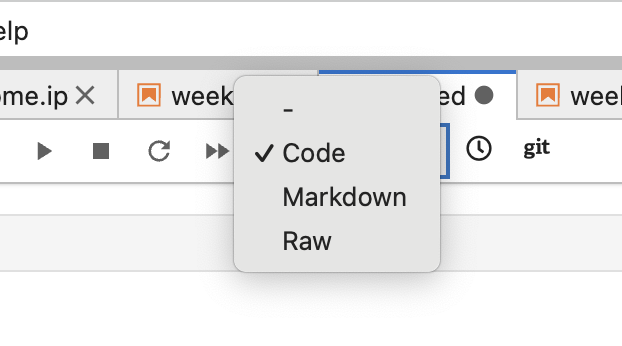
Each line is called "cell" and it has 3 types, "code", "Markdown", "Raw". After choosing the type, and start writing.
1-1-2. Use jupyter notebook in local envrionment
As we've heard web jupyter notebook would be closed after this course,
I decided to use it in local environment too.
0. Preparation
I made directory for working this course.
pull the all data in gitlab into local environment.
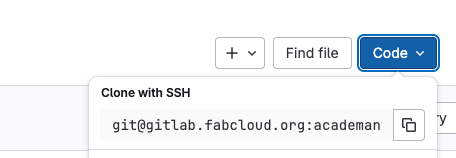
Click the square button and copy it's address and write command on the terminal
% git clone "the address from ssh"
All data are now in the local environment.
My computer is Mac and I installed jupyter as follows;
Check the existance of python % python --version
Activate conda % conda activate base
Install jupyter % conda install jupyter
-> I installed several library afterwards, as it was needed.
When I finished all jupyter install, execute this command on the terminal.
% jupyter lab
1-2. Dataset
I chose the wine dataset in Kaggle. It sounds really interesting and good start for me who love wine!
From Kaggle , the discription of this dataset is as follows;
About Dataset
The data was used with many others for comparing various classifiers. In a classification context, this is a well posed problem with "well behaved" class structures. A good data set for first testing of a new classifier, but not very challenging.
These data are the results of a chemical analysis of wines grown in the same region in Italy but derived from three different cultivars. The analysis determined the quantities of 13 constituents found in each of the three types of wines.
The attributes are:
- Alcohol
- Malic acid
- Ash
- Alcalinity of ash
- Magnesium
- Total phenols
- Flavanoids
- Nonflavanoid phenols
- Proanthocyanins
- Color intensity
- Hue
- OD280/OD315 of diluted wines
- Proline
For Each Attribute: All attributes are continuous
No statistics available, but suggest to standardise variables for certain uses (e.g. for us with classifiers which are NOT scale invariant)
NOTE: 1st attribute is class identifier (target)(1-3)
Acknowledgements:
This dataset is also available from Kaggle & UCI machine learning repository, https://archive.ics.uci.edu/dataset/109/wine