Introduction & Cryptography
Safety note. Following the assignment’s warning, this page contains no private keys, passwords, tokens, or secrets. Everything shown is public material (public keys, fingerprints, hashes, commands). All demo keys were generated in a throwaway directory and never committed. The IP addresses shown (
192.168.x.x) are private addresses (RFC 1918) — the same range home routers assign — and are not reachable from the public internet.
This first session covers three areas: setting up the course virtual machine, building and deploying the documentation site, and the cryptography homework for Class 1.
Part 1 — Tool setup
Connecting to the course virtual machine
Fab Futures provides each student with a dedicated Ubuntu Server virtual machine accessible through a private VPN. Setting it up was the first step before any other work.
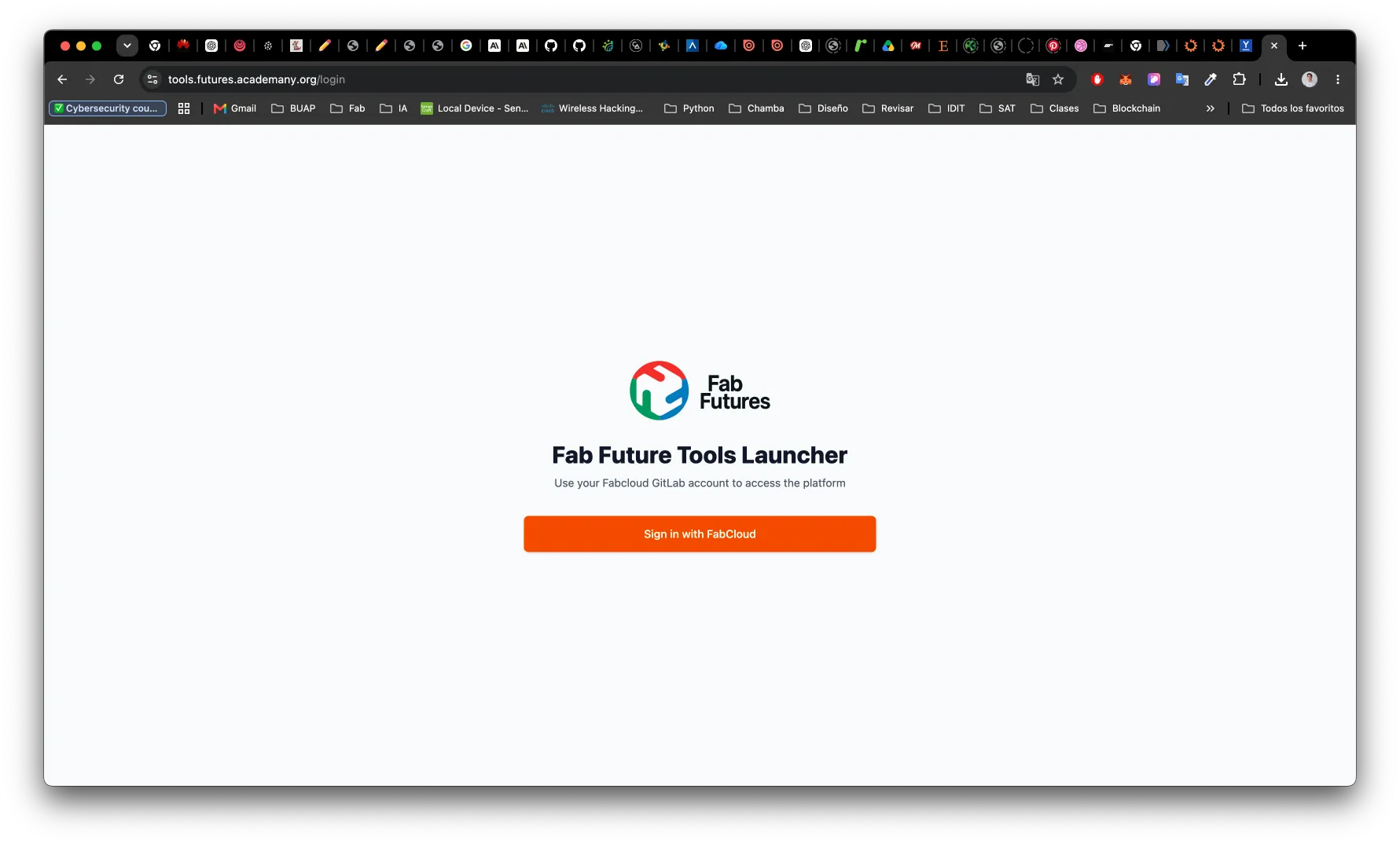
01Sign in to the Fab Future Tools Launcher
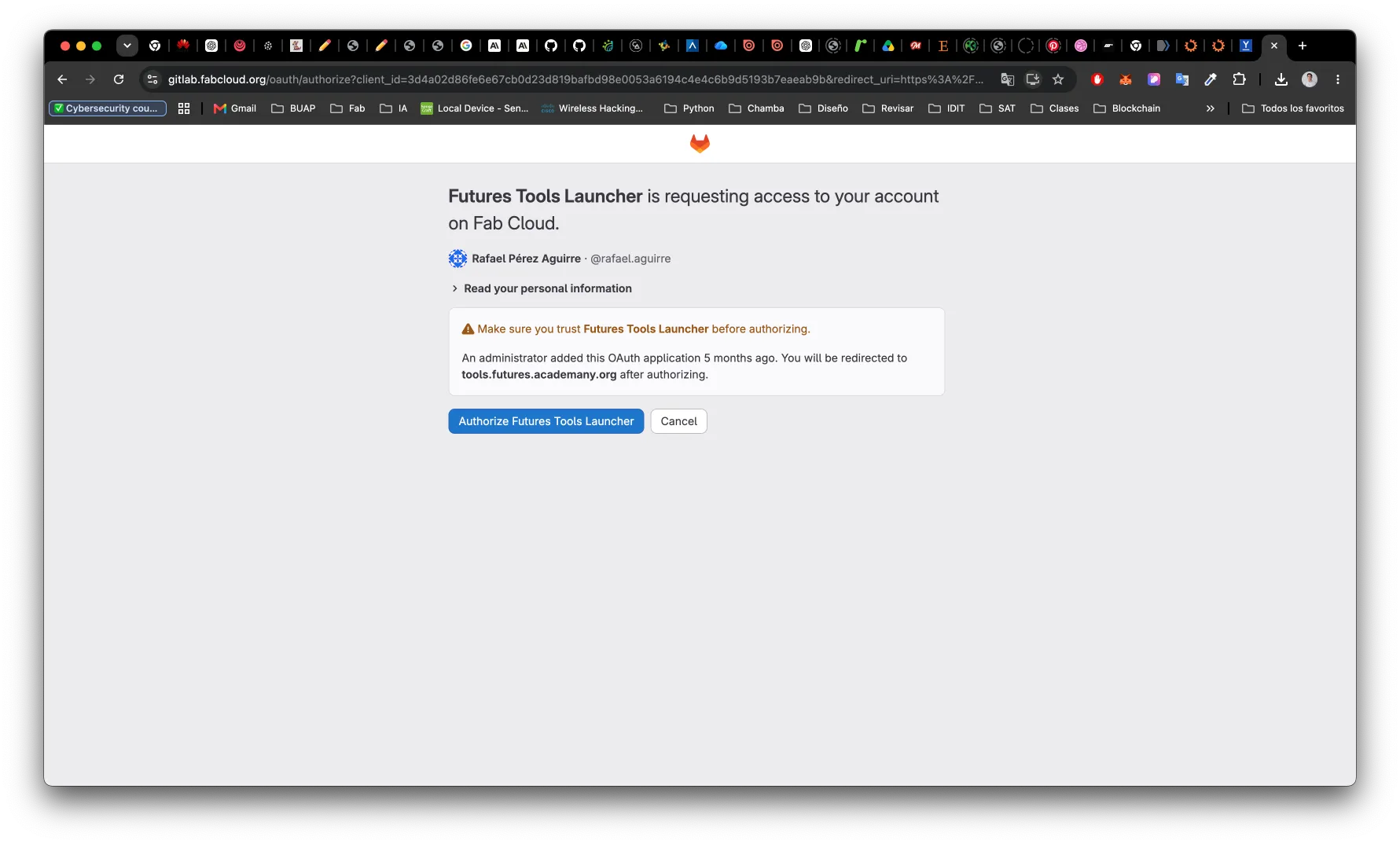
The platform lives at tools.futures.academany.org. Authentication goes through
FabCloud OAuth — no separate account needed.
02Get the VM connection details
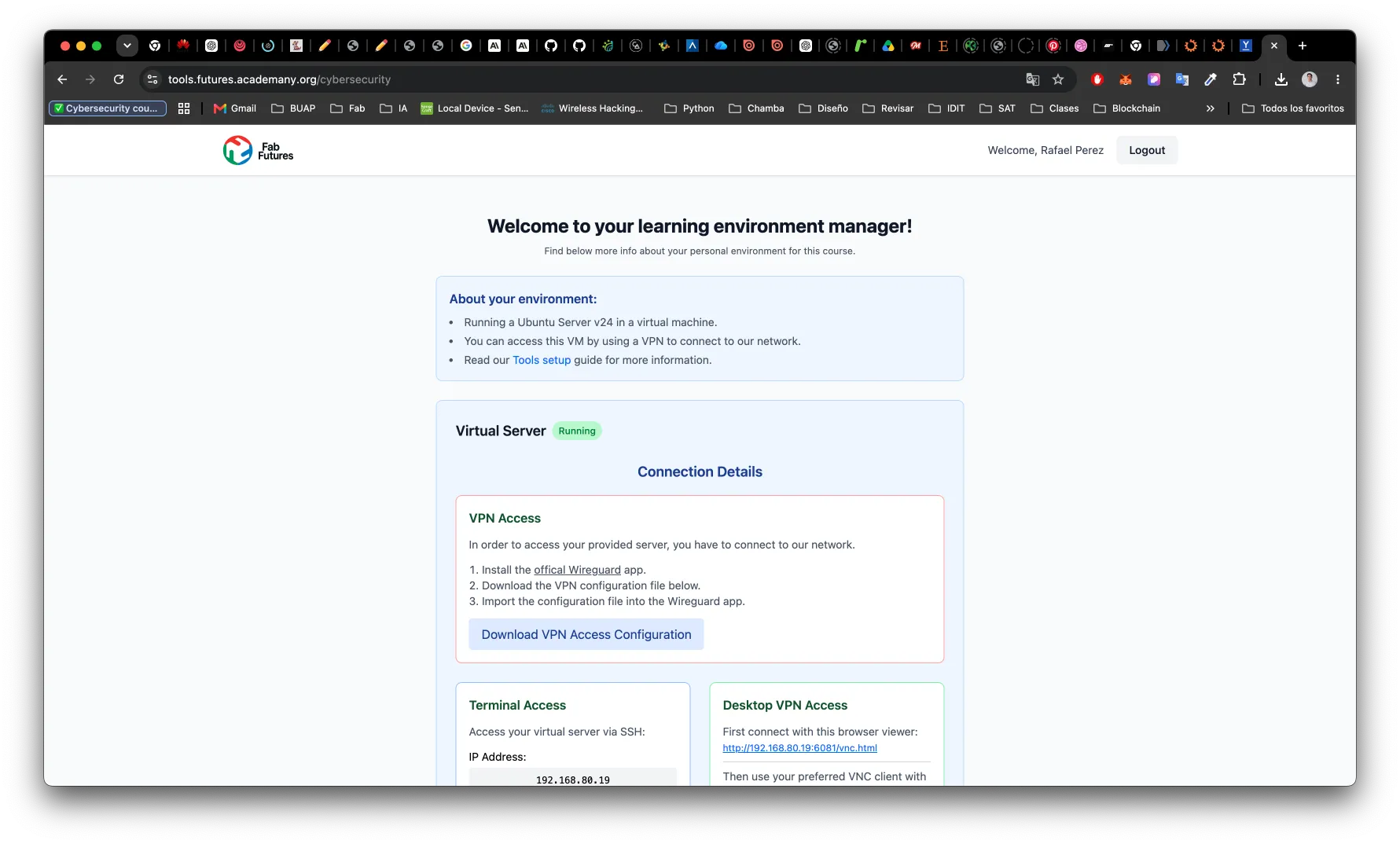
After login, the dashboard shows the assigned VM (status: Running), its private IP address, and a download link for the VPN configuration. The VM runs Ubuntu Server LTS inside the Fab Futures private network.
03Install WireGuard and activate the VPN tunnel
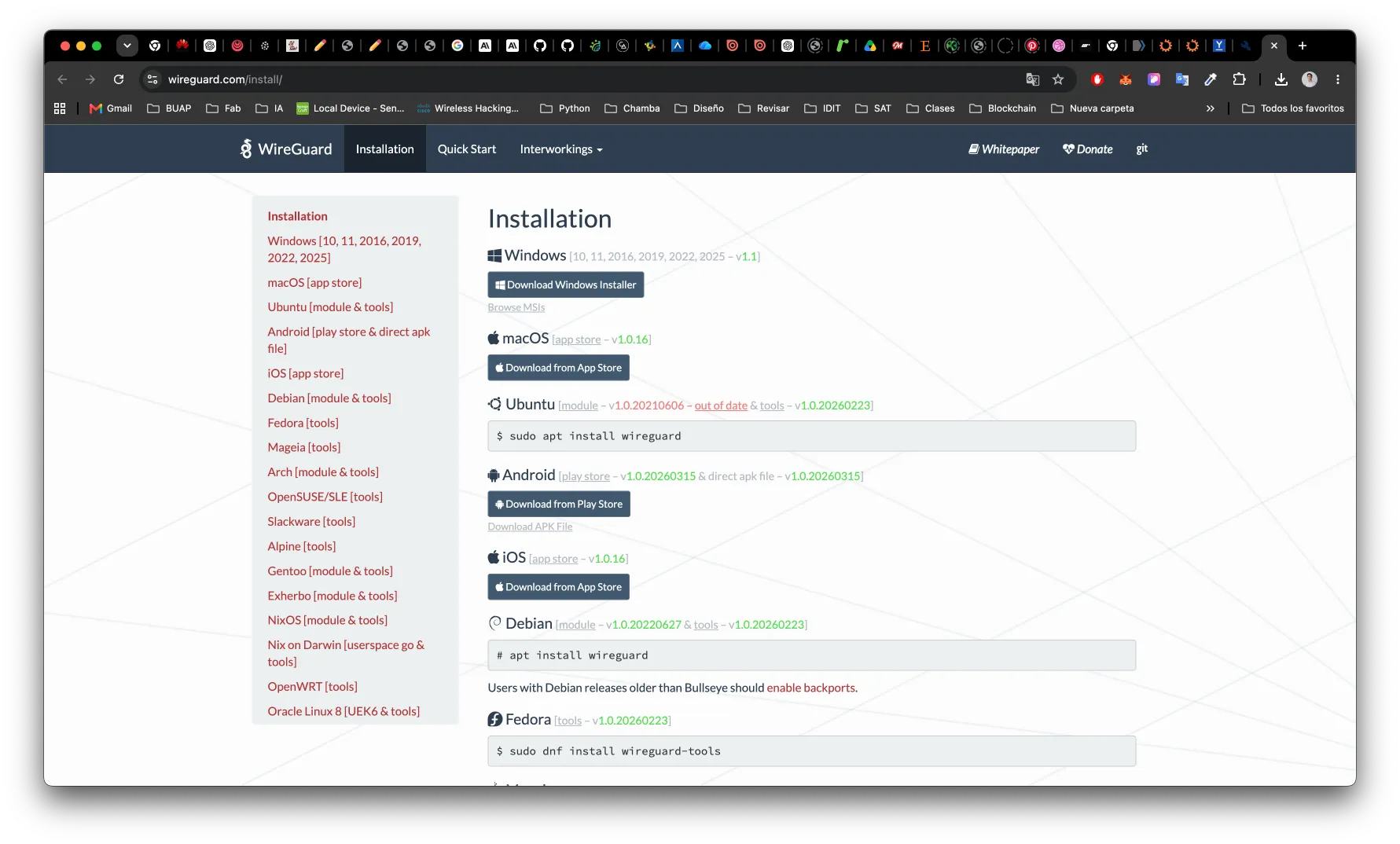
The private network is only reachable through WireGuard. I installed the macOS client
and imported the .conf file provided by the dashboard.
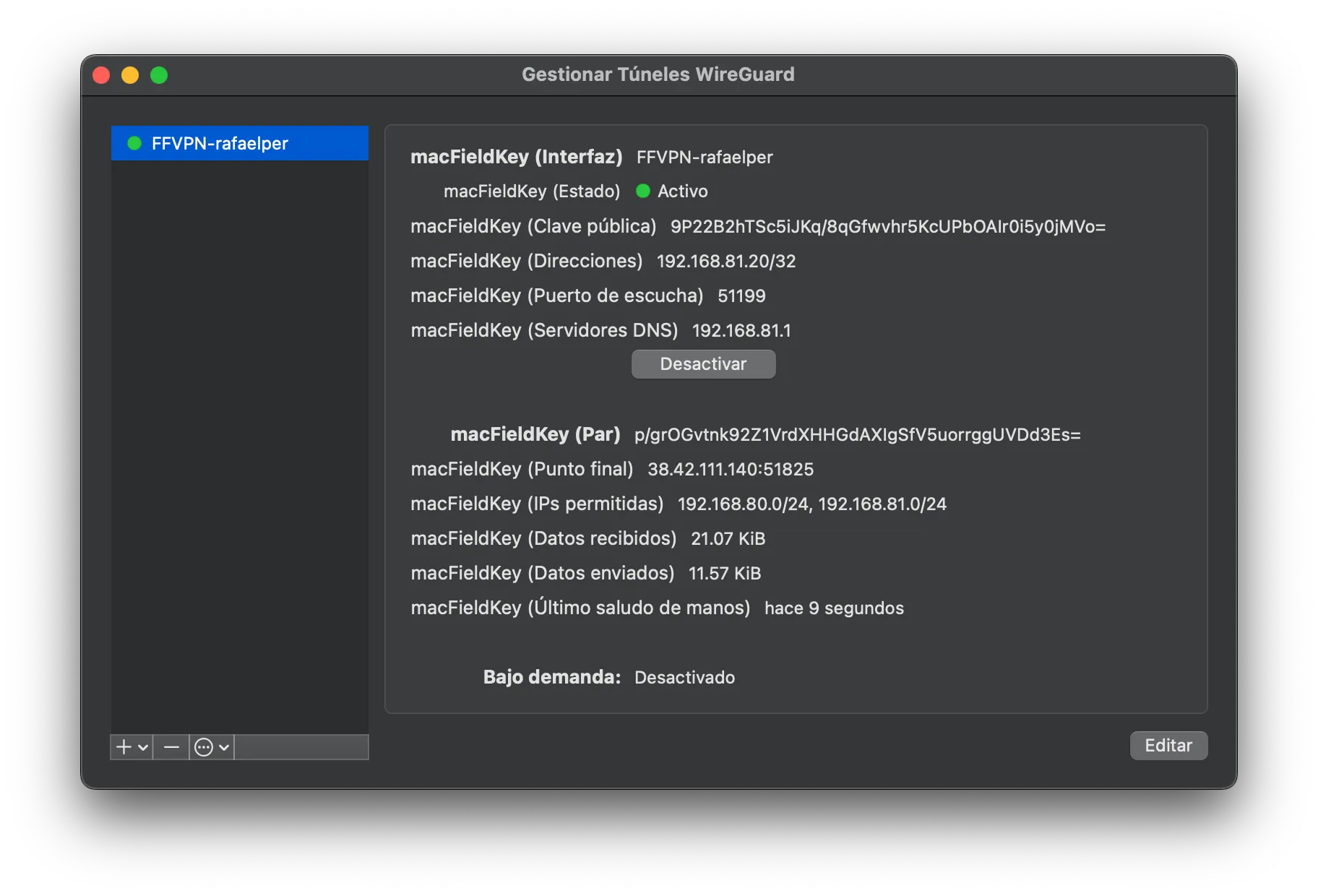
Activating the tunnel (FFVPN-rafaelper) assigns a VPN address (192.168.81.20) and
routes the private subnet through the Fab Futures gateway (192.168.81.1):
04SSH into the VM
With the VPN active, the machine is reachable over SSH at its private IP:
ssh ubuntu@192.168.10.19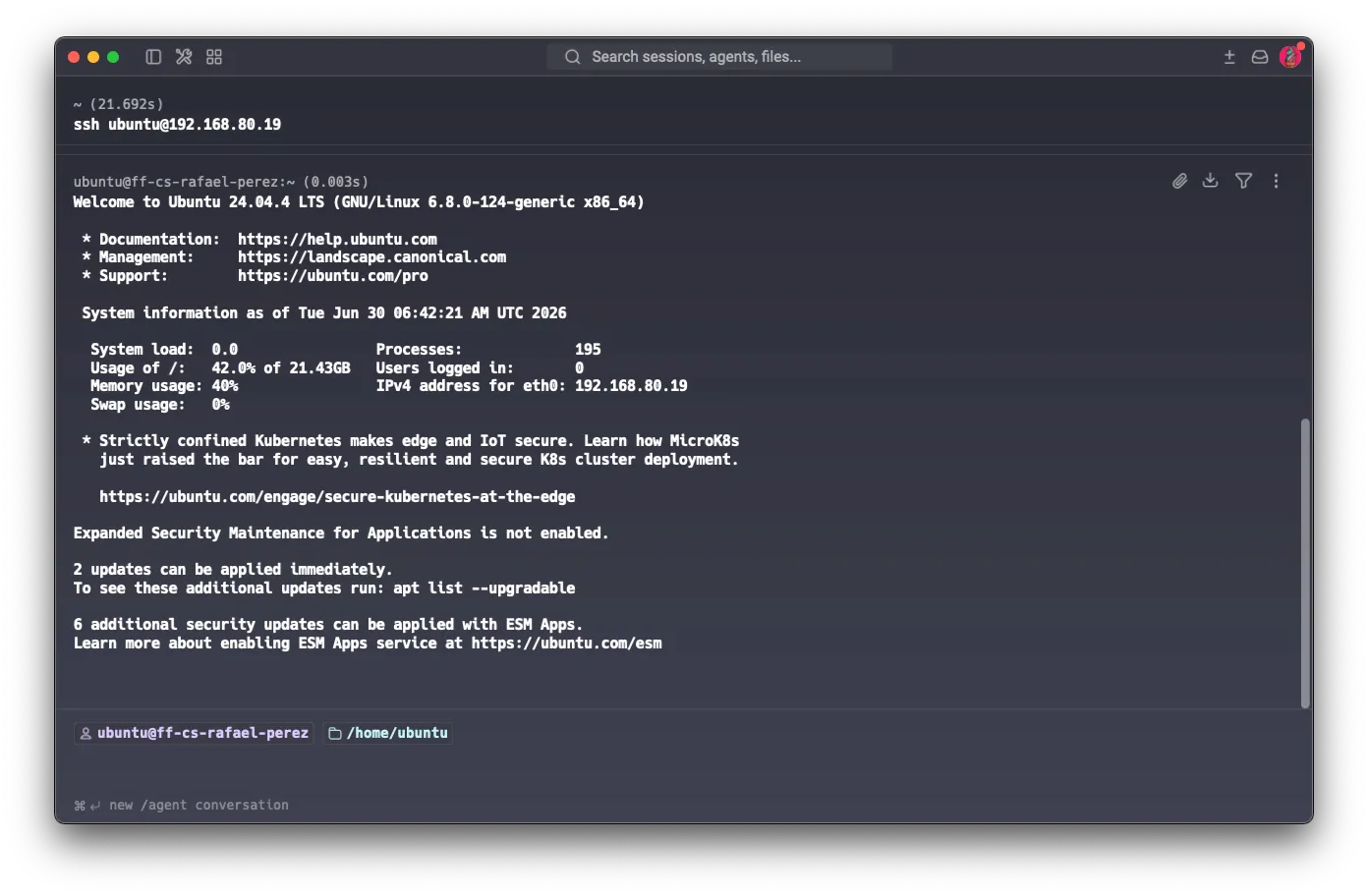
The shell confirms Ubuntu 24.04.4 LTS on tf-rafael-perez. All practical exercises in
this and subsequent sessions run inside this machine, keeping the host clean and giving a
reproducible Linux environment.
05Connect via VNC for a graphical desktop
SSH covers everything command-line. For exercises that benefit from a full graphical session
(Wireshark captures, GUI tools), the VM also exposes VNC on port 5901. The client is
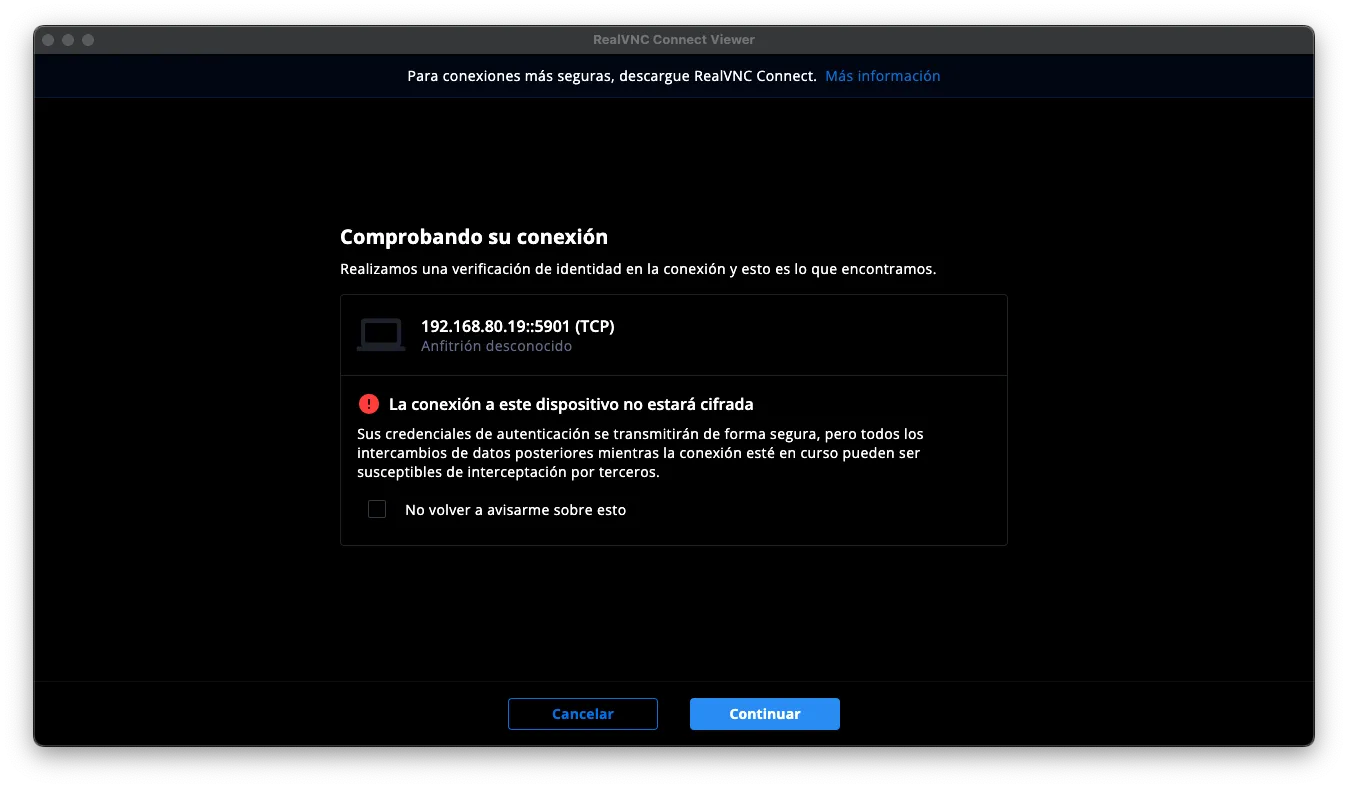
RealVNC Connect Viewer, connecting directly to 192.168.80.19::5901 over the active
WireGuard tunnel.
On connecting, RealVNC warns that the session is not encrypted at the VNC layer. This is expected and acceptable: the VPN tunnel (WireGuard, ChaCha20-Poly1305) encrypts all traffic between the local machine and the VM’s network. The VNC stream itself rides inside that already-encrypted channel, so no plaintext leaves the tunnel.
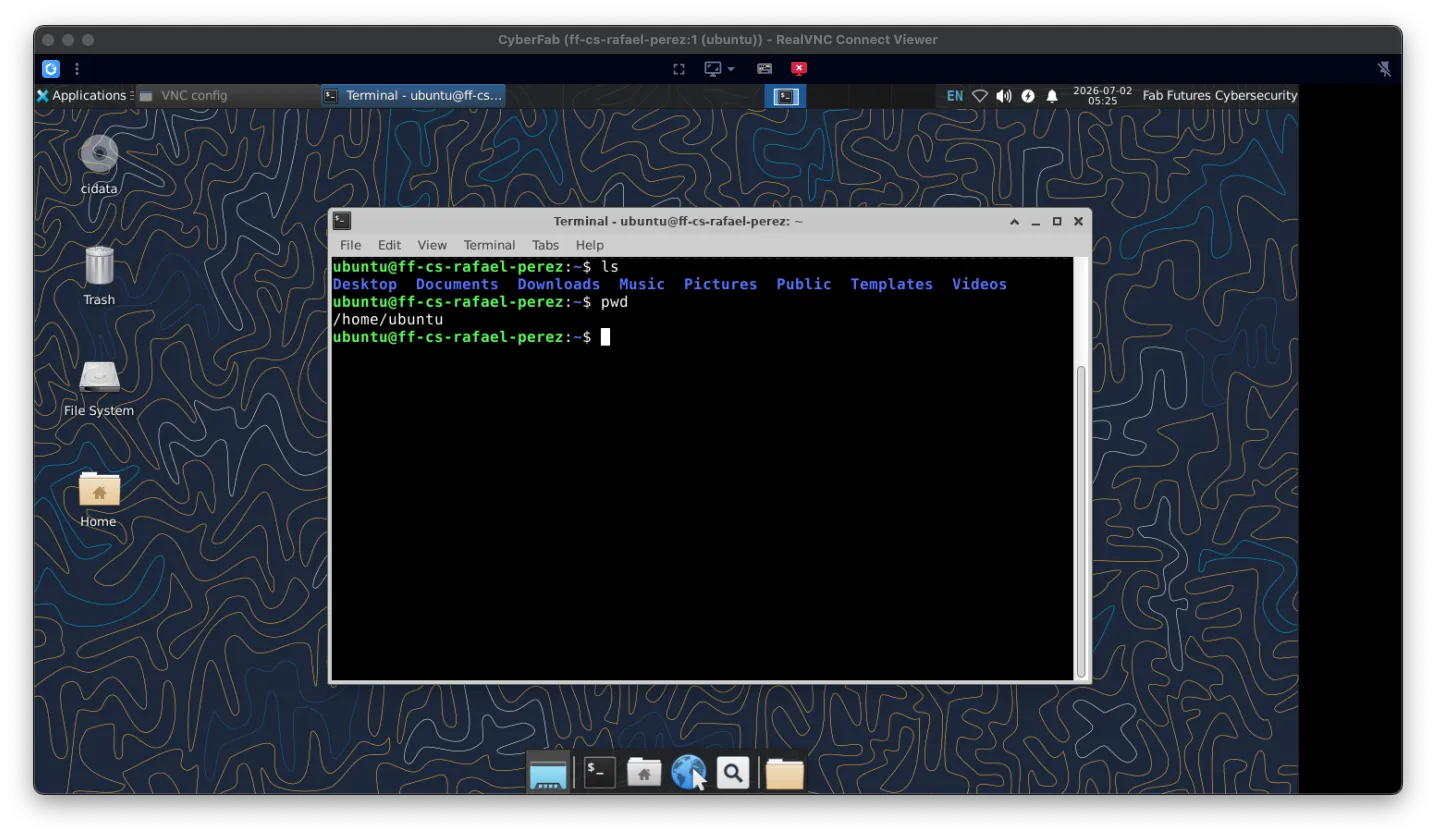
After authenticating with the VNC password, the XFCE desktop of ff-cs-rafael-perez
appears in the viewer window.
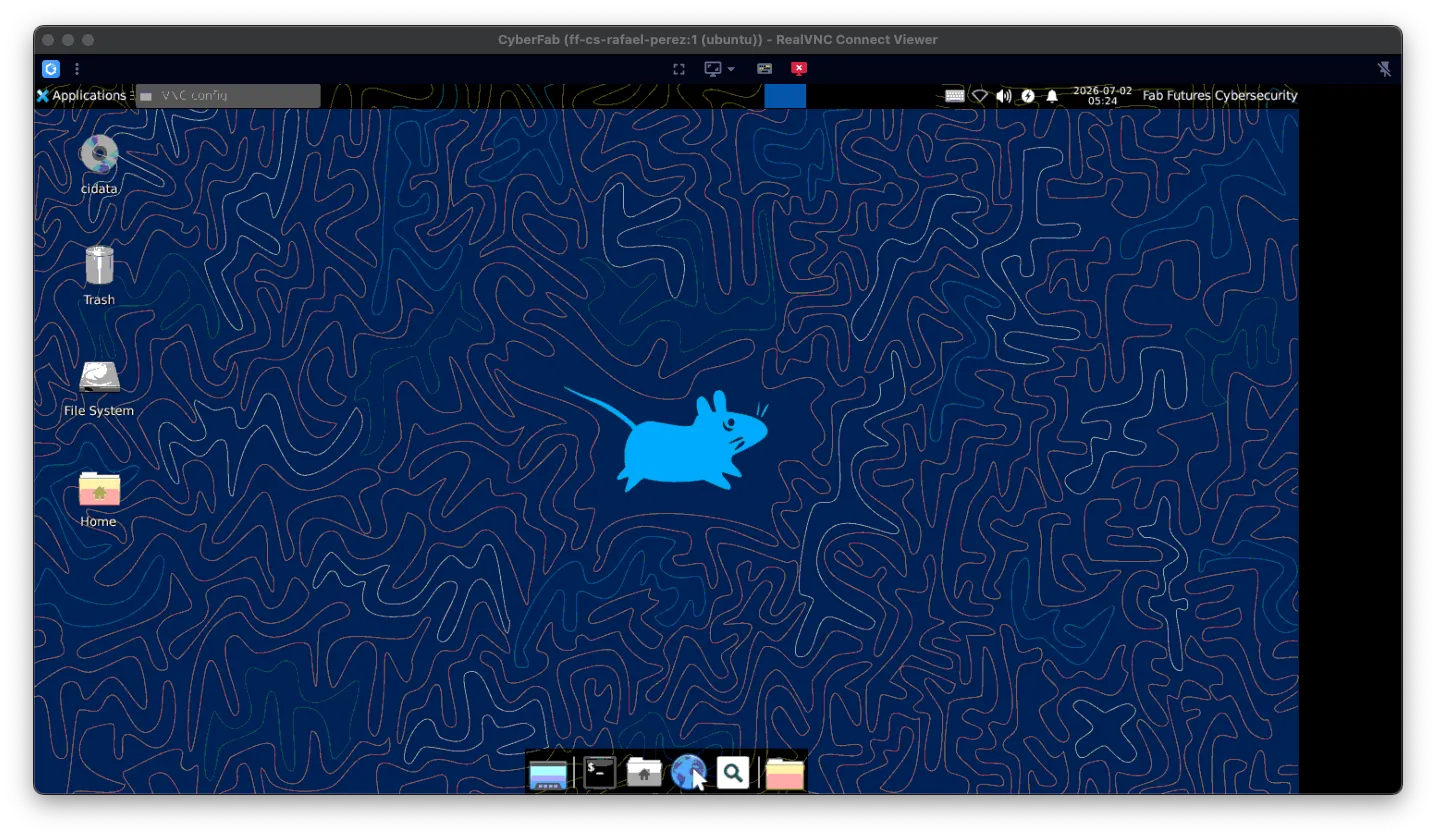
Opening a terminal confirms the hostname and user — same machine reached by SSH, now with a full graphical environment available.
Part 2 — Building & deploying this site
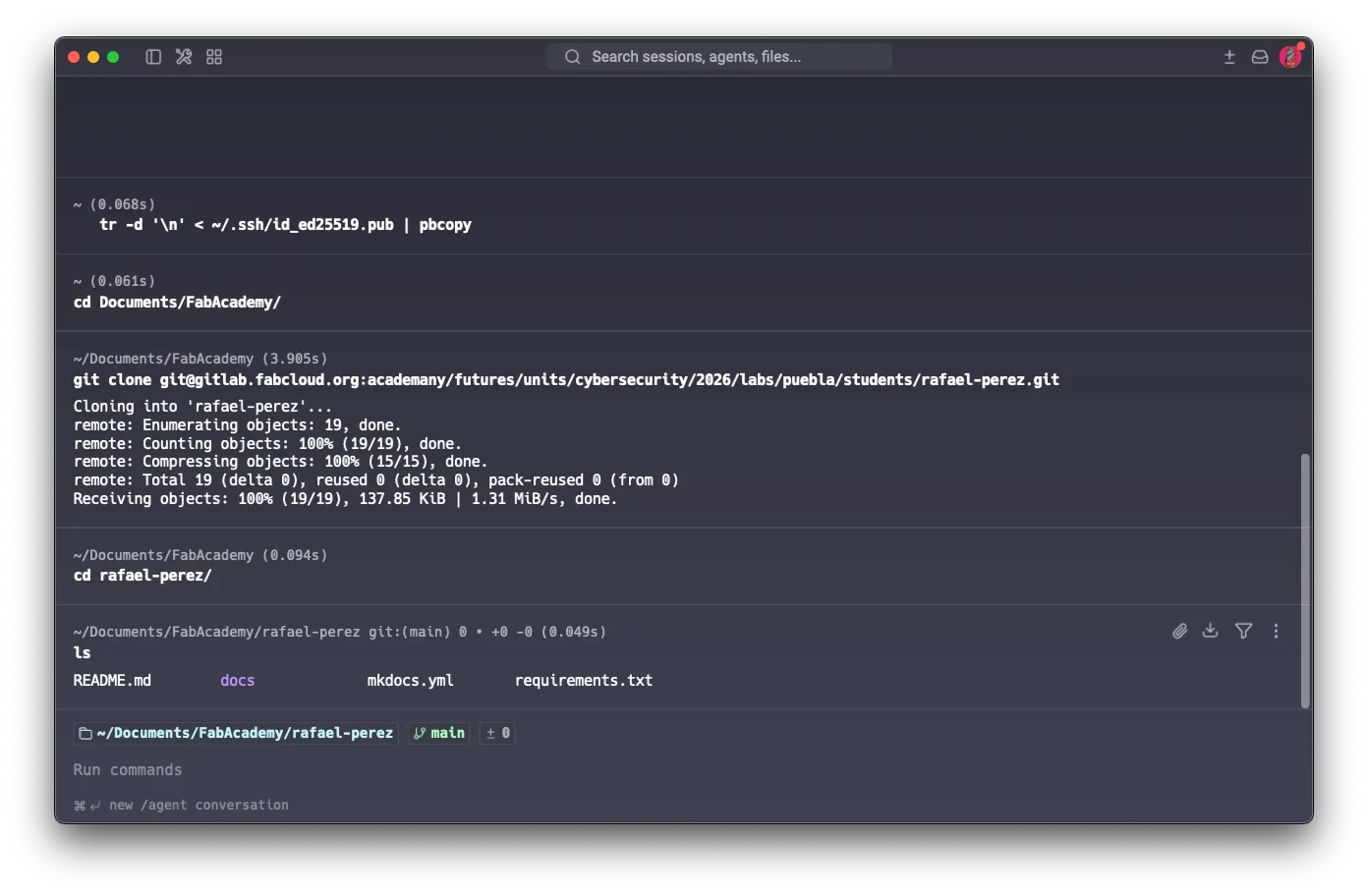
The site started from the standard MkDocs template. I cloned the starter repository
over SSH (note the original mkdocs.yml, requirements.txt, and docs/):
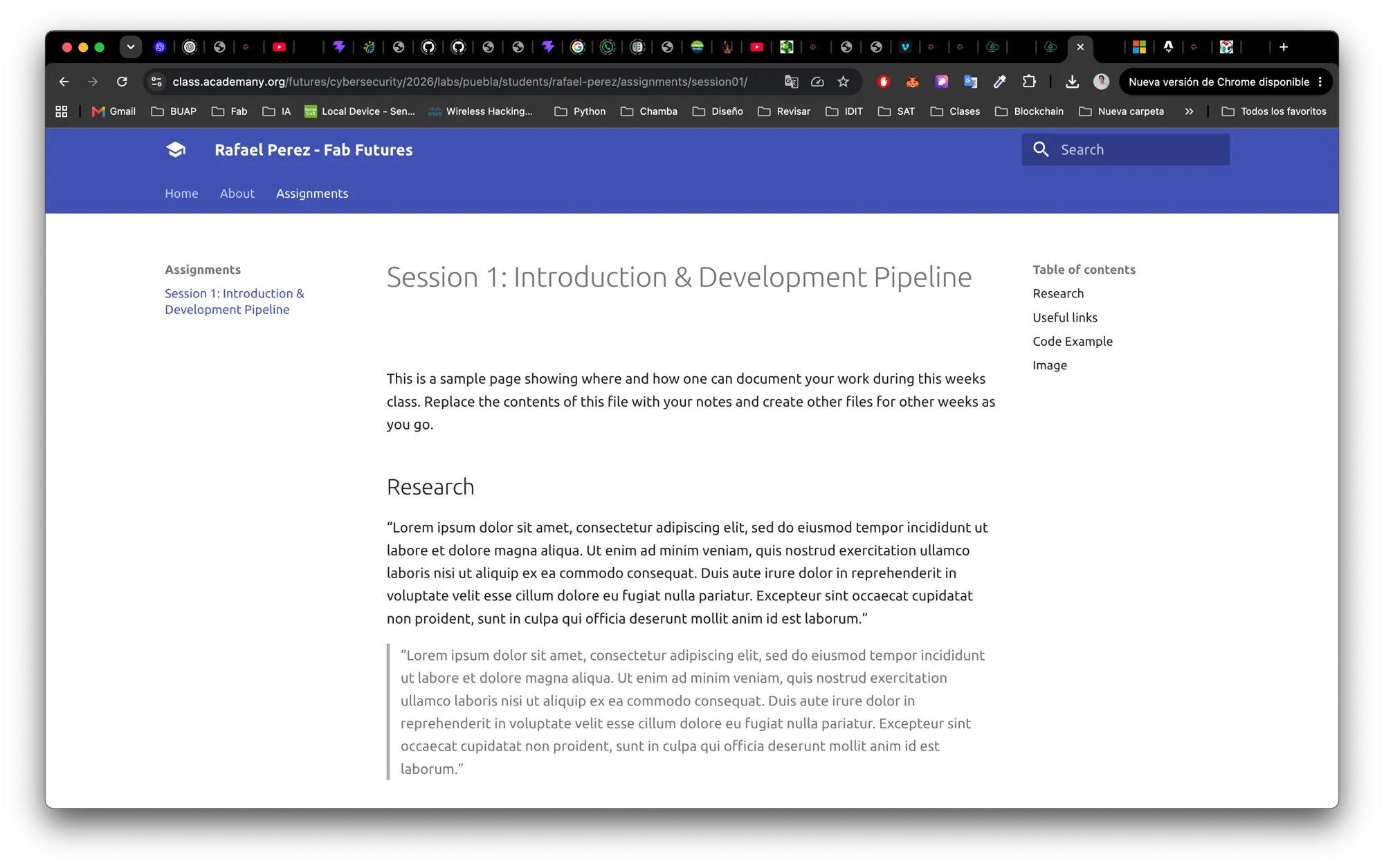
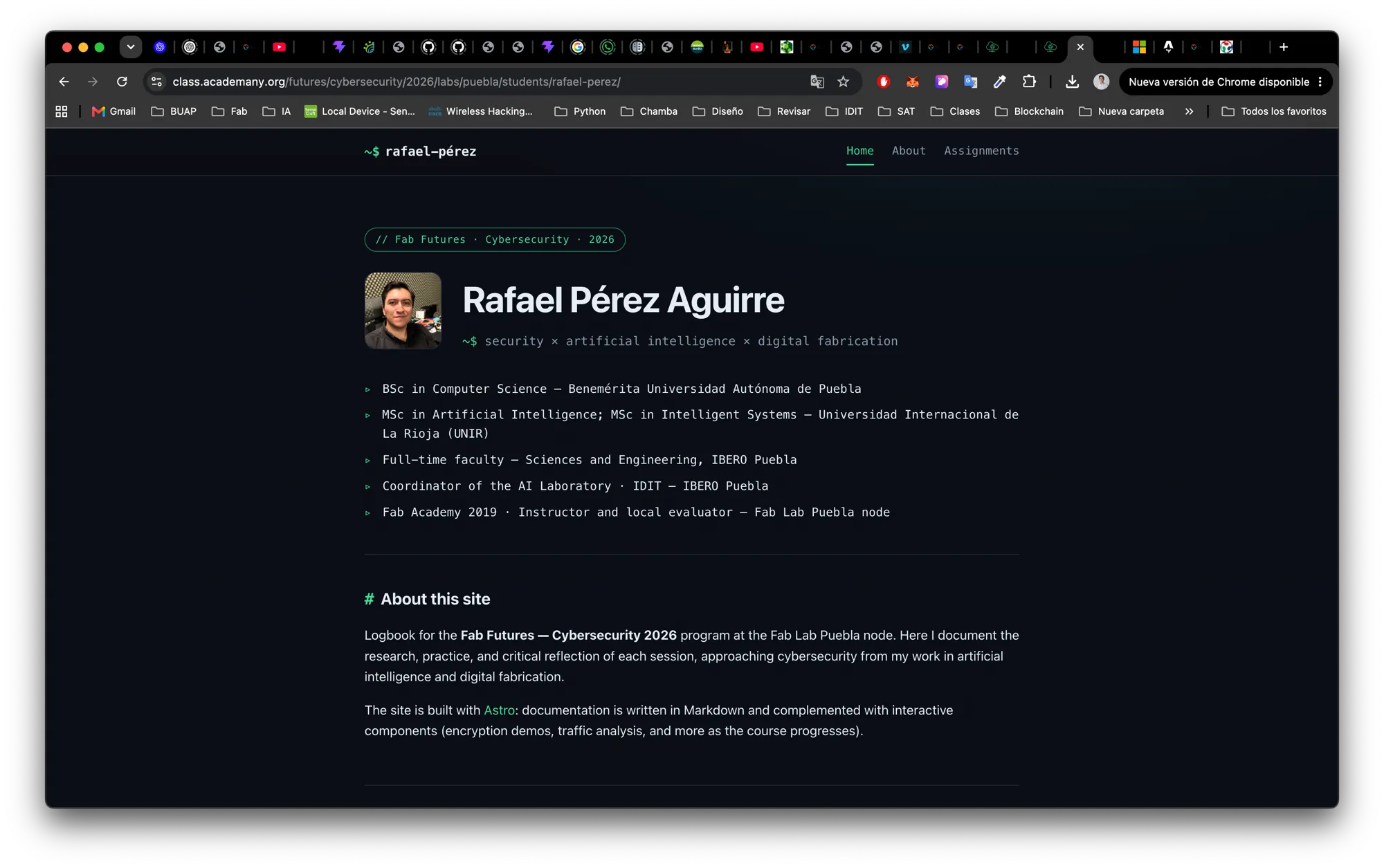
I then migrated it to Astro to get a custom design and to be able to embed real interactive components (encryption demos, traffic analysis) next to the Markdown docs.
Before / after — the original MkDocs template (left) and the new Astro build (right):
Key engineering decisions and gotchas:
- Build output →
public/. GitLab Pages publishes a directory namedpublic, so Astro’soutDirpoints there. Astro normally usespublic/for input static assets, so I remappedpublicDirtostatic/to avoid the clash. - Base path. The site is served under a subpath through the academany proxy
(the repo path contains
/units/, the public URL does not).baseinastro.config.mjsis set to the canonical subpath; assets areimported so Astro rewrites their URLs automatically. - Resilient styling. Critical CSS is inlined so a wrong base path can never leave the page unstyled.
- CI.
.gitlab-ci.ymlrunsnpm ci && npm run buildon Node 22 and publishes thepublic/artifact on every push tomain.
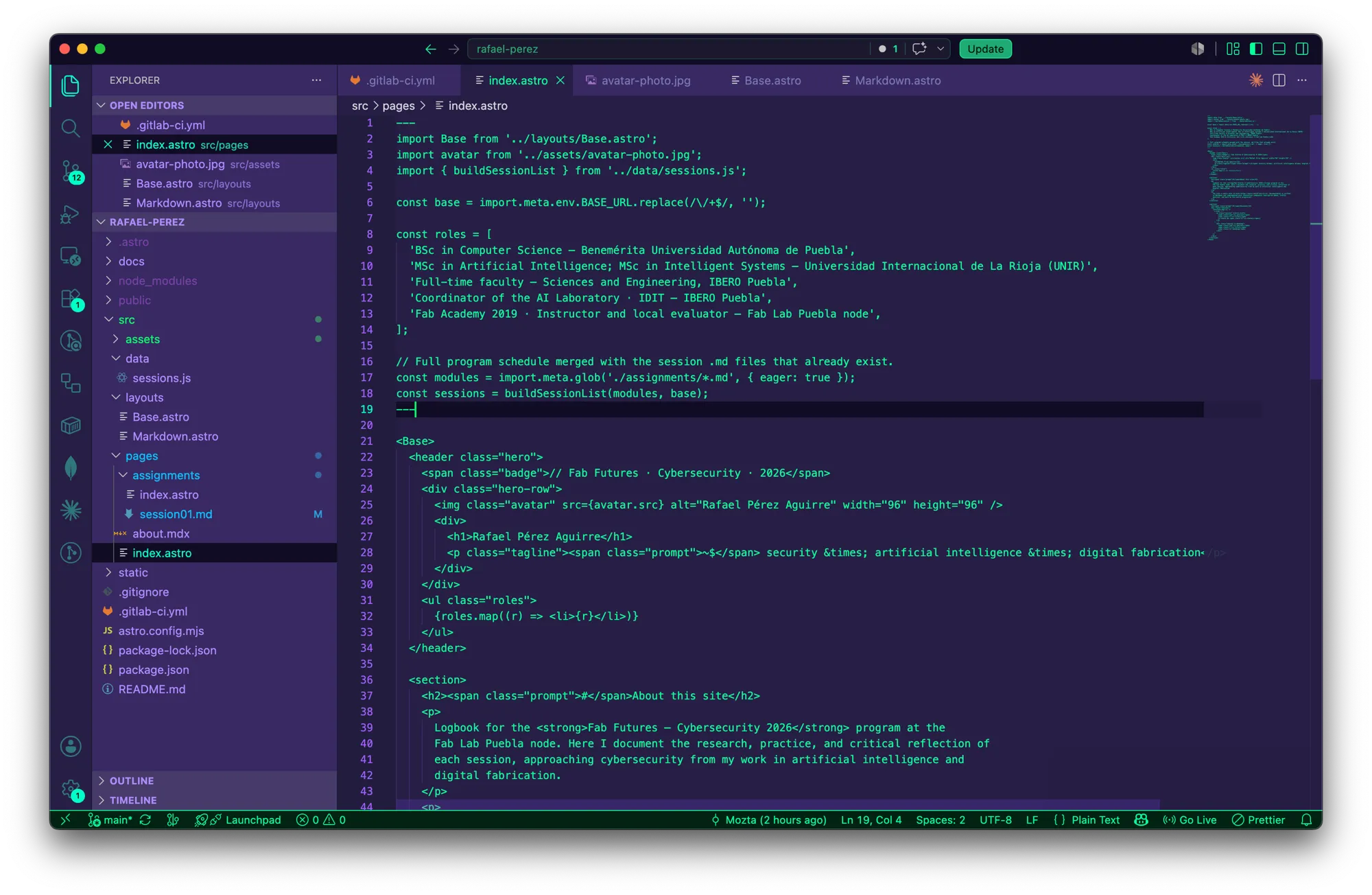
The Astro project in the editor — shared layout (Base.astro), a data-driven session list
(sessions.js), and the Markdown/MDX pages:
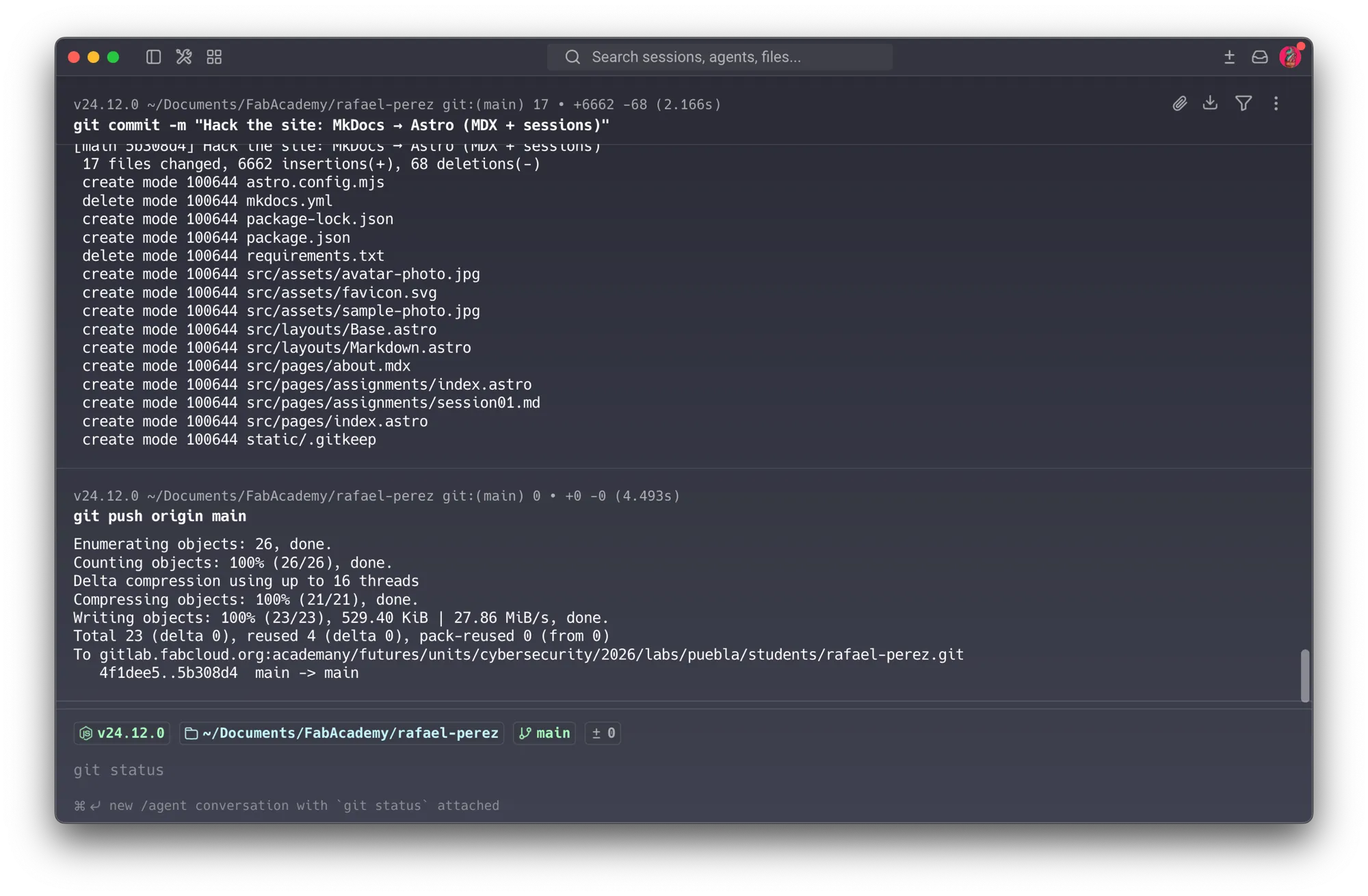
Committing the migration and pushing to main — which triggers the GitLab Pages build and
deploy automatically:
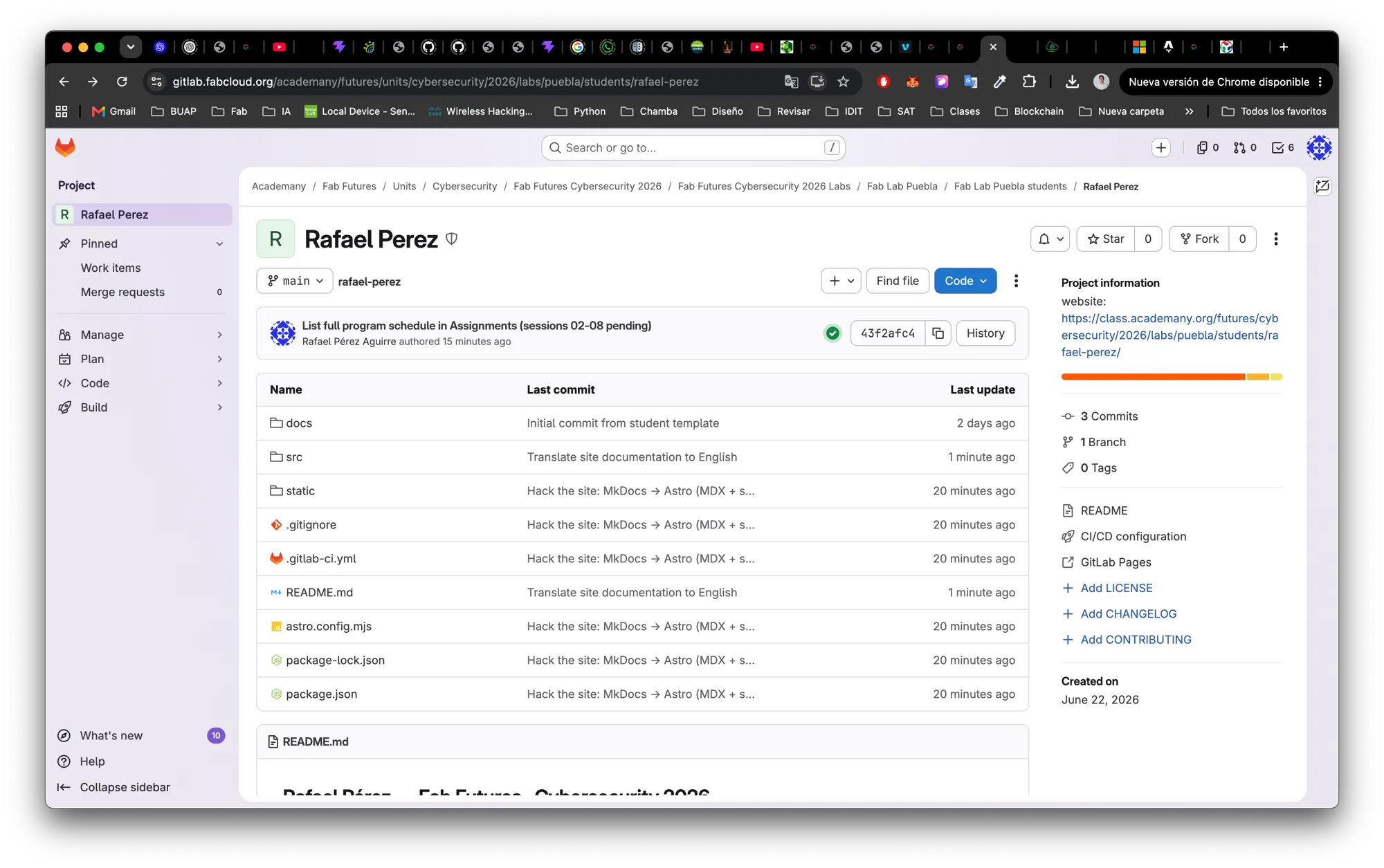
The result on GitLab — the repository now holds the Astro project (src/, static/,
astro.config.mjs) instead of the MkDocs files:
The deploy is live and verified at the URL in the site footer.
Part 3 — Cryptography homework
The assignment is to pick one or more exercises, do the practical work, and explain how it
works. I completed six, all run locally with openssl, ssh-keygen, and shasum.
01Create a public/private key pair
# Asymmetric SSH key (Ed25519)
ssh-keygen -t ed25519 -C "rafael-perez Fab Futures" -f id_demo

# Asymmetric RSA key (3072-bit) for signing and hybrid encryption
openssl genpkey -algorithm RSA -pkeyopt rsa_keygen_bits:3072 -out priv.pem
openssl pkey -in priv.pem -pubout -out pub.pem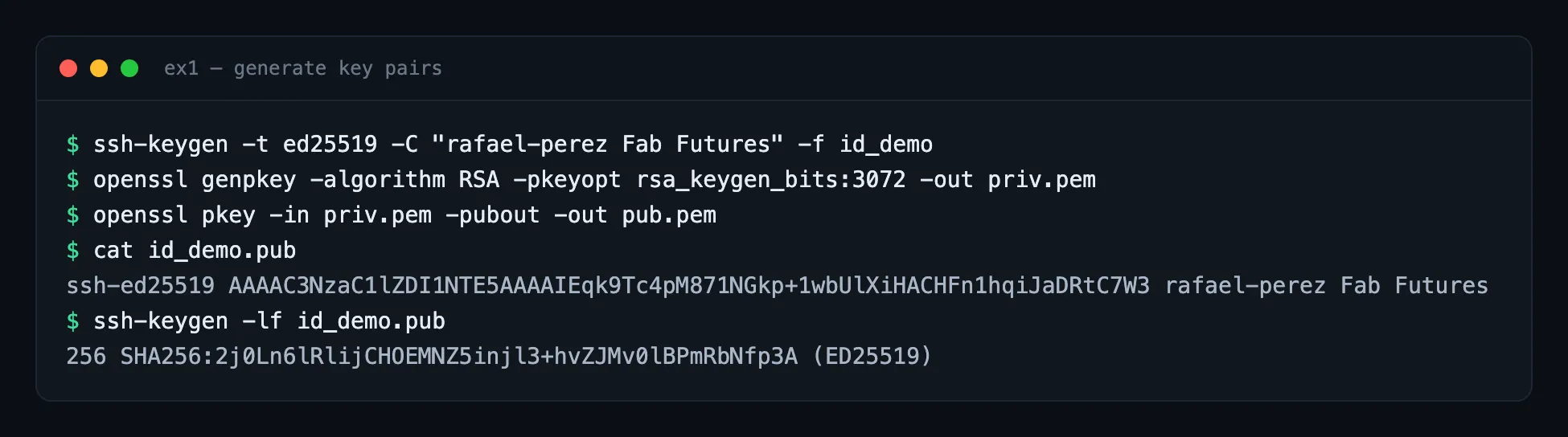
The public half (safe to share):
ssh-ed25519 AAAAC3NzaC1lZDI1NTE5AAAAIEqk9Tc4pM871NGkp+1wbUlXiHACHFn1hqiJaDRtC7W3 rafael-perez Fab Futures
# fingerprint: SHA256:2j0Ln6lRlijCHOEMNZ5injl3+hvZJMv0lBPmRbNfp3A (ED25519, 256-bit)- What is the public key? The half you publish. It can verify signatures and encrypt data destined for you.
- What is the private key? The secret half you keep. It creates signatures and
decrypts data sent to you. The private file is created with
600permissions (owner-only) for a reason. - What can the pair be used for? Authentication (SSH login), digital signatures, and asymmetric/hybrid encryption.
- Why must the private key be protected? Anyone holding it can impersonate me and read anything encrypted to me. The public key cannot be reversed into the private key in any practical amount of time — the whole system relies on that asymmetry.
02SSH key authentication to a server
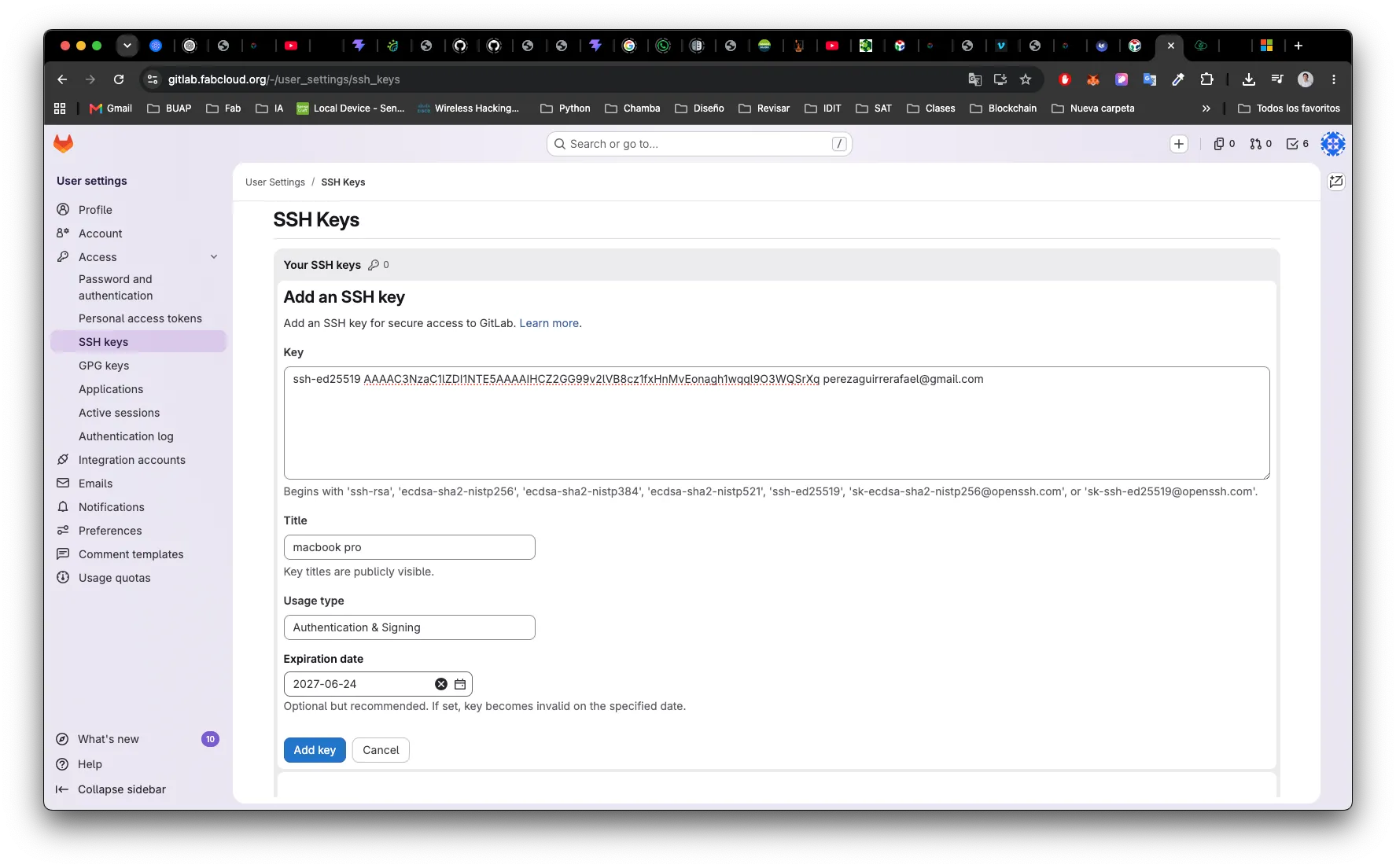
I authenticate to GitLab (gitlab.fabcloud.org) with an SSH key — that is exactly
“install a public key on a server and use it to log in”. I pasted my public key into
GitLab (Usage type Authentication & Signing, with an expiry date):
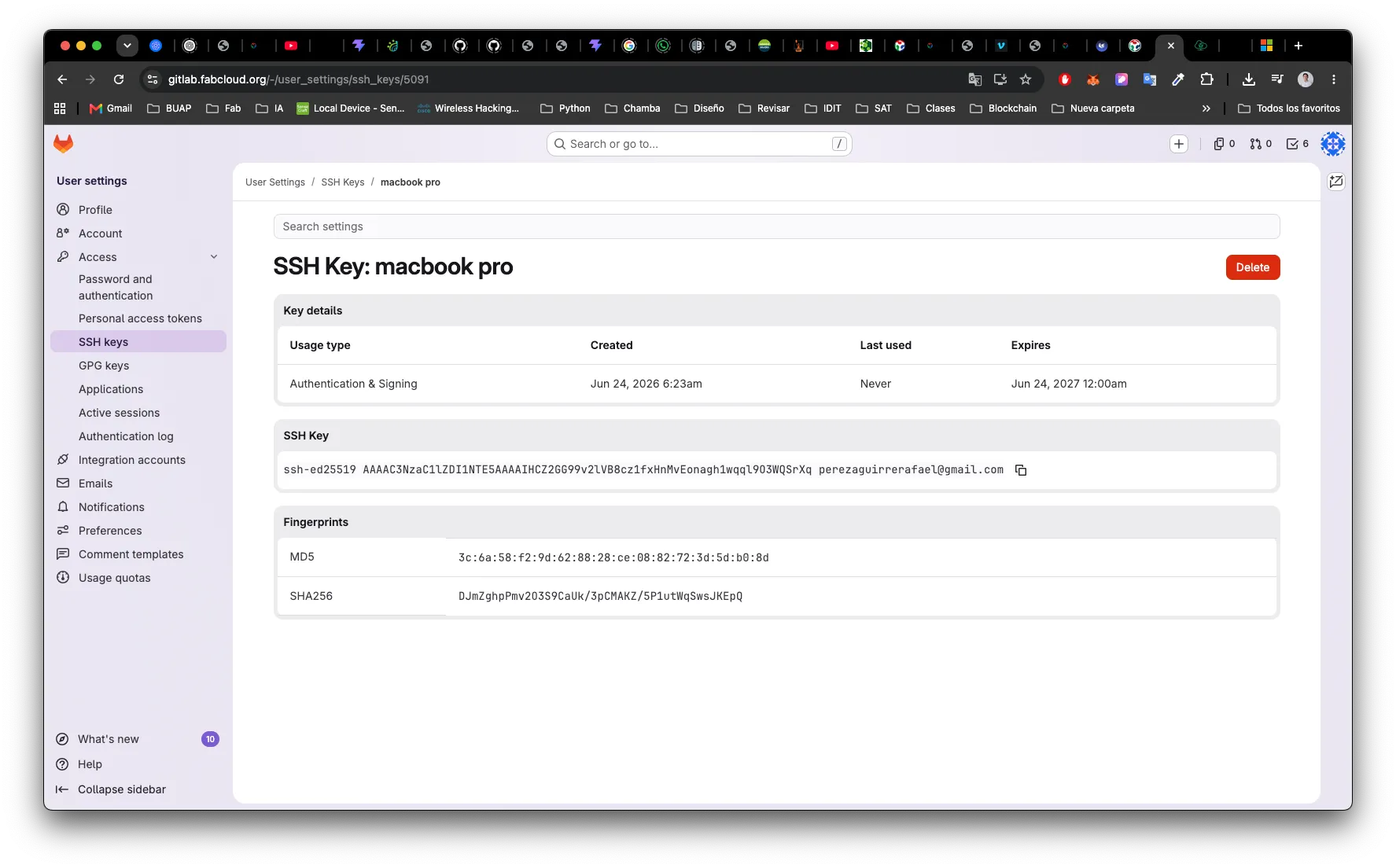
The server now stores only the public key and its fingerprints (SHA-256, MD5) — never the private key:
With the key installed, I can authenticate over SSH:
ssh -T git@gitlab.fabcloud.org
# -> Welcome to GitLab, @rafael.aguirre!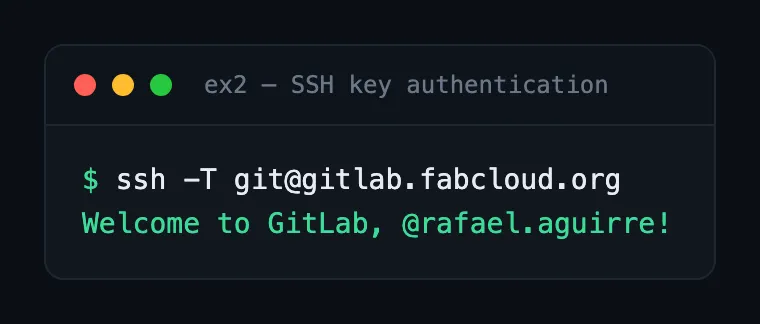
- How does it work? The server stores my public key. On connect, it sends a challenge; my client signs it with the private key; the server verifies the signature with the stored public key. No secret ever crosses the wire.
- What is stored on the server? Only my public key (in
~/.ssh/authorized_keys, or in GitLab’s UI). - What stays on my computer? The private key — it never leaves the machine.
- Why doesn’t the server need my private key? Verifying a signature only needs the public key. This means a breach of the server cannot leak my private key.
03Encrypt and decrypt a file (symmetric)
openssl enc -aes-256-cbc -pbkdf2 -salt -in secret.txt -out secret.enc -pass pass:'<passphrase>'
openssl enc -d -aes-256-cbc -pbkdf2      -in secret.enc -out secret.dec -pass pass:'<passphrase>'
secret.enc: openssl enc'd data with salted password # ciphertext is binary
decrypted == original ✓ # round-trip succeeds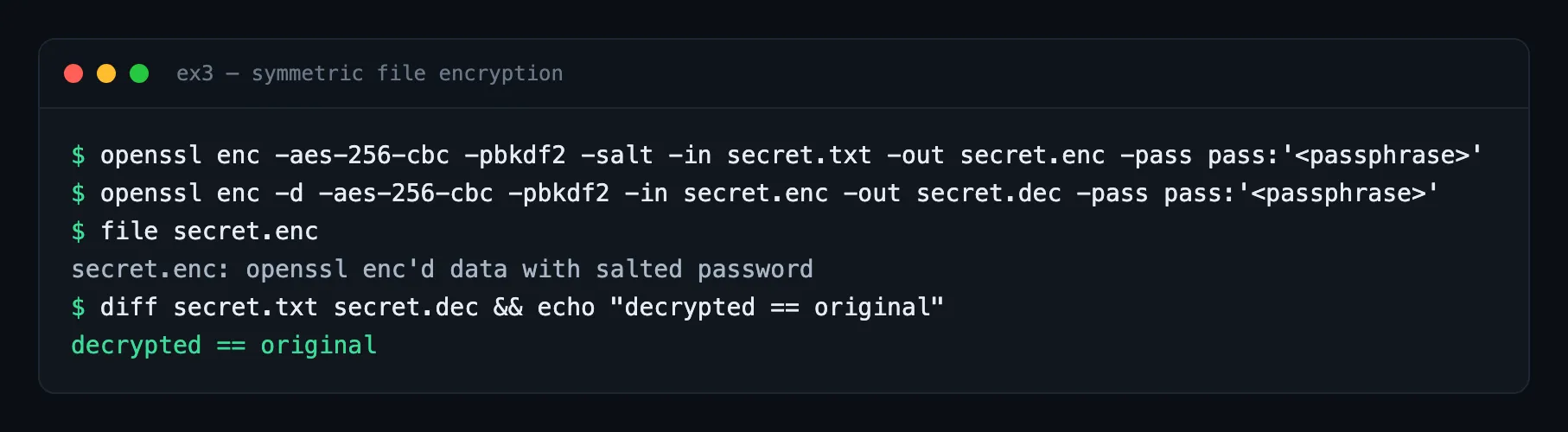
- Symmetric or public-key? Symmetric — the same passphrase encrypts and decrypts.
- Where did the key come from? Derived from the passphrase with PBKDF2 plus a random salt, so the same passphrase yields different ciphertext each time.
- Who can decrypt the file? Anyone who knows the passphrase.
- What if the key/password is lost? The data is unrecoverable — that is the point of strong encryption.
04Hashing & integrity
shasum -a 256 note.txt          # original
# ...change ONE character in the file...
shasum -a 256 note.txt          # after the change
1604c6a37194816924e66f8dae4032d156b1a5871f80378fea259c6345413d72 # before
bc8f5c427bcc79064c4fae6f918e8343925be5908f1e50ef6a7ef6ff15bba495 # after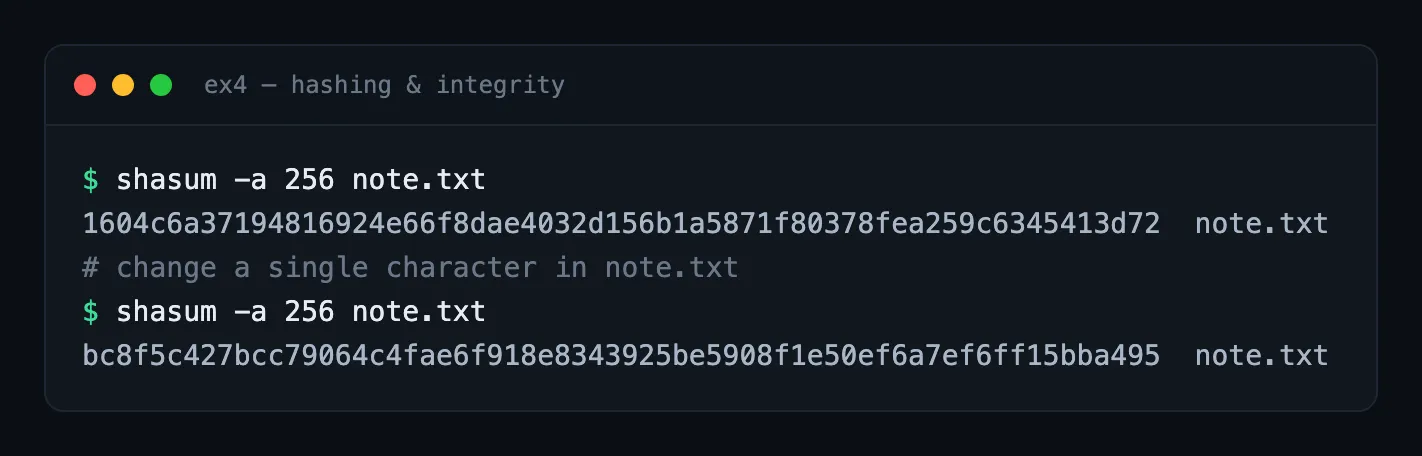
- What changed? The entire digest, from a single-character edit — the avalanche effect.
- Why are hashes useful? A small, fixed-size fingerprint that verifies a file is bit-for-bit unchanged (downloads, backups, evidence).
- Why doesn’t a hash prove who created the file? A hash uses no secret — anyone can compute it, so it proves integrity, not authorship.
- How could hashes detect tampering? Publish a known-good hash over a trusted channel and re-check it; or sign the hash so it proves both integrity and origin (next exercise).
Edit a single character and watch the whole digest scramble — that's the avalanche effect. Runs in your browser via the Web Crypto API; nothing leaves the page.
05Sign a file and verify the signature
openssl dgst -sha256 -sign   priv.pem -out note.sig note.txt   # sign
openssl dgst -sha256 -verify pub.pem  -signature note.sig note.txt
# -> Verified OK
# ...tamper with the file, then verify again against the same signature...
# -> Verification failure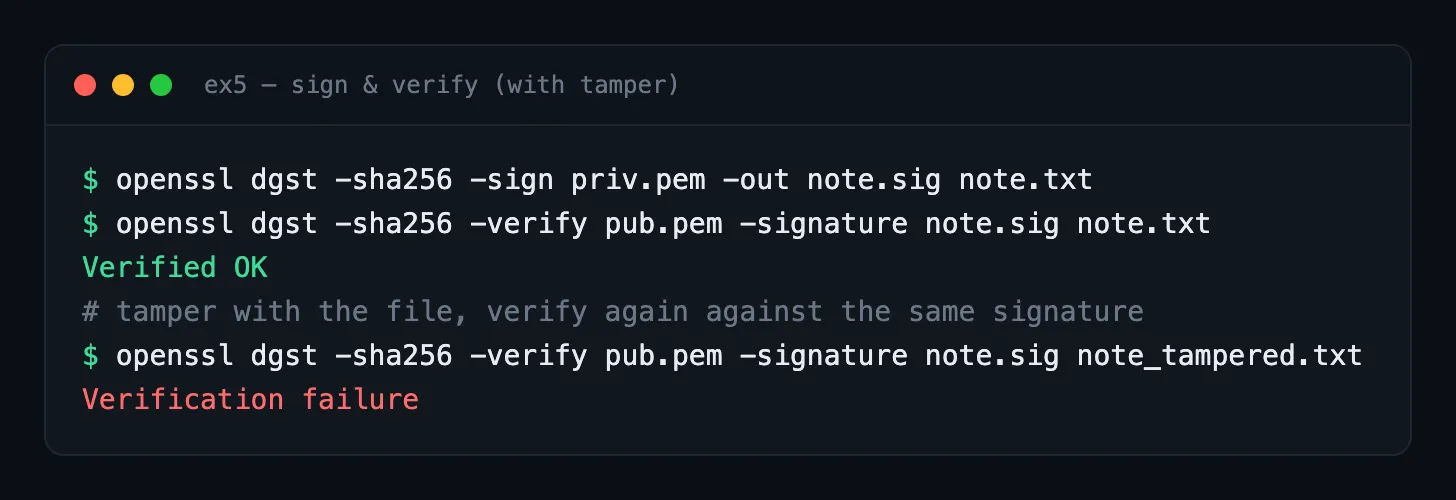
- What does the signature prove? That the holder of the private key signed this exact content — authenticity and integrity.
- What does it not prove? When it was signed, that the content is true or safe, or who the signer is in the real world (that requires a trusted binding — a certificate/PKI).
- Why hash before signing? Public-key operations are slow and size-limited; signing the fixed-size hash is fast and works for any file size.
- What if the signed file changes? Verification fails — demonstrated above with
Verification failure.
06Encrypt a long message with someone's public key (hybrid encryption)
You cannot just RSA-encrypt a large file. Proof — RSA refuses a payload bigger than the key:
openssl pkeyutl -encrypt -pubin -inkey pub.pem -in big.bin -out big.enc
# -> rsa routines: data too large for key size
So real systems use hybrid encryption: a random symmetric key encrypts the message, and the public key only encrypts that small symmetric key.
openssl rand -out sym.key 32                                    # 1. random AES-256 key
openssl enc -aes-256-cbc -pbkdf2 -salt -in note.txt \
  -out msg.enc -pass file:sym.key                               # 2. encrypt message (fast, symmetric)
openssl pkeyutl -encrypt -pubin -inkey pub.pem \
  -in sym.key -out sym.key.enc                                  # 3. wrap the key with recipient's public key
# recipient unwraps with their private key, then decrypts the message:
openssl pkeyutl -decrypt -inkey priv.pem -in sym.key.enc -out sym.key.dec
openssl enc -d -aes-256-cbc -pbkdf2 -in msg.enc -out msg.dec -pass file:sym.key.dec
# decrypted == original  ✓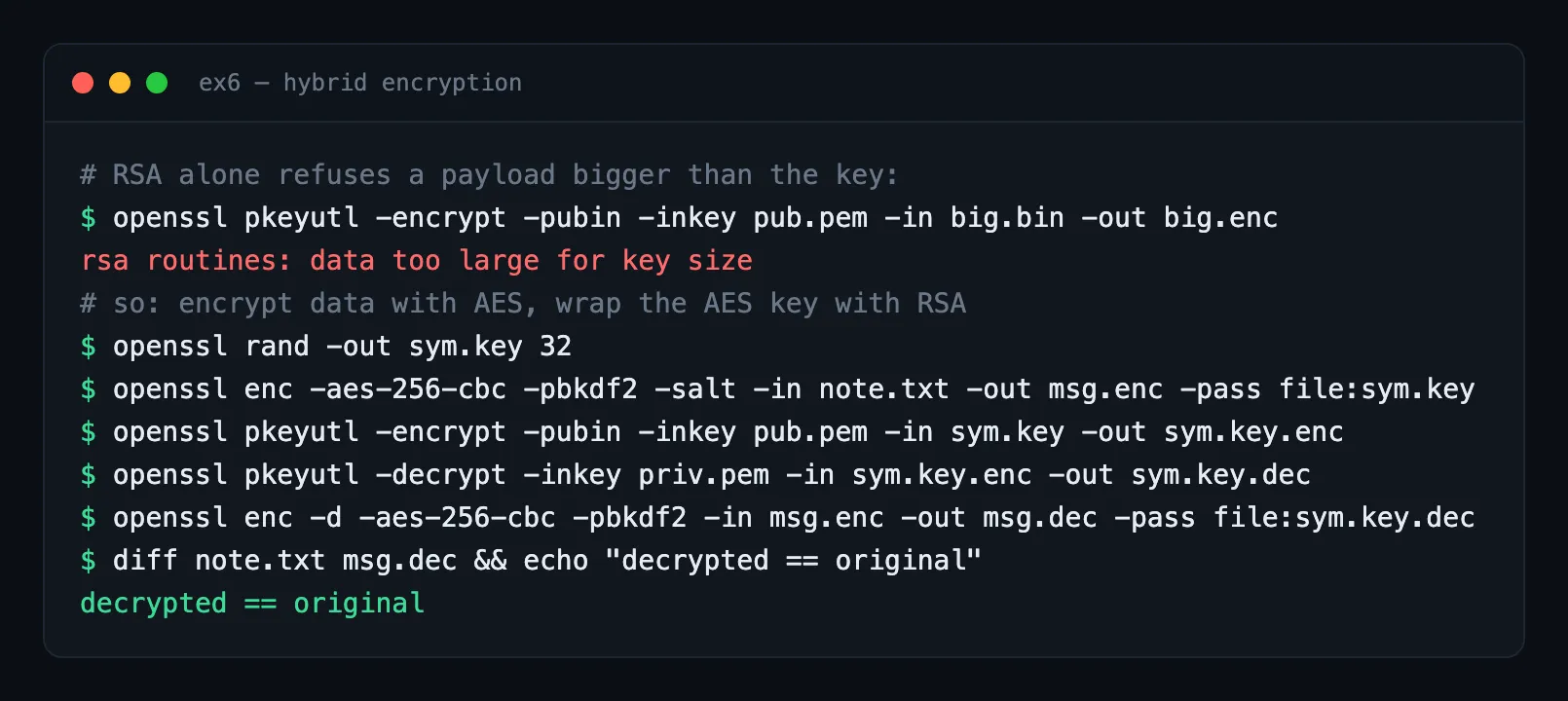
- Why not encrypt the whole message with the public key? RSA can only encrypt data smaller than its modulus, and it is far slower than symmetric ciphers.
- What is a symmetric key? A single shared secret used to both encrypt and decrypt (here a random 256-bit AES key).
- How is the symmetric key protected? It is encrypted with the recipient’s public key, so only their private key can recover it.
- Why “hybrid”? It combines asymmetric crypto (to share the key safely) with symmetric crypto (to move the bulk data efficiently). This is what TLS, PGP, and age all do.
+Bonus — inspect a real HTTPS certificate
Inspecting the certificate of this site’s own domain:
echo | openssl s_client -connect class.academany.org:443 -servername class.academany.org \
  | openssl x509 -noout -subject -issuer -dates -fingerprint -sha256
subject = CN=class.academany.org
issuer = C=US, O=Let's Encrypt, CN=E7
notBefore = May 4 2026 / notAfter = Aug 2 2026
sha256 Fingerprint = A5:EE:33:8C:7C:B0:01:0D:E5:F4:A7:ED:16:E7:E1:B0:...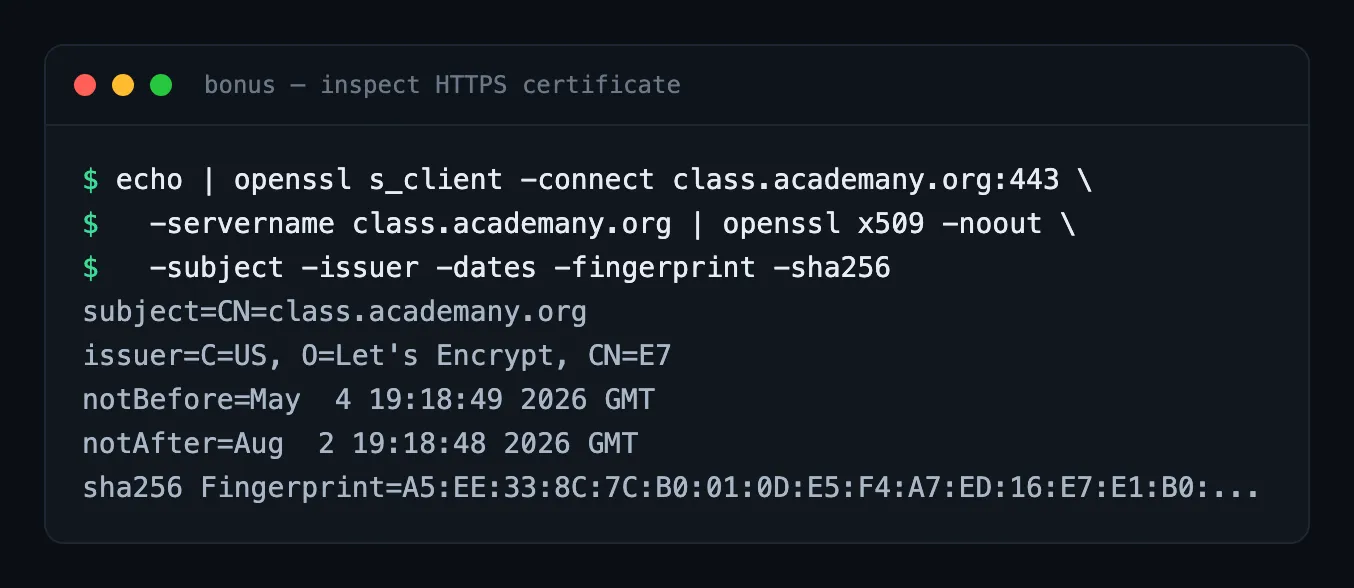
- Why a certificate instead of just a public key? A certificate binds the public key
to an identity (the domain) and is signed by a Certificate Authority, so I can trust
the key really belongs to
class.academany.org. - What role does the CA play? Let’s Encrypt (issuer
E7) vouches for that binding; my browser trusts the key only because it trusts the CA. - What attack does this prevent? Man-in-the-middle / impersonation — an attacker cannot present their own key for this domain without a CA signature my browser accepts.
Optional advanced — RSA & post-quantum (research)
- How Alice computes the private exponent. With
n = p1·p2, she computesd = e⁻¹ mod φ(n)whereφ(n) = (p1−1)(p2−1)(Euler’s totient).(p1−1)(p2−1)is the modulus for invertinge. An attacker who only sees(e, n)would needφ(n), which requires factoringn— hard for largen. Alice knowsp1, p2, so she getsφ(n)for free. - If the modulus were a single prime
p. Thend = e⁻¹ mod (p−1), andφ(p) = p−1is computable directly from the public modulus — so anyone could derived. Insecure. - Why faster factoring breaks RSA. RSA publishes
(e, n); factoringnyieldsp, q, henceφ(n)and the private keyd. Shor’s algorithm on a large quantum computer factors efficiently. It does not break everything equally: symmetric ciphers and hashes only face Grover’s quadratic speedup, fixed by doubling key/digest sizes. - Moving beyond RSA. RSA depends on integer factorization being hard; quantum computers threaten exactly that. Post-quantum / quantum-safe algorithms rely on problems believed hard even for quantum machines (lattices, hashes, codes). Example: ML-KEM (Kyber) for key encapsulation; ML-DSA (Dilithium) for signatures (NIST-standardized in 2024).
Reflection
Part 1 — building and deploying the site with Astro and GitLab CI — was familiar territory: I work with deployment pipelines in projects with my students and with clients, so the outDir, base path, and CI artifact decisions came naturally. What was new was the context: documenting code in public as evidence of learning changes the design criteria. Inlining critical CSS, for example, is not something I would do in a personal project, but it makes sense when a proxy environment can silently break asset paths. At a small scale, it was a reminder that production constraints are always environment-specific.
The cryptography exercises I knew in use — SSH is part of my daily workflow for GitLab/GitHub and server access, TLS I take for granted in any API I deploy — but running them from primitives with openssl instead of importing a library changes what you understand. The clearest moment was Exercise 6: trying to encrypt directly with RSA returns data too large for key size before you can do it wrong in production. That error is the reason TLS, PGP, and virtually every real system uses hybrid encryption — and it is far easier to explain to students when they have seen it fail with their own commands than when they have only read about it. The same applied to hashing: watching the digest change completely from a single edited character makes the avalanche effect tangible in a way no definition does.
The optional post-quantum section felt most directly relevant to what I do. From an AI perspective it is easy to underestimate Shor’s algorithm because quantum computers with enough stable qubits remain a horizon, but the NIST standards are already published (ML-KEM, ML-DSA, 2024) and long-lived systems — critical infrastructure, root CA certificates, keys protecting data that must stay private for decades — should already be in the migration pipeline. This is the kind of transition that CS educators need to understand before it reaches the mainstream curriculum.
The principle I take away, and one I think is useful for teaching: cryptography does not protect data, it protects secrets — and the security of the entire system depends on where that secret lives and who can touch it. The private key never leaves the device. The server only receives public material. A certificate is not a stronger key; it is a signed assertion about who a key belongs to. When that clarity about where the secret lives is lost, the system becomes fragile regardless of which algorithm it uses.
Tools & references
- OpenSSL ·
ssh-keygen·shasum - Let’s Encrypt — the CA for this site
- NIST Post-Quantum Cryptography