Session 0: First Run
First things first
Gather all the links
- Editor: https://editor.fabcloud.org/
- Mattermost: https://chat.academany.org/fab-futures/channels/town-square
- FablabCloud: https://gitlab.fabcloud.org/academany/futures/units/cybersecurity/2026/labs/tajurbagah/students/zaid-pirwani
- Tools: https://tools.futures.academany.org/cybersecurity
- Schedule: https://class.academany.org/futures/cybersecurity/2026/schedule.html
- Public Site (my own): https://class.academany.org/futures/cybersecurity/2026/labs/tajurbagah/students/zaid-pirwani/
I was first going to register a new account when i received the welcome email, but then google reminds me I have a saved password for fablabs.io – its an old account, but it worked. So after logging into everything, first step was to setup dev env to edit my documentation repo locally and also to setup VPN
Setup Dev Env
I use various IDEs, so for the documentation project, I chose to use WebStorm from JetBrains, I have a non-commercial license of it.
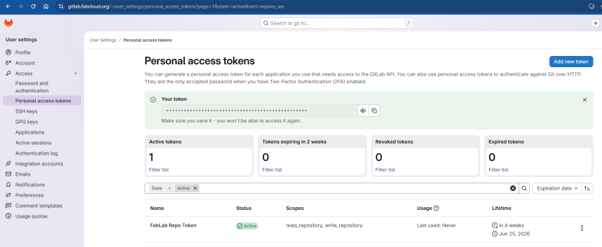
Adding a gitLab repo requries a token
Creating Gitlab Token
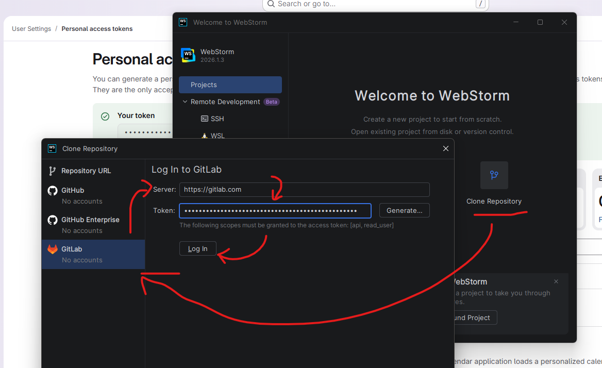
Make sure to change the Server URL as well
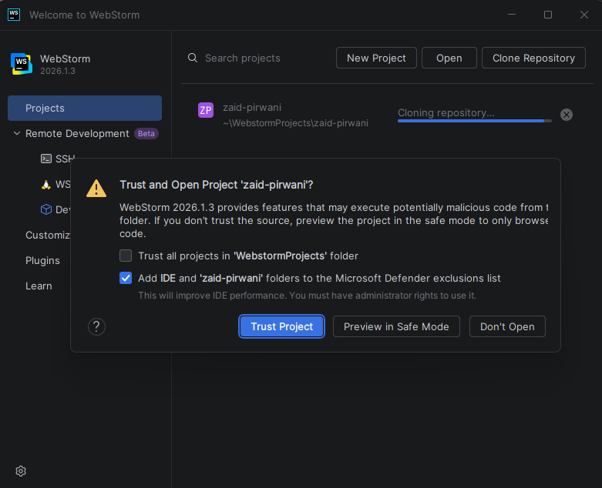
Gotta trust the folder - be wary of trusting unknown repos
Setup VPN
I am on windows 11, I thought I could use the Win11 native VPN settings with the config,
Wireguard config
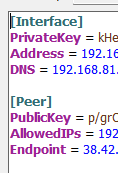
Windows 11 VPN Settings
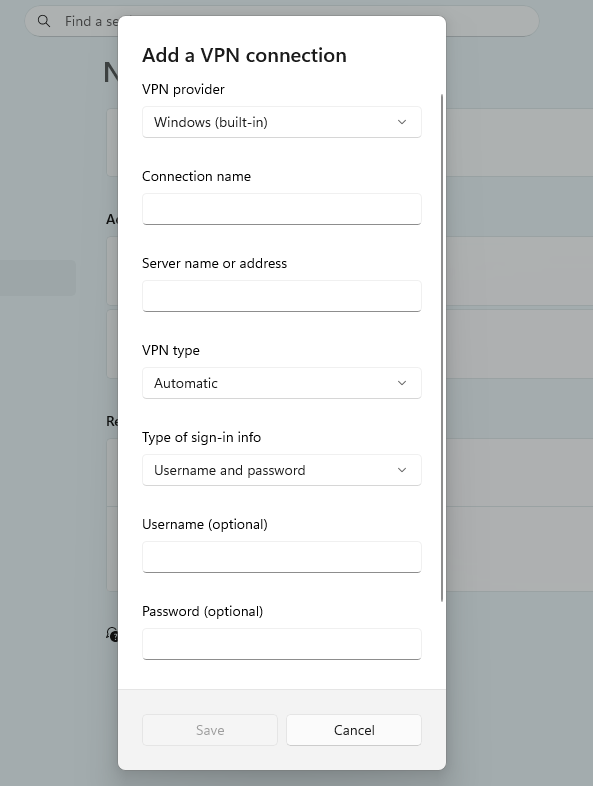
They dont match, so the solution is simply install wireguard, add the config file and connect.