Final Assignment
School Project: Strengthening the Campus Network Against Unauthorized Access
Project Goal
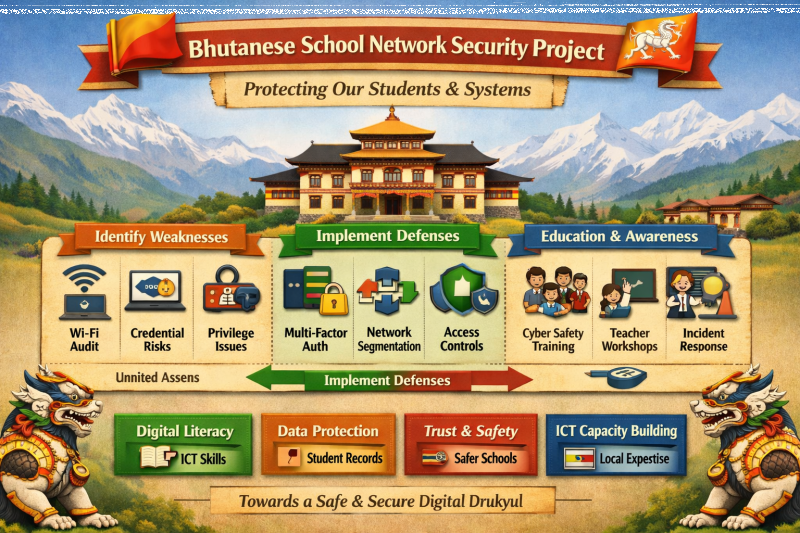
Reduce the risk of unauthorized access by securing Wi Fi, tightening authentication, controlling privileges, and monitoring systems.
Part 1 - Analyze of Vulnerabilities of a Computing System
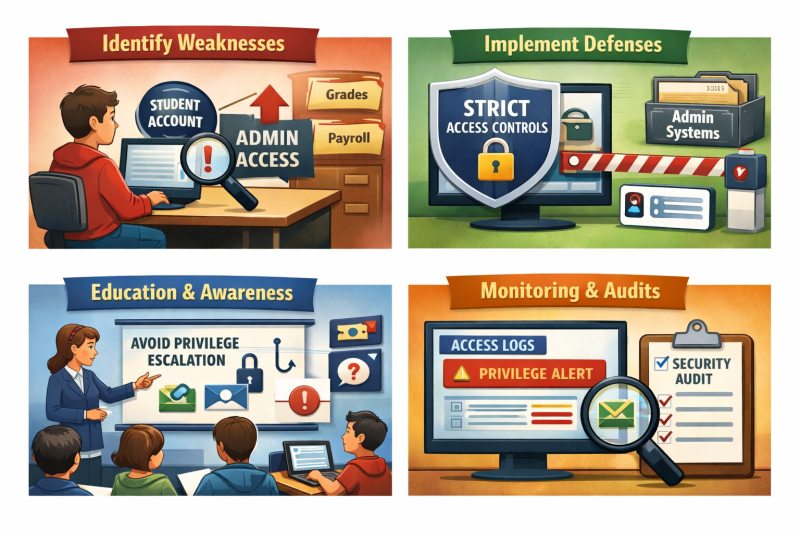
Phase 1: Identify Weaknesses
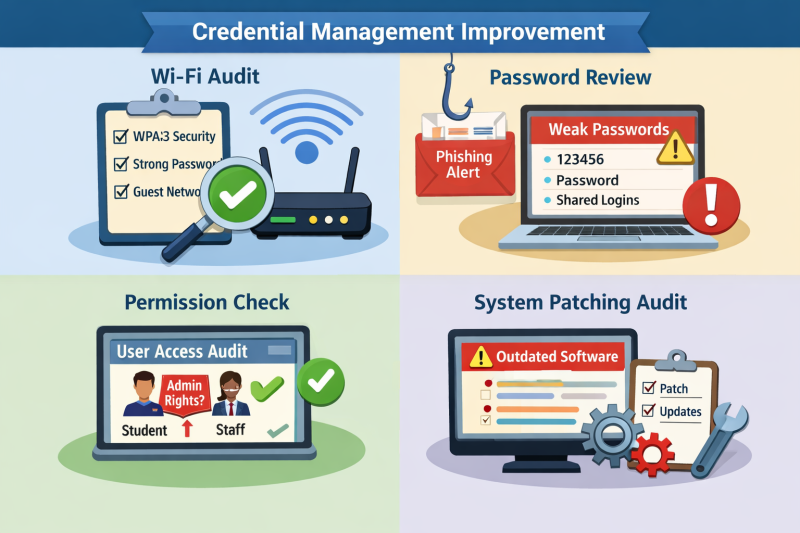
• Wi Fi audit — check if passwords are strong, encryption is WPA3, and guest networks are isolated.
• Credential review — identify shared or reused passwords among staff/students.
• Permission check — look for accounts with more privileges than necessary.
• System patching audit — list outdated software or unpatched servers.*
Phase 2: Implement Defenses
• Multi factor authentication — enforce MFA for staff and sensitive systems.
• Network segmentation — separate student Wi Fi from administrative servers.
• Access control policies — apply “least privilege” rules.
• Monitoring and alerts — set up logs and alerts for unusual login attempts.
• Regular audits — remove unused accounts and verify permissions quarterly.*
Phase 3: Education & Awareness
• Phishing awareness training for staff and students.
• Password workshops — teach how to create strong, unique passwords.
• Incident response drills — simulate unauthorized access attempts to test readiness.*
Deliverables
-
Security audit report — list vulnerabilities found.
-
Implementation checklist — track which defenses are applied.
-
Training sessions — schedule workshops for staff/students.
-
Monitoring dashboard — IT team reviews alerts weekly.*
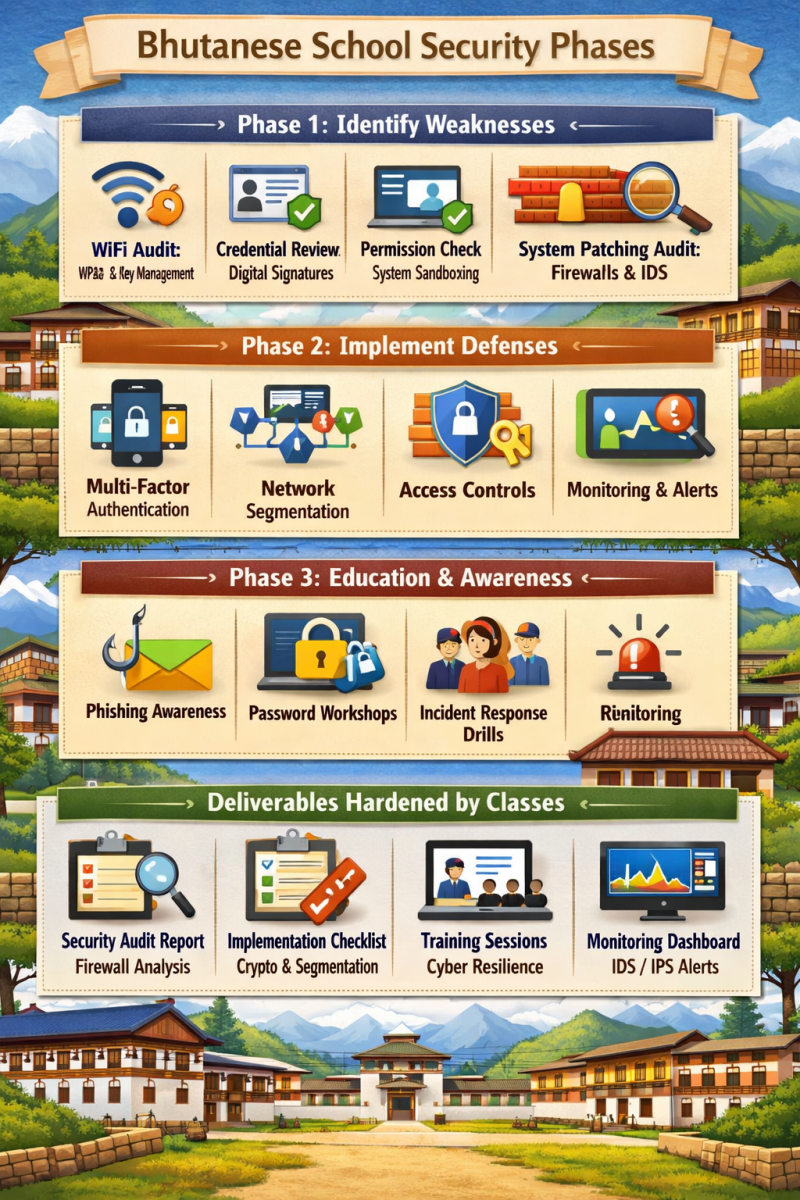
Part 2 - Harden the Vulnerabilities of a Computing System
Phase 1: Identify Weaknesses
• Wi Fi audit → Use Class 1 – Cryptography to apply WPA3 encryption and manage keys securely. Public/private key concepts help ensure authentication is strong.
• Credential review → Apply digital signatures (Class 1) to verify authenticity of staff logins and prevent password sharing.
• Permission check → Use Class 5 – OS & Application Security sandboxing to isolate student accounts from admin systems.
• System patching audit → Supported by Class 2 – Internet Security (firewalls, IDS/IPS) to detect outdated or vulnerable services.
Phase 2: Implement Defenses
• Multi factor authentication → Strengthened by Class 2 – Internet Security (TLS, VPN/IPsec) to secure staff logins and admin portals.
• Network segmentation → Directly tied to Class 2 (firewalls, VPN tunneling) to separate student Wi Fi from sensitive servers.
• Access control policies → Reinforced by Class 5 sandboxing, ensuring “least privilege” rules are enforced.
• Monitoring and alerts → Use Class 2 IDS/IPS concepts to detect suspicious activity.
• Regular audits → Combine Class 1 cryptographic hashes to verify file integrity and detect tampering.
Phase 3: Education & Awareness
• Phishing awareness training → Rooted in Class 6 – Human Security, which emphasizes cyber resilience and culture.
• Password workshops → Supported by Class 1 cryptography (strong keys, unique passwords).
• Incident response drills → Guided by Class 6 resilience strategies, teaching staff/students how to respond quickly to unauthorized access attempts.
Deliverables Hardened by Classes
Security audit report → Uses Class 2 firewall/port scan exercises to document vulnerabilities.
Implementation checklist → Tracks cryptographic defenses (Class 1), segmentation (Class 2), sandboxing (Class 5).
Training sessions → Based on Class 6 cyber resilience culture.
Monitoring dashboard → Implements IDS/IPS concepts from Class 2.