Session 1: Introduction & Development Pipeline
Cryptography by Radia Perlman, Charlie Kaufman
What I did
I pick up this question.
Install an SSH public key on a server and use it to log in. - How does SSH key authentication work? - What is stored on the server? - What stays on your own computer? - Why does the server not need your private key?
Install an SSH public key on a server and use it to log in.
generate ssh key
Setup server side
I generated ssh key first. ‘ssh-keygen’ Then it will ask me pass phrase. Pass phrase is a key for encrypt the ssh key. It is pass word of pass word.... It’s like a matryoshka — open one key, and there’s another key inside.
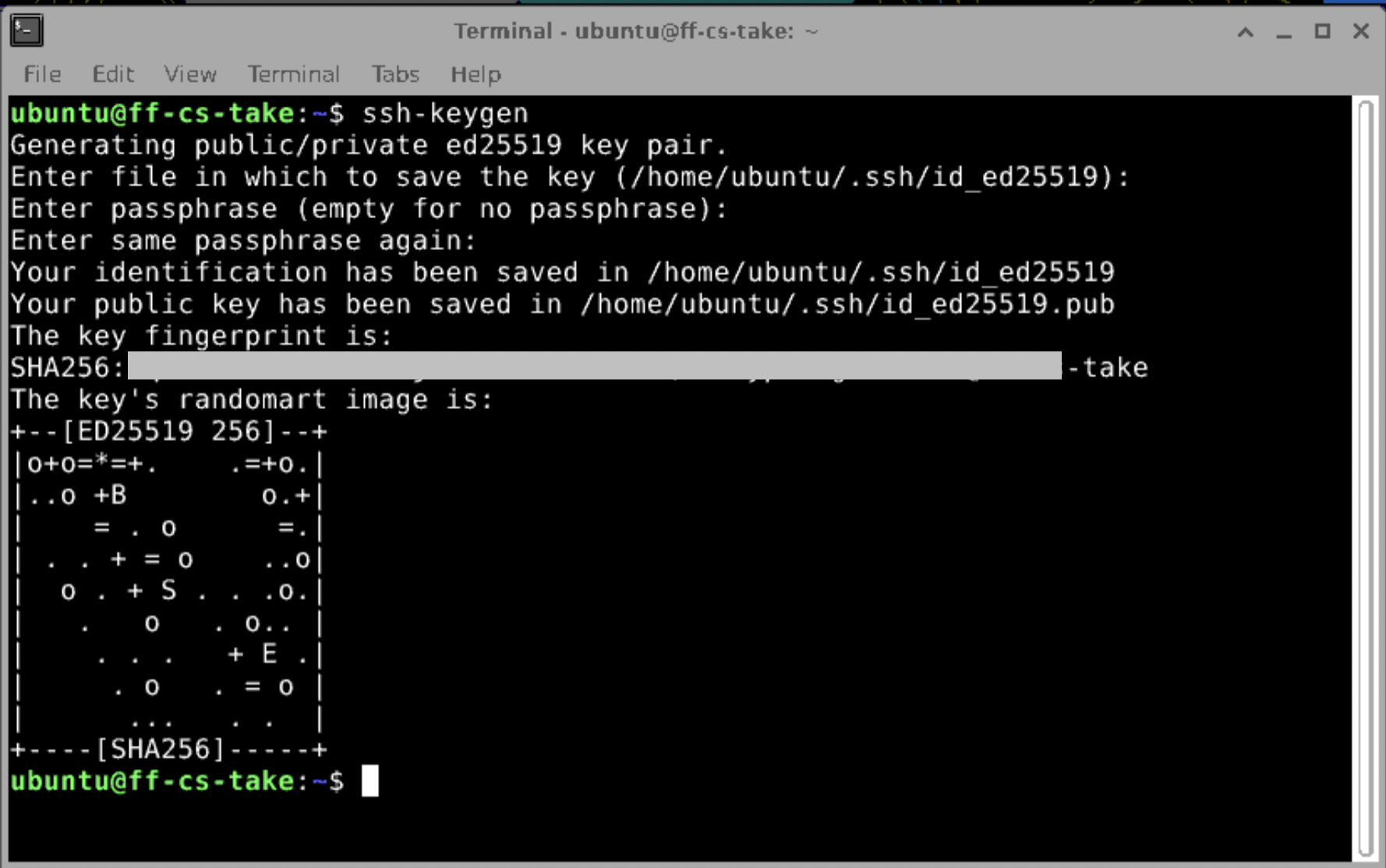
It is saved in ~/.ssh/ folder. There are 2 types of key.
- id_ed25519.pub is a public key.
- id_ed25519 is a secret key.

Let’s see the contents of these files.
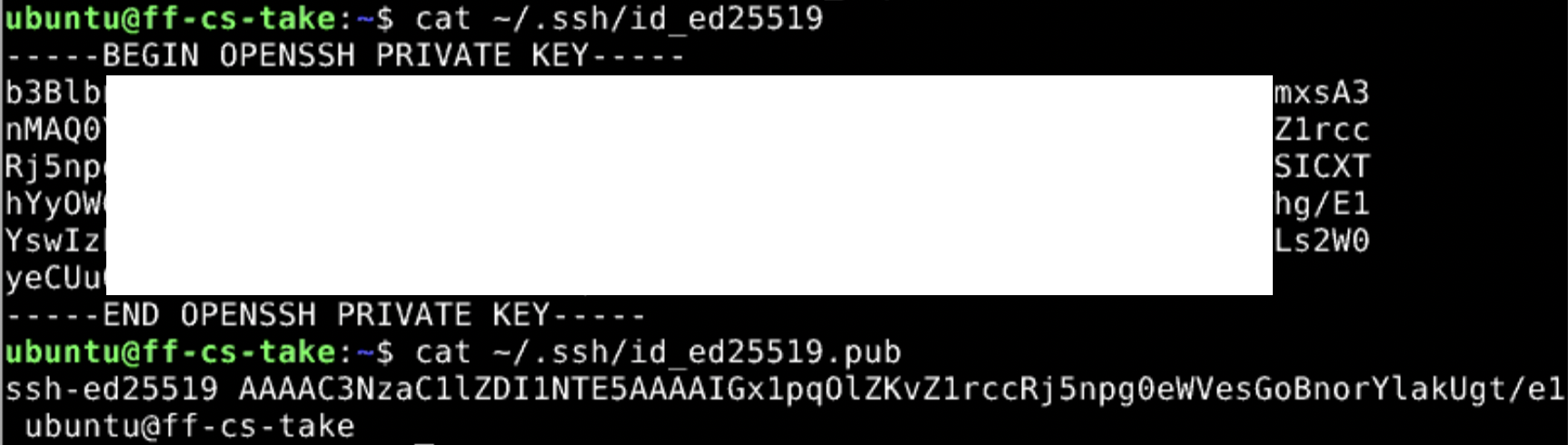
It is containing keys inside as a text type file.
set up PC side
I tried to check the SSH key inside of my own PC. I used make ssh-key for connecting to Github.

Checking public key.
’ cat ~/.ssh/id_ed25519.pub’

test connection
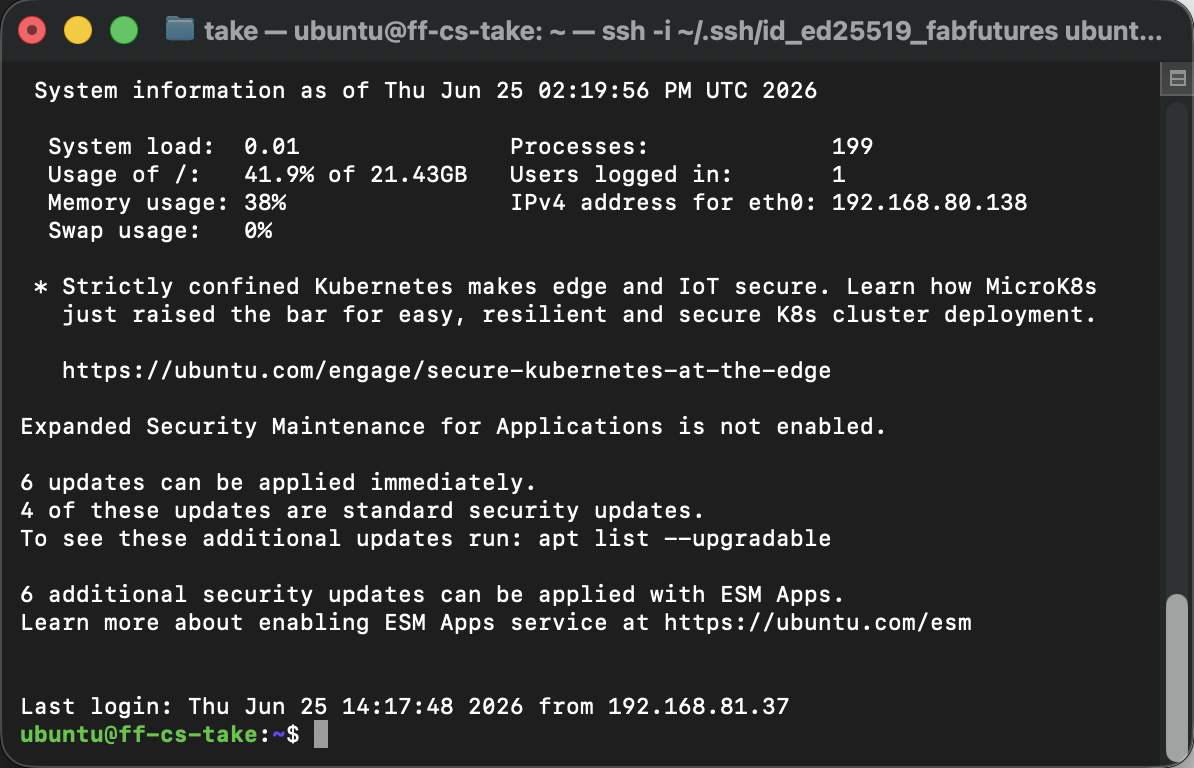
Then, after setting up the public key into server side authorized_keys, I tried to connect to server from PC. ‘ssh -i ~/.ssh/id_ed25519_fabfutures ubuntu@192.168.80.138’
I could connect to server without password but ssh certification.
I will answer these questions.
- How does SSH key authentication work?
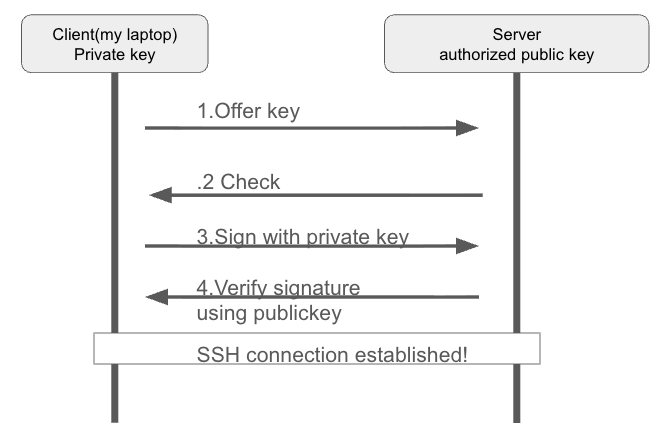
There are key pair, private key and puclic key. Private key stays on my laptop. The public key is copied to the server.
- My client connects and offers a puclic key ID.
- The server checks whether that public key appears in authorized_keys. If yes, it generates a ramdom challenge and encrypts it using public key.
- my client uses the private key to produce a signature over the chagllenge combined with the session ID.
- The server verifies the signature with the stored public key. A valid signature proves me hold the private key.
- Access granted.
- What is stored on the server?
There are 2 keys are stored on the server 1. User’s Public key - It is stored in user directory like “/home/take/.ssh/authorized_keys” - sercret key is not stored on server - public key seems like “ssh-ed25519 AAAAC3Nza… take@laptop” 2. pair of host key - set of server secret key and public key
- What stays on your own computer?
There are 2 data stay on my own computer. 1. User secret key 2. server publickey record
- Why does the server not need your private key?
In SSH authorization process, client and server will only confirm that signature is made with valid key. Secret keys are used just for generating signature. That’s why server don’t need my private key.
Setting up course tools
Setting up VPN
Download wire Wireguard APP

get the information about VPN
I got message from Julian about VPN setting. All of the information was written in this page. https://tools.futures.academany.org/cybersecurity

import VPN configuration
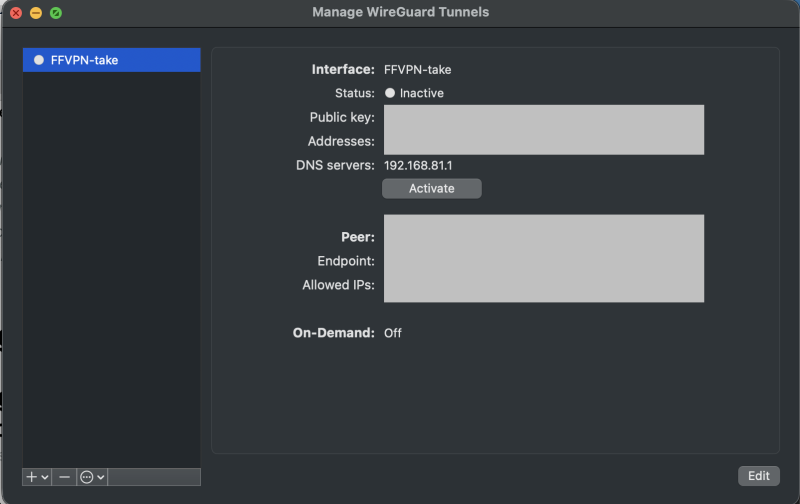
I downloaded the VPN configuration and imported into wireguard.
I tried to connect to the VNC that was prepared using VNC Viewer.

I could open the virtual computer via VNC Viewer.

I sent the public key into server. ‘ssh-copy-id -i ~/.ssh/id_ed25519.pub ubuntu@192.168.80.138’
Then I could see this public key in server
‘~/.ssh/authorized_keys’
