Docker-based web server
I started with several initial ideas, some of them quite exploratory, but given the time constrains, I decided to focus on a practical and achievable project with real-world relevance. My goal is to harden a simple Docker-based web server by starting from a default configuration, identifying vulnerabilities and progressively improving its security.
To begin, I used my main hacking virtual envirmonment and installed Docker with the necessary tools using sudo apt update && upgrade sudo apt install -y docker.io docker-composer. Then I pulled the Nginx image and prepared to deploy it as a containerized web server sudo docker pull nginx.
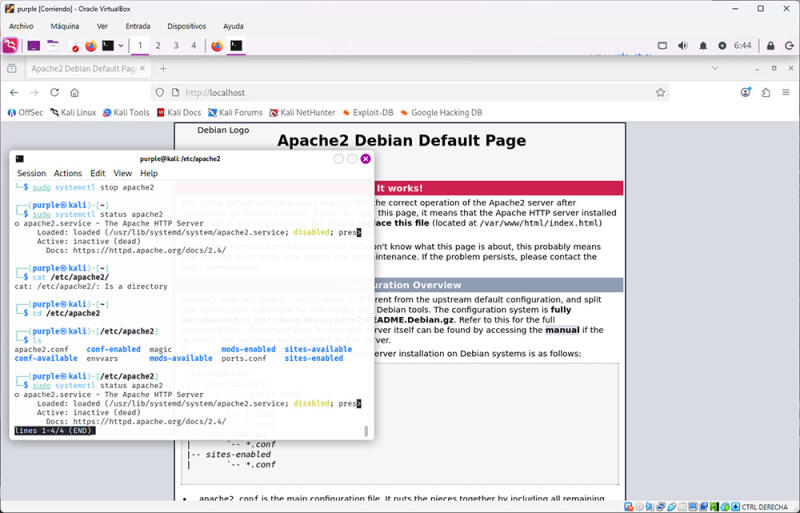 During the setup, I encountered and inexpected issue: accessing
 localhost displayed the default Apache page. After some troubleshooting, I realized that I had installed previously Nginx directly on the host system, which was serving the content from /var/www/html. Once I stopped that service, the localhost became unreachable, confirming that the container was not yet serving traffic.
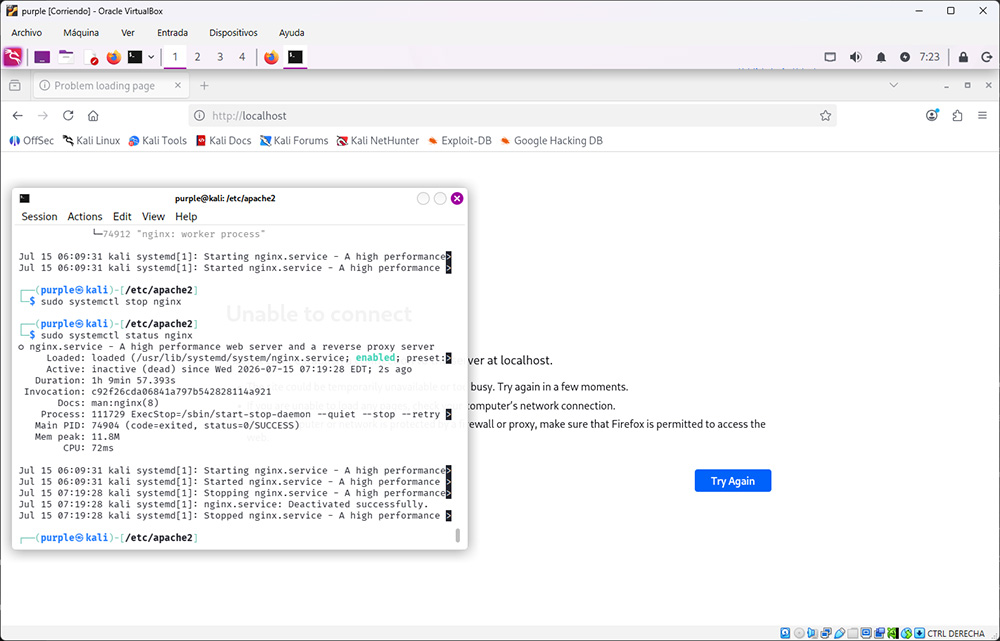 After properly launching the Nginx container, I was able to serve content through Docker. With the initial setup working, I moved on to analyze the system from a security perspective.
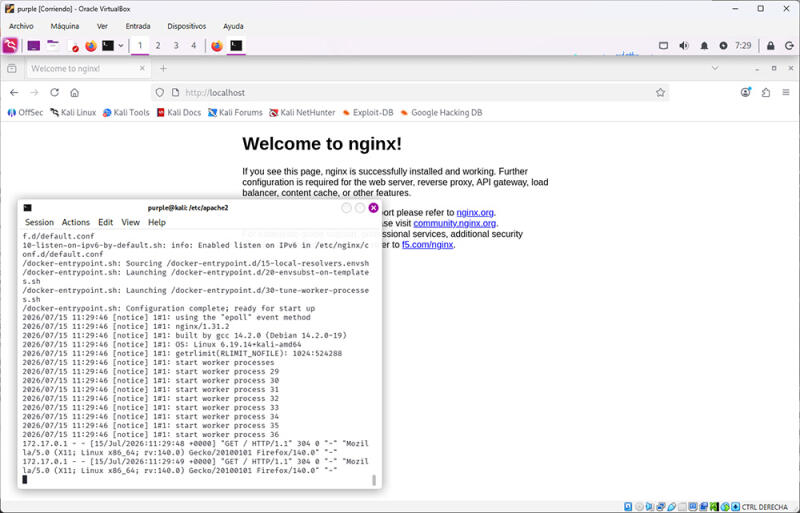
Initial findings
Using tools like curl localhost and nmap -sV localhost, I identified several issues in the default configuration. The server was responding over HTTP with open ports visible, the container was running as root, there was no firewall configurated and traffic was not monitored.
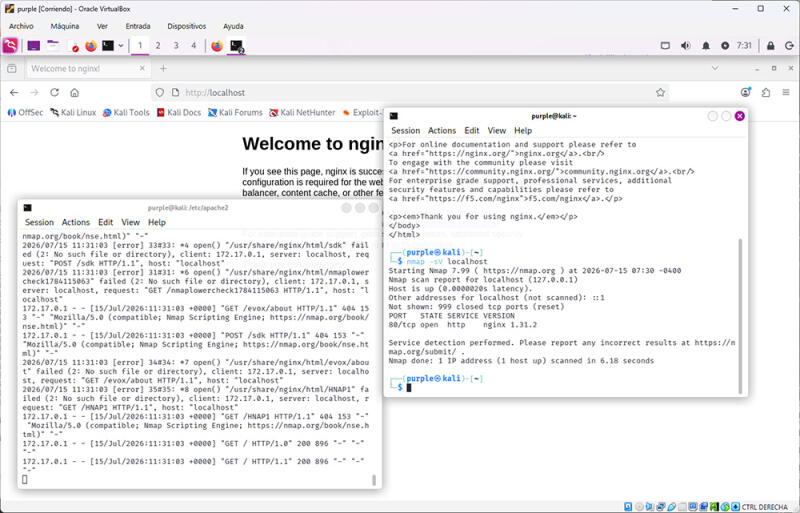 These findings highlight common waknesses in default deployments. While the system is funcional, it lacks basic security controls. Addressing these issues will be the next step in hardening the setup and improving the overall security posture of the environment.