Class 1 - Introduction and Cryptography
Choose one or more of the assignments below. For each one, do the practical work and write a short explanation of how it works. The advanced questions are optional deeper dives for those who want to.
Create a public/private key pair.
I have used the Ai to get the baisc concepts of the following terms as I this course is very new to me. I expect the combined sessions of lecture with Ai integration would definitely help to enhance my understanding of cyber security.
Public Key: A public key is a cryptographic key that you can safely share with anyone. Think of it like an open padlock that anyone can use to lock a box, but only you can unlock it. People use your public key to encrypt information for you or to verify that your digital signature is authentic.
Private Key: A private key is a secret cryptographic key that must remain on your device and never be shared. It works like the only key that can open the padlock. Only your private key can decrypt data that was encrypted with your matching public key.
Common Uses: Public and private keys are widely used for secure SSH logins, encrypting emails with PGP, signing Git commits, and securing cryptocurrency wallets.
Why the Private Key Must Be Protected: Your private key is the foundation of your digital security. If it falls into the wrong hands, an attacker can decrypt your confidential data, gain unauthorized access to your accounts, and even impersonate you online. Keeping your private key secure is essential for protecting your identity and sensitive information.
Install an SSH public key on a server and use it to log in.
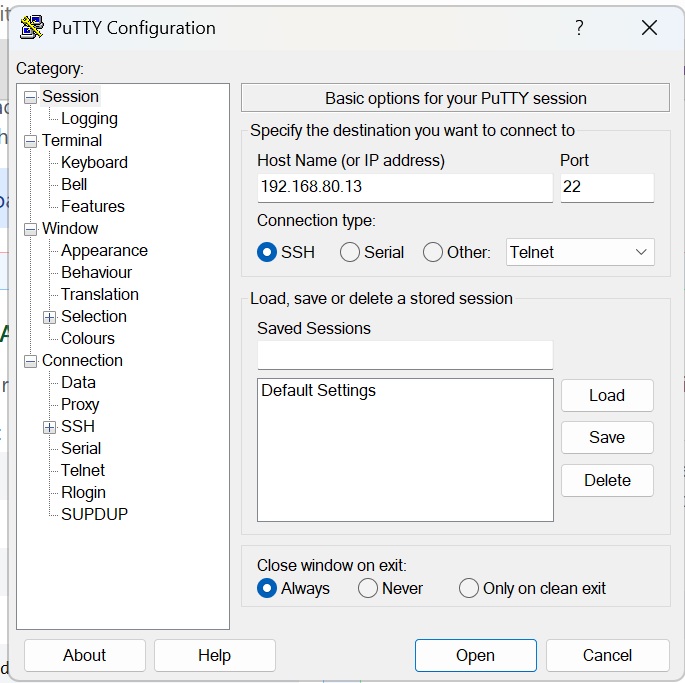
*The following tasks seems to be a bit difficult for me as I do not have any concept about servers and networking. However, I tried using the ssh key given in the mail to access the user page remotely. I used Tigervnc to get the remote access.
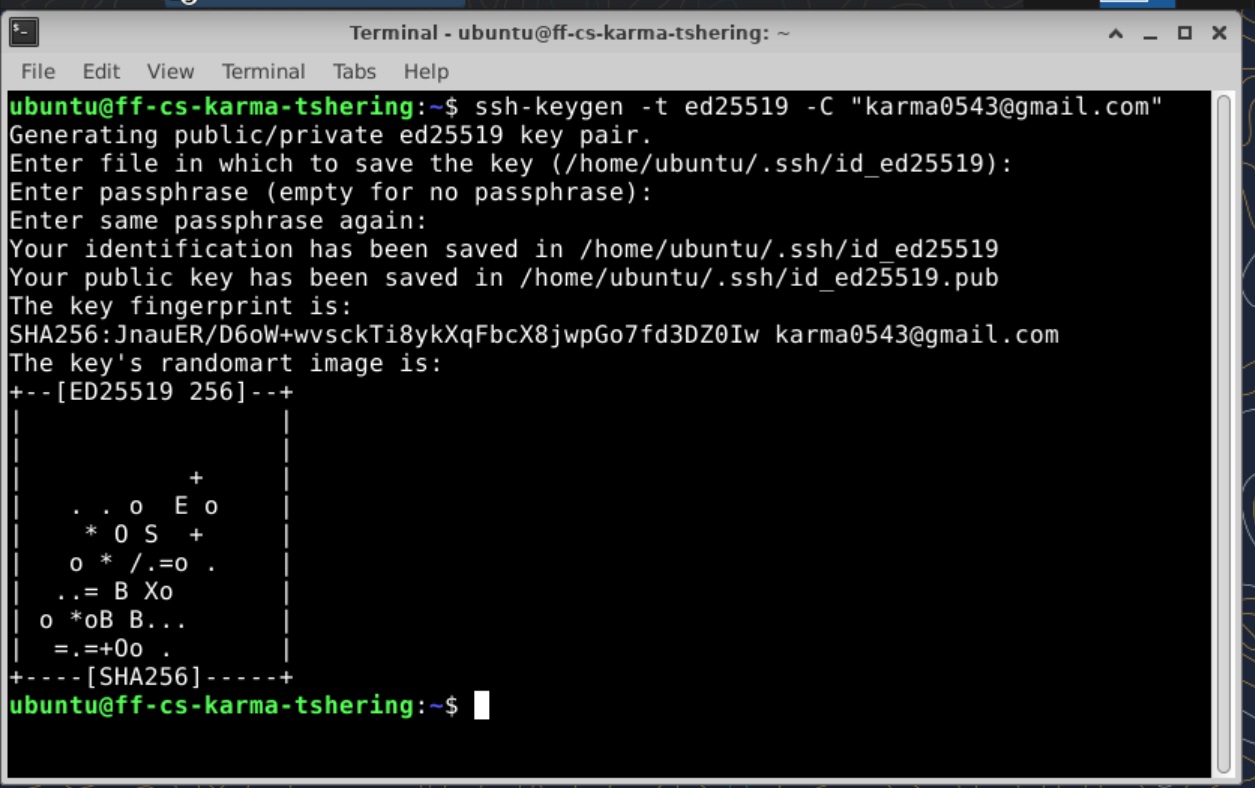
The following screenshots are some of my learning from this course.