Class 3 - Software Security
As these concepts are entirely new to me, I utilized AI assistance to navigate and complete the tasks. Although I found the lessons engaging, the subject matter remains challenging to fully comprehend at this stage.
Installation of QEMU locally
Finding the source files and downloading QEMU and Protostar was quite a challenge for me. It took a significant amount of time to get everything installed and to figure out how to navigate and run the terminal.
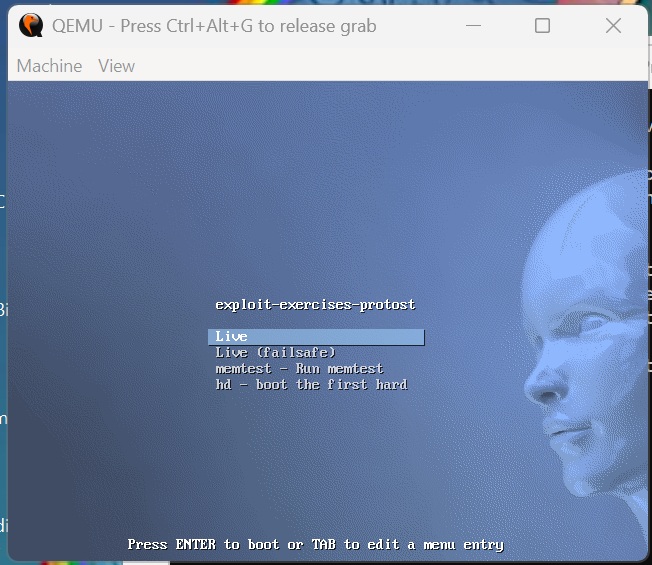
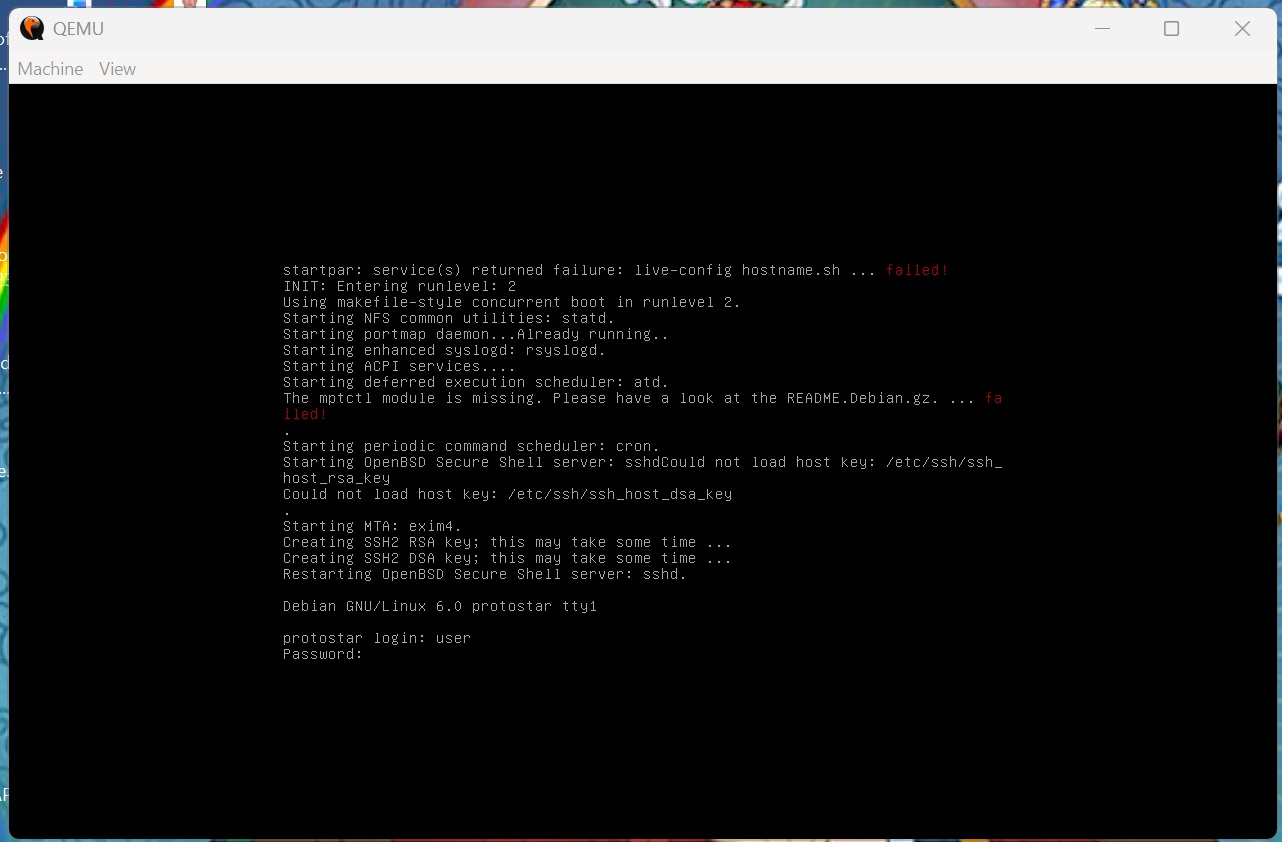
Login to the virtual machine
Stack-Zero
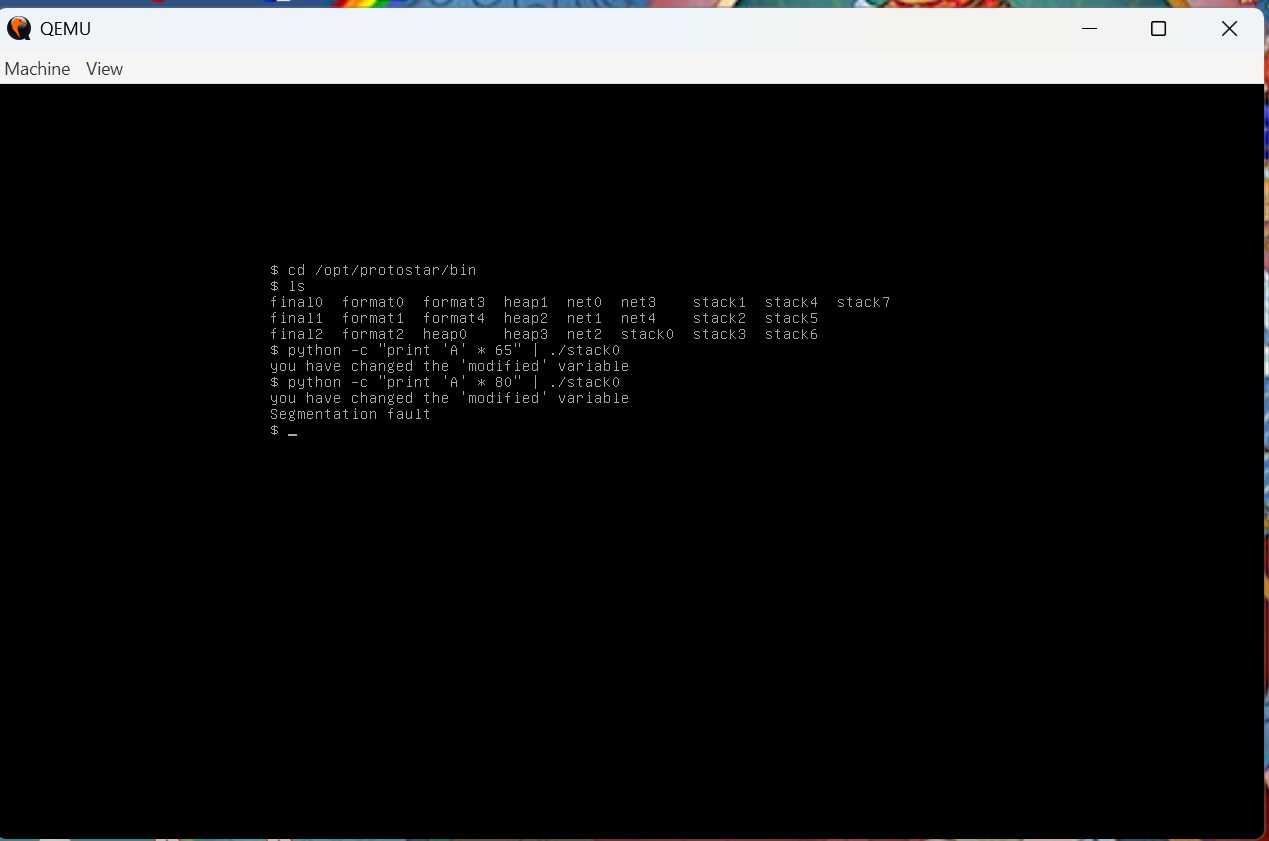
Try until you get this message: “you have changed the ‘modified’ variable”.
Explain what happened.
The first payload (‘A’ * 65) overwrites the buffer, spills over into the adjacent modified variable, and changes its default value (0), triggering the success message: “you have changed the ‘modified’ variable”.
How is it that providing an input in the line that reads “gets(buffer)” can change the value of the variable “modified”?
The second payload increases the input size (‘A’ * 80), which overflows past the variable entirely and overwrites vital stack data (like the saved frame pointer or return address), causing the program to crash with a Segmentation fault.
What does “Segmentation fault” mean?
It means that the program tried to access a piece of memory that it was not allowed to touch.
Stack-One
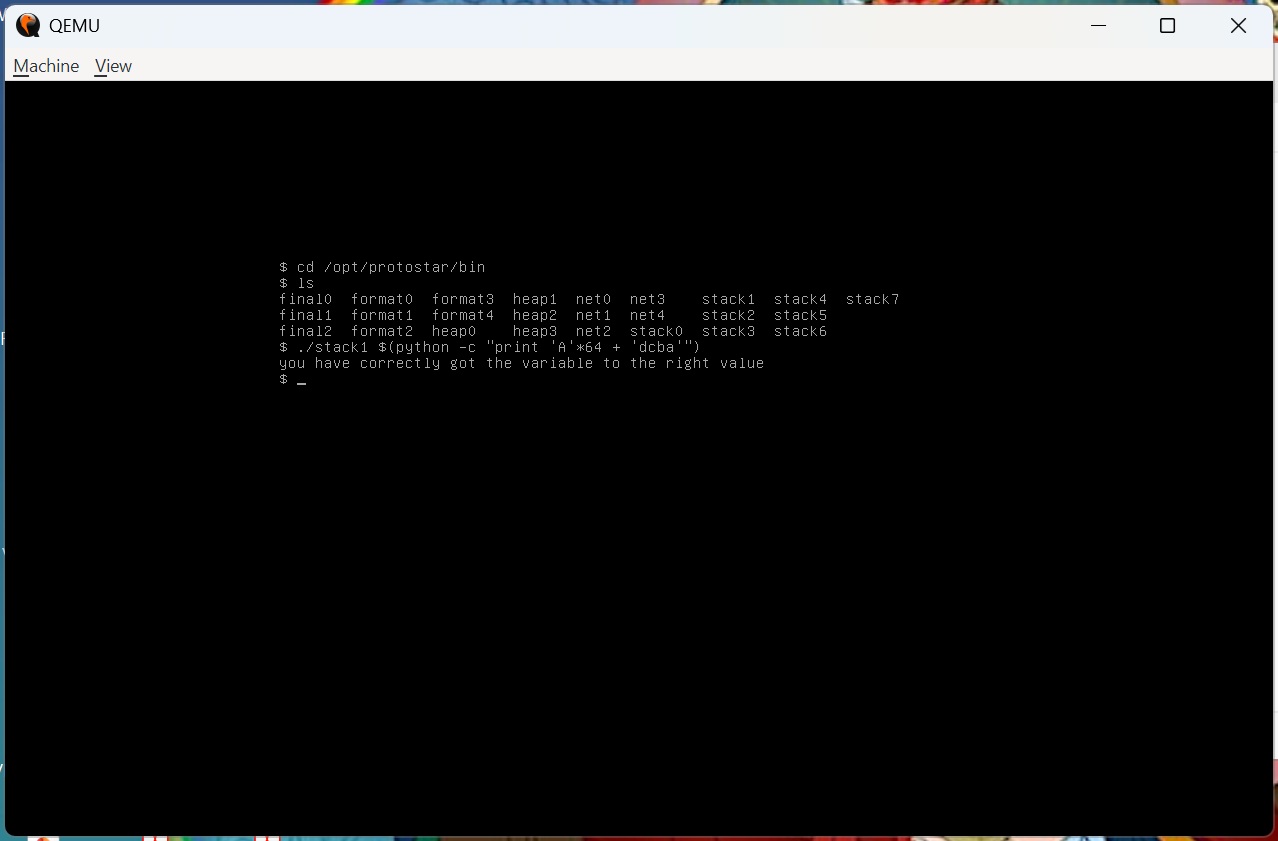
Try until you get this message: “you have correctly got the variable to the right value” Explain what happened.
What does “little endian” mean?
Little Endian means storing a sequence of bytes in computer memory backward, starting with the least significant byte (the “little” end) first.
Why didn’t you get “Segmentation fault”?
The user did not experience a segmentation fault in stack1 because the input was perfectly sized to overwrite only the target variable, whereas the larger input in stack0 spilled over to corrupt the critical return address and crash the program.
Stack-Three
Try until you get this message “code flow successfully changed”
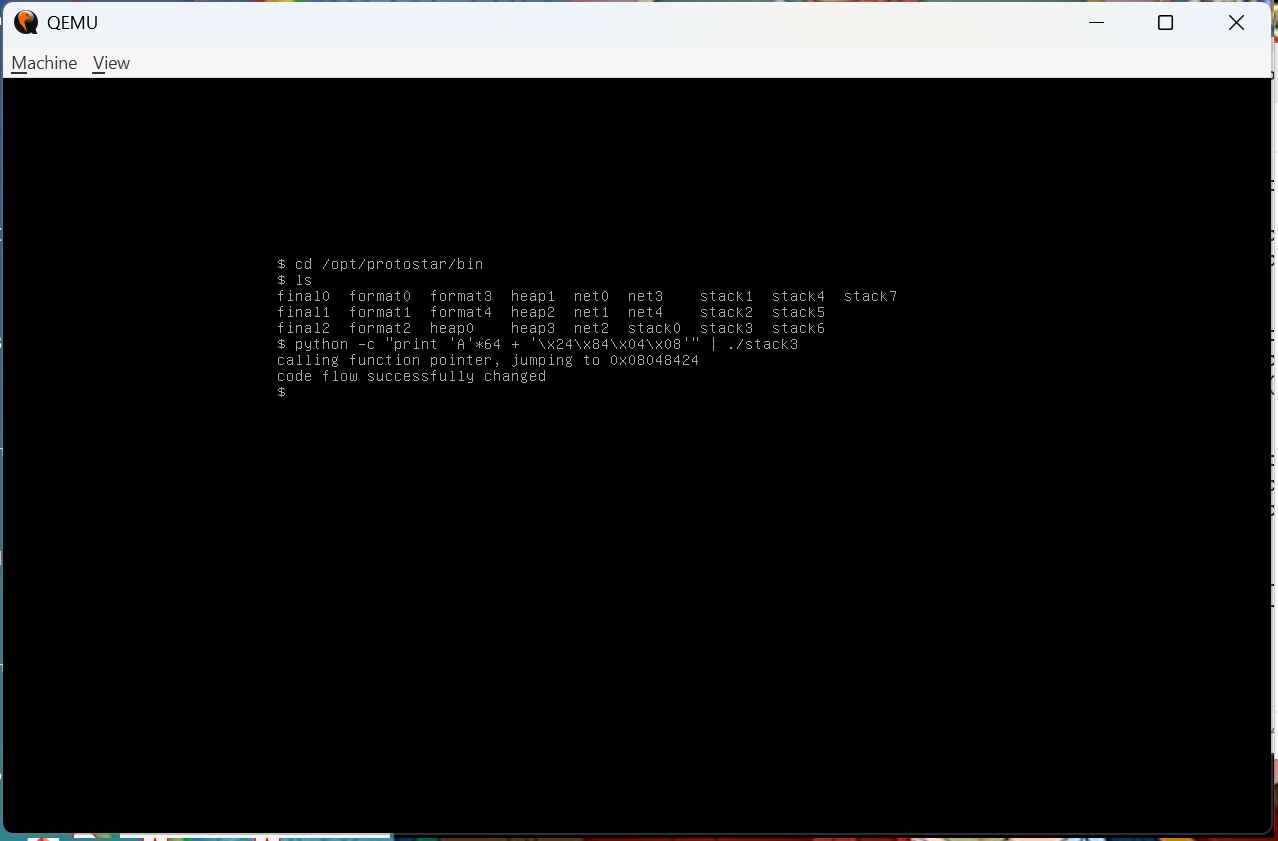
How can you input hex values that don’t correspond to keyboard letters?
*In stack3, hex values that do not correspond to keyboard letters are input by using Python’s print command with hexadecimal escape sequences (\xNN), which instructs the shell to interpret the raw byte values rather than literal text characters. Standard keyboard keys only cover a small fraction of the 256 possible values that a single byte can hold, mostly limited to the standard printable ASCII range. When a challenge requires a specific memory address—like 0x08048424—many of those individual bytes (such as 0x04 or 0x08) represent invisible system control instructions rather than typable letters, symbols, or numbers.
By executing Python directly inside the command line, the prefix \x tells the interpreter not to print the literal characters ‘’ and ‘x’, but instead to treat the next two characters as a single, raw hexadecimal value. When Python generates these raw, non-printable bytes, they are piped (|) directly into the running binary. This technique allows an attacker to bypass keyboard limitations and inject precise binary data, raw instructions, and memory locations directly into the computer’s stack memory.*
Explain what happened.
In stack3, a buffer overflow was used to hijack the program’s execution flow by sending exactly 64 ‘A’s to completely fill an allocated buffer right up to the edge of an adjacent function pointer, which acts like a GPS instruction telling the program where to jump next. The next 4 bytes of the input spilled out of the buffer to overwrite this pointer with the specific target memory address 0x08048424, entered backward as \x24\x84\x04\x08 due to the computer’s Little Endian byte ordering. As a result, when the program reached into memory to run its next intended function, it grabbed this modified address instead, successfully redirecting the code flow to a secret target function and printing the success messages seen in the terminal.