Homework 02
NETWORK SECURITY
1. PGP (Pretty Good Privacy – End-to-End Email Security) What threat does it address? PGP protects email confidentiality, integrity, and authenticity. It prevents attackers from reading or modifying email contents during transmission and allows recipients to verify who sent the message.
Trust model 1. Public Key Infrastructure (PKI) without centralized certificate authorities. 2. Uses a Web of Trust, where users sign each other’s public keys. 3. Users decide which keys they trust.
Residual risk 1. Metadata (sender, recipient, subject, timestamps) is usually not encrypted. 2. Users may trust malicious or compromised keys. 3. Private key theft compromises security. 4. Poor user verification can enable man-in-the-middle attacks.
2. SSH (Secure Shell) What threat does it address? SSH protects remote administration against: * Password theft * Eavesdropping * Session hijacking * Data tampering
Trust model 1. Server authentication using host keys. 2. Optional client authentication using passwords or public/private keys. 3. Clients remember known host keys to detect impersonation.
Residual risk 1. Stolen private SSH keys 2. Weak passwords 3. Users accepting fake host keys 4. Compromised endpoint devices
3. VPN / IPsec What threat does it address?
VPNs encrypt network traffic across untrusted networks such as the Internet. Protects against: * Packet sniffing * Traffic modification * Session interception
Trust model 1. Mutual authentication 2. Certificates or pre-shared keys 3. Internet Key Exchange (IKE) for negotiating secure connections
Residual risk 1. VPN provider may observe traffic 2. Endpoint compromise bypasses encryption 3. Traffic analysis still reveals communication patterns 4. Misconfigured VPNs can leak traffic
4. MACsec (Media Access Control Security) What threat does it address?
MACsec secures Ethernet links by protecting frames against: * Sniffing * Replay attacks * Frame tampering
5. DNS Security (DNSSEC & DNS Spoofing) What threat does it address?
DNSSEC protects against: * DNS spoofing * Cache poisoning * Fake DNS responses
6. IDS vs IPS IDS (Intrusion Detection System) Detects: * Malware * Port scans * Exploitation attempts * Policy violations
IPS (Intrusion Prevention System) Detects and actively blocks malicious traffic.
***how to actually capture and analyze this TLS handshake step-by-step *** Step 1: Start the Packet Capture Open Wireshark on your machine.
You will see a list of your computer’s network interfaces (like Wi-Fi, Ethernet, etc.). Look for the one showing active traffic waves.
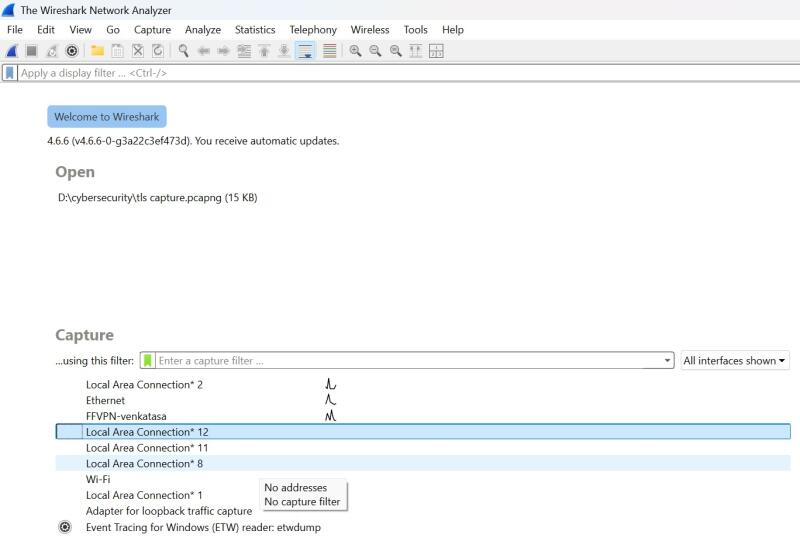 Double-click your active interface (e.g., Wi-Fi or Ethernet) to start capturing packets in real-time.
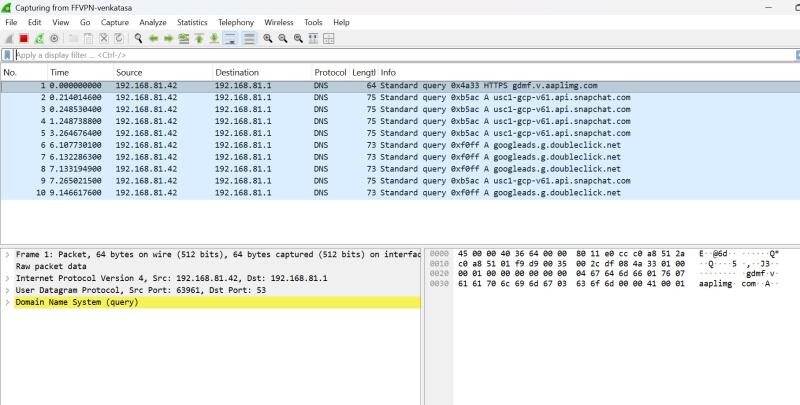
Step 2: Generate the TLS Traffic
Open a new Incognito / Private Browsing window (this prevents your browser from reusing old session keys).
Type https://gmail.com into the address bar and press Enter.
Once the page loads, go back to Wireshark and click the red square button in the top left corner to stop the capture.
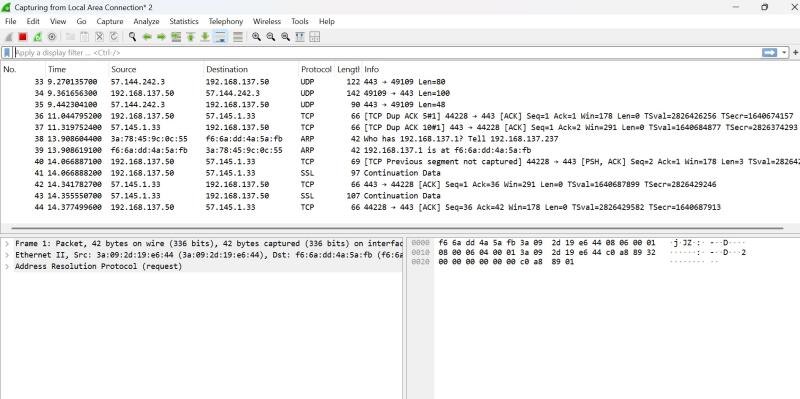
Step 3: Filter and Inspect the Handshake
In the display filter bar at the top of Wireshark, type tls and hit Enter.
Expand the TLS layer in the middle window. Under Handshake Protocol: Client Hello, look for Cipher Suites.
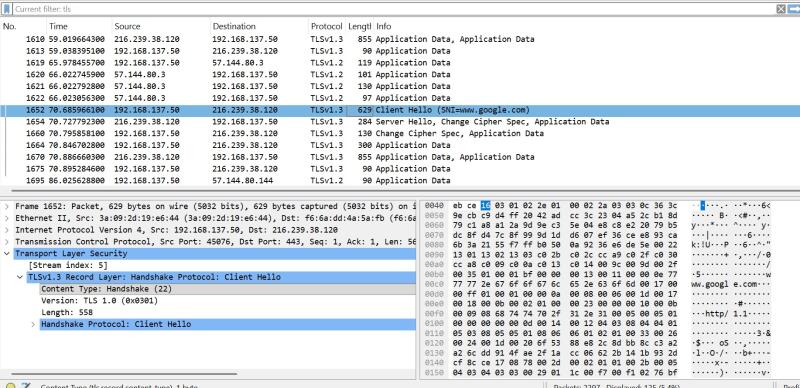
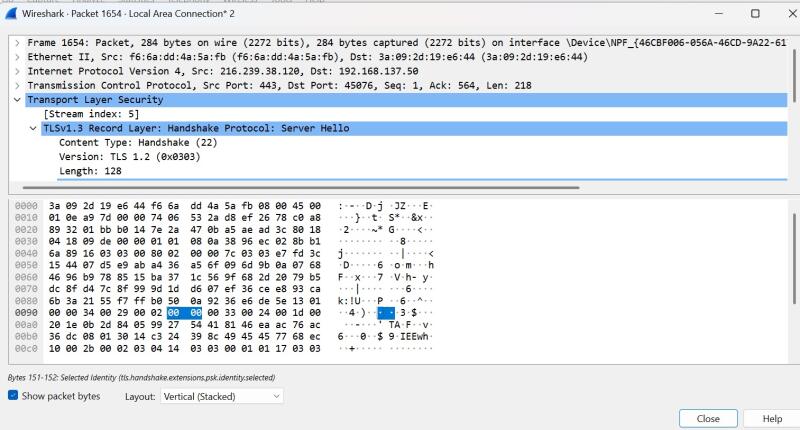
Expand Handshake Protocol: Server Hello. The server has chosen exactly one cipher suite from your list