Session 1: Introduction & Cryptograpy
Class page:
Homework
Create a public/private key pair
This is a protection system using keys, public key and private key. Only people who have the correct key can access the document or messages.
-
What is the public key? A public key can be shared with anyone. It is usually put in the server and a sender encrypt a message with public key.
-
What is the private key? A private key is secret. Only the person who has the private key can unlock and decrypt the information and access the contents.
-
What can this key pair be used for? This pair key is for encryption and decryption. When a message is encrypted with public key and decrypted with private key.
I asked chatGPT to draw the relationship of public and private keys.
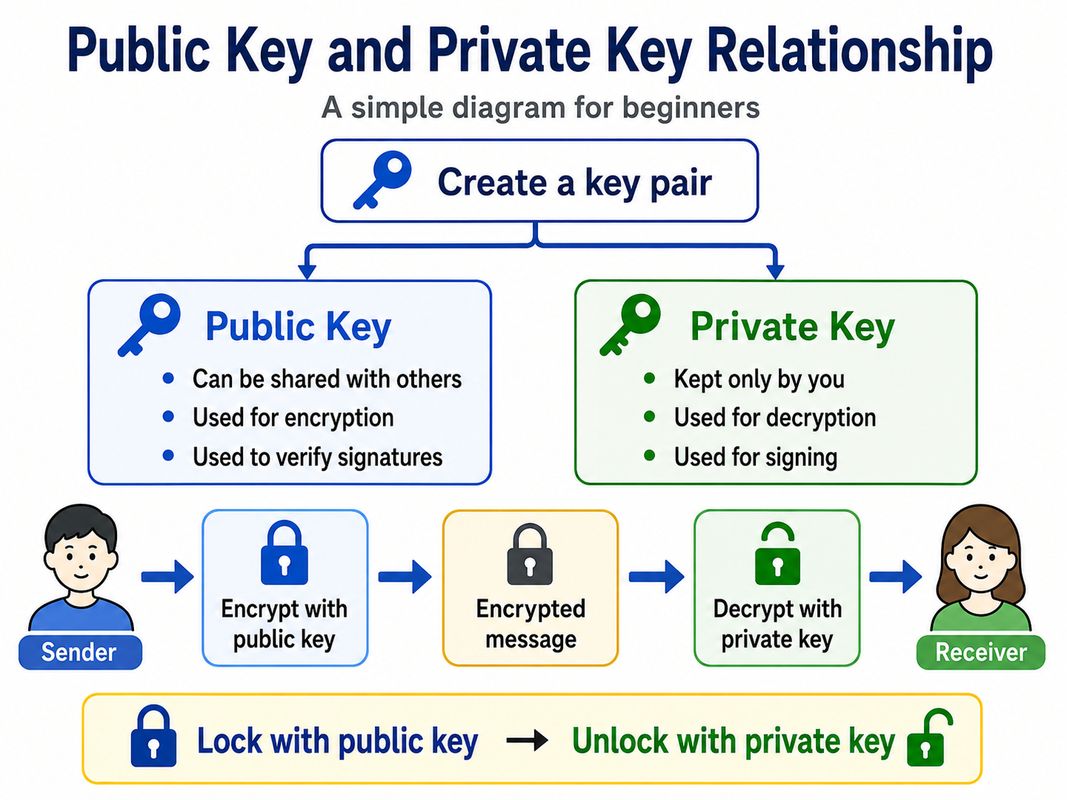
- Why must the private key be protected? Private key is really improtant Private key is working as a “password” or “ID” to get the information. So if someone get that information, that person can get
Install an SSH public key on a server and use it to log in
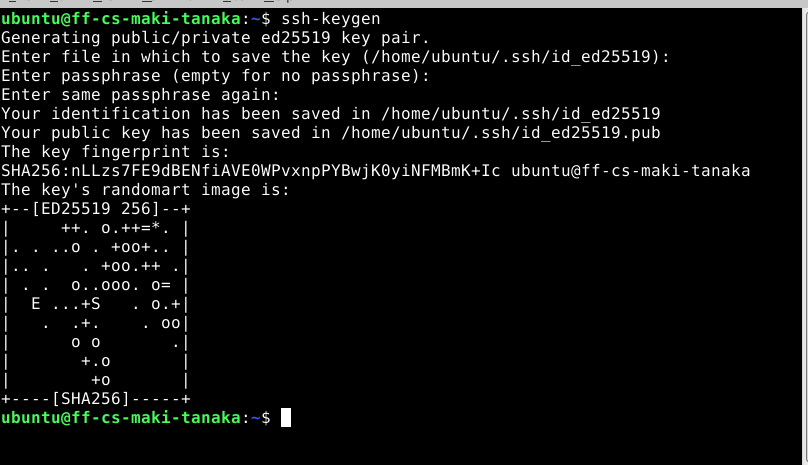
- Make ssh key in the virtual server I made a ssh key in the virtual server.
- Setting the public key into the server I already have my ssh key in my PC.
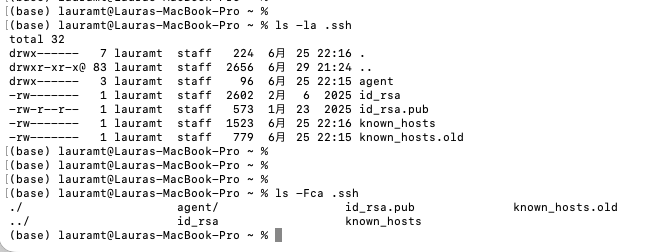
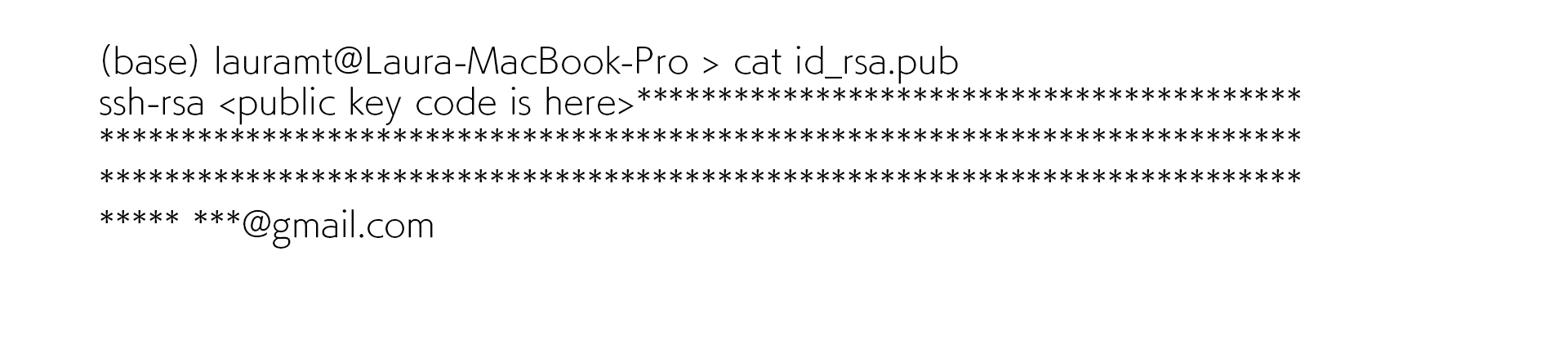
I copied the public key data in id_rsa.pub by cat command.
- Put the public key data into the file in the virtual server. First, I logged in the virtual server normally(I already have my id/passward information) and search authorized_key in .ssh folder.

Then I put the public key data into authorized_key file.(~/.ssh/)
The procedure of ssh key to the virtual server is done and I tried to log in by ssh key(it means no need to put the password for login).