3. Final Assignment > Deliverable
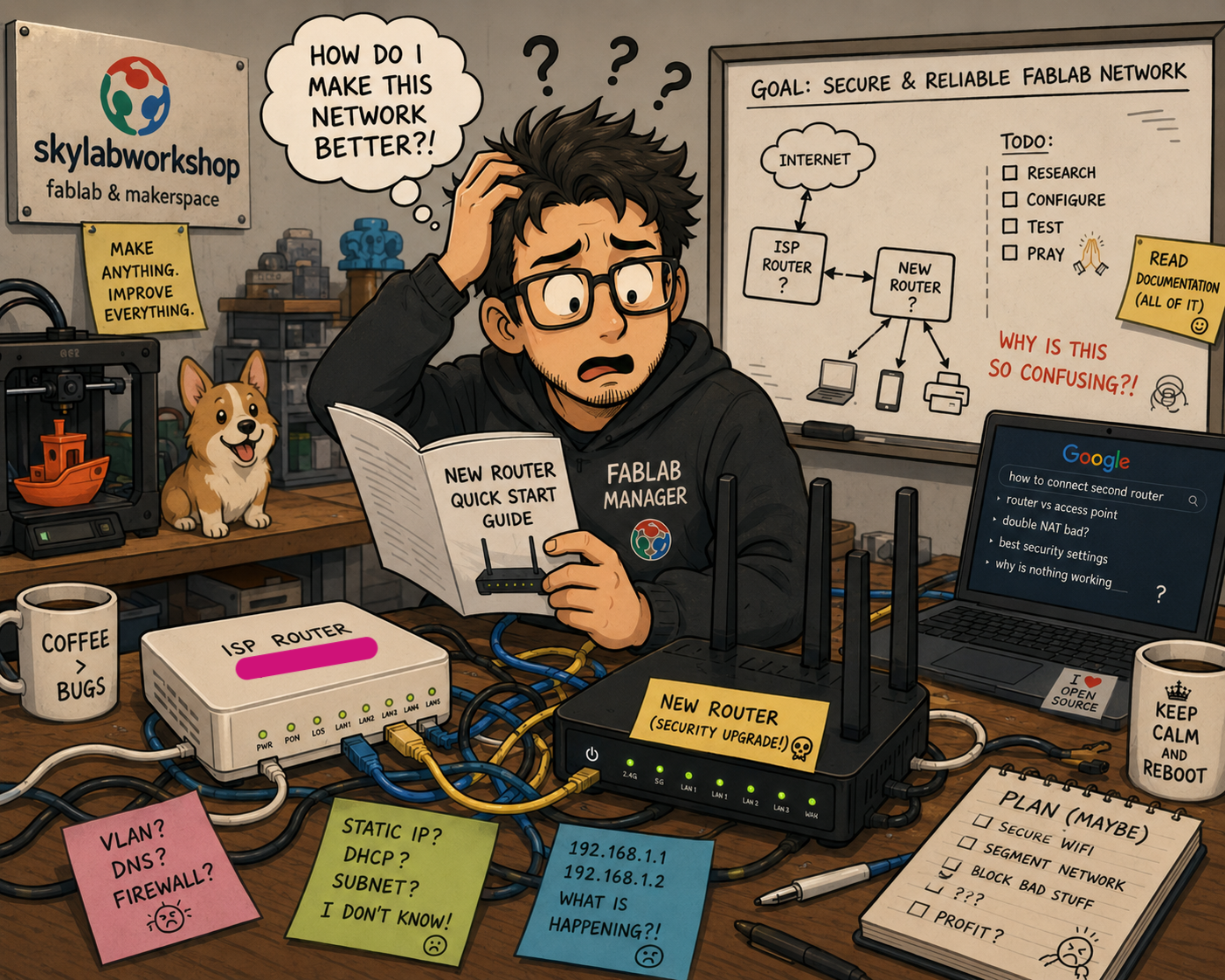
I made security mistakes…by documenting my work
Note: The entire network hardening process has been a bit nerve wracking as I am performing adjustments to a functioning network with very limited knowledge. What to change and why is very murky at this point and there is a lingering fear that if I get things wrong, the network could be damaged some how. This anxiety is exascerbated by the time pressure I am under to get the work done. No choice but to get the assistance of GenAI to help me get through the weeds in one piece. But this act brings with it its own risk…
As I studied and worked to complete my Final Assignment, I gained more and more knowledge. In the middle of the process, I learned that I was risking my lab network security by over documenting the process of my Final Assignment work.
- Posted images with sensitive information
- Provided details about my router
I spend hours the day before my Final Assignment was due redacting information from images in my documentation and removing text that described ‘sensitive’ information. Cybersecurity has taught me to be…paranoid and suspicious.
- I don’t know what I don’t know
- The hardest documentation I have ever done
- high speed documentation means security risk
- spent a ton of time redacting information from images
- Describe but don’t show!
Why My Lab Network is vulnerable?
- Hackers/Bad Actors exist
- Personal digital information is valuable to criminals
- I have done nothing to actively protect my network before this course
- Devices outside of my control are connecting to my network, possible injectors of malicious viruses or pathways for bad actors
Why Wifi Networks should be secured?
- Defend against external attacks to the network
- Defend against internal attacks to the network
Lab Network Objectives
- Secure the Router
- Segregate Users > Guest vs Staff
- Segregate Device access to the network > Secured vs Unsecured devices
- (stretch goal) set up a VPN to allow safe remote access to the lab network
Best Practices
- DO NOT share the Public IP Address to your network with ANYONE
- Use up-to-date encryption > WPA3 ideally, WPA2 if not available
- Close Ports > no Port Forwarding
- Network permission segregation > Guest vs Staff
Analysis Report
The lab router situation is less than ideal. The ISP provided router is old and lacks modern security features.
That said, Wireshark and Nmap analysis on the network reveals that while not perfect, the network security situation is in reasonably good shape. But improvements would take it from good to great.
Hardening the Network
[x] Change Admin Username & Password
[x] Turn ON Firewall
[x] Turn OFF Remote Management
[x] Turn OFF Port Forwarding
[x] Change 2.4G and 5G encryption protocol
[x] Differentiate passwords for 2.4G vs 5G wifi
[ ] Create VLAN Segmentation for Guest vs Staff
[ ] Install better router as second router
- Changed Admin Management application password to strong password
- LAN DHCP Server Configuration/Lease Time > 1 day
- WLAN 2.4G & 5G/SSID > new SSIDs created for lab guests
- WLAN 2.4G & 5G/Number of Associated Devices > reduced from 32 to between 5 and 10 for different SSIDs
- WLAN 2.4G & 5G/Authentication Mode > changed from ‘WPA/WPA2 PreSharedKey’ to ‘WPA2 PreSharedKey’
- WLAN 2.4G & 5G/Encryption Mode > changed from ‘TKIP’ to ‘AES’
- WLAN 2.4G & 5G/PreSharedKey > differnt passwords for all SSIDs
- WLAN 2.4G & 5G/Enable WPS > changed from ‘enabled’ to ‘disabled’
- Security/DoS Configuration > all attack type preventions ‘enabled’
- Security/IPv6 Firewall Configuration > ‘enabled’ IPv6 firewall control on packet forwarding
- Forward Rules > no Forward Rules enabled
- Network Applications > no application enabled or configured (USB application, Home Sharing, Media Sharing, ALG, UPnP, ARP, DNS)
Uncompleted Work
- VLAN Segmentation is not possible on the ISP Router
- A better router has been ordered
- need to figure out how to connect to the ISP Router and implement better, more modern security features.
Reflection > Residual Risks
- Trust in router manufacterer and network hardware > no built in hardware vulnerability, firmware updates
- Trust in diagnostic software, VPN service providers
- Optical cable vulnerable to physical hacking?
- ISP router USB connection port vulnerable to physical hacking?
- WPA and WPS button on ISP router vulnerable to physical hacking?
- Network hardening should probably be followed by device level security hardening