Session 1 > Introduction & Development Pipeline
**Class Notes: Introduction & Cryptography**
Cybersecurity
- Cyber attacks have been happening since WWII
- Different forms:
- Cryptanalysis > Enigma & the Turing Machine
- Malicious Code > STUXnet
- Side-Channel Attack > magnetometer transmitter
“The attacker did not need to overpower the enemy physically. They needed to understand the information system – its structure, its assumptions, its blind spots – better than its designers did.”
“(Vulnerabilities) are the inevitable consequences of complex systems built by humans…without adversarial thinking.”
- Damages from cybersecurity attacks amounts to USD10 trillion per year
- Ransomware occurs every 11 seconds
- Targets: Critical infrastructure, Democratic processes, Personal privacy, AI & Autonomous Systems, Financial systems, Embedded systems
“Every insecure device is a potential weapon against someone else.”
- Course Topics: Cryptography, Software Security, Hardware Security, Web & Network Security, Human Vulnerabilities
“Security is how you think, not just what you know”
“The goal of this course is to build adversarial intuition”
Cryptography
Uses
- Encryption/Decrypt
- Integrity Protection = detect file modification
- Authentication = prove you are who you are
Secret Key Cryptography
- 2 inverse functions: encrypt/decrypt…use the same secret key
- ex: encrypt by multiplication, decrypt by division
- best if integers and sized to a specific number of bits > use Modulo
“Cryptography is only as secure as the computational resources of the attacker”
- can’t defend against an attacker with infinite compute resources
- increase the size of the key by 1-bit doubles the possible number of possible combinations
- 128-bits enough for today
“An encryption algorithm is considered secure only if there is no way to decrypt the message significantly more easily than trying all keys”
- Capabilities: encrypt/decrypt, authentication, integrity protection
- Notation for Encryption: a message in curly brackets followed by the encrypt key, ex: {msg}K
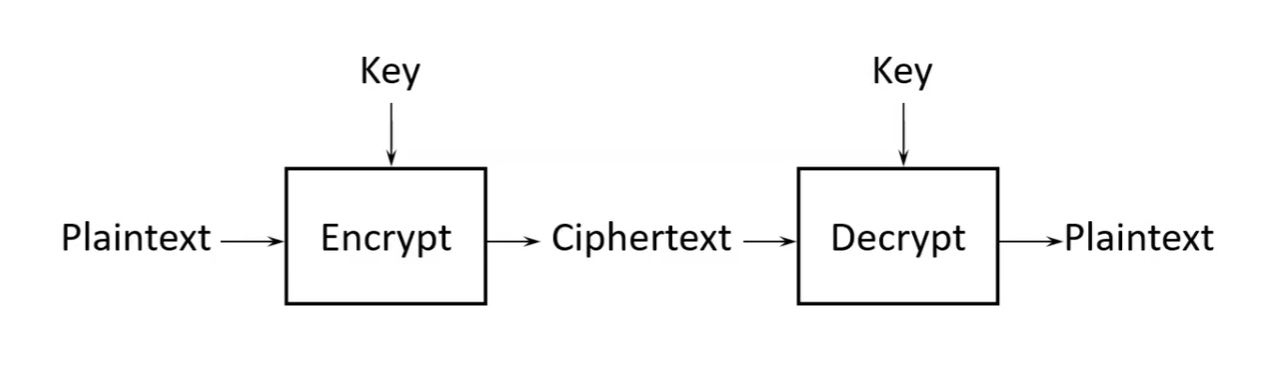
- Authentication with Password is vulnerable to the wrong receiver or eavesdropper
-
Cryptogrphy is better…allows proving that you know the secret key without saying the secret key…able to decrypt
-
Integrity Protection…check is a function of the message and the secret key (K) -Message Authentication Code (MAC) = take message and key and run through function to generate Integrity Check, and produce a MAC. Take the message, key and MAC and run them through a Verify function to generate yes/no modification outcome
- similar to but not the same as checksum
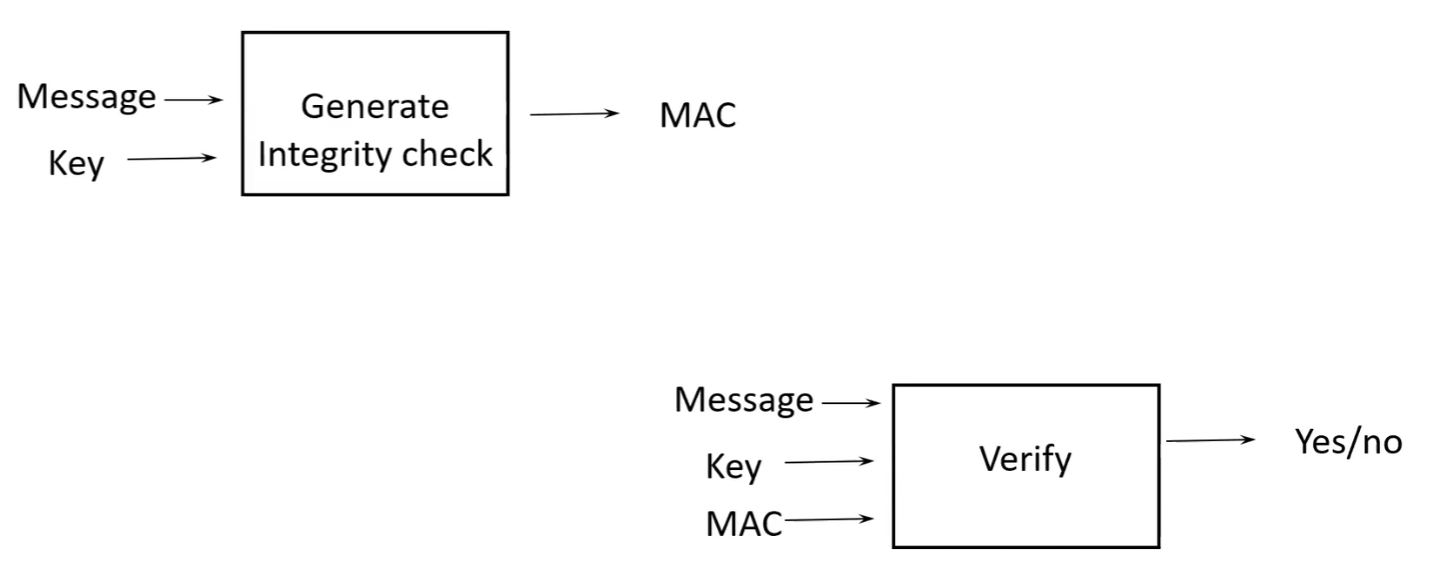
- Secret Algorithm: Advanced Encryption Standard with either 128-bit keys, 192-bit keys or 256-bit keys
Public Key Cryptography
- Asymmetric Cryptography
- 2 keys…which are inverses of each other
- one is known to one person only, while the other is known by everyone
- anyone can encrypt, but one person only can decrypt
- Capabilities: encryption, authentication, integrity check (digital signature if using public key)
- Performance Issues: public key not good for large messages. Instead, encrypt a random number secret key (S) for the message being sent with the recipient’s Public Key (P)…and send the large message encrypted with S ({S}P and {msg}S)
- Public Key Algorithm: RSA, Diffie-Hellman, Elliptic Curve Cryptography
- …but these methods are vulnerable to quantum computing running Shor’s Algorithm
Hashes
- Input: message of arbitrary size
- Output: fixed size quantity in bits
Properties:
- Efficient to compute
- Given value h, should be computationally infeasible to find a message that has a hash value h
- Brute force search is the only way to find the correct message with a good cryptographic hash
- Collision Resistant…infeasible to find two messages with the same hash
Uses:
- practical digital signatures
- compute a digital signature (using public key cryptography) on a big message is impractical
- instead, compute hash of the message, then run digital signature algorithm on the hash
- Integrity Check
- 2 parties shares a secret key. One party can use hash(msg, K) as integrity check on the message
- only the other party who knows the secret key can generate or verify the integrity check
Algorithms: SHA-2, SHA-3…each with output size variants from 256 to 512 bits
Certificates and Public Key Infrastructure (PKI)
- Certificate is used to ensure that a public key belongs to a particular person
- ensures trust
- signed by Certificate Authority (CA)
Procedure
1. Party A sends message to Party B to request conversation
2. Party B sends their certificate to Party A
3. Party A verifies the certificate signature and trusts Party B\
HTTPS Example
1. Using TLS protocol
2. Party A sends certificate to Party B
3. Party B chooses a secret key (K) and send to Party A, encrypted with Party A public key
4. …or using Diffie-Hellman, Party A and B agree on a secret key (K), once Party A knows Party B’s public key
5. conversation now cryptographically protected
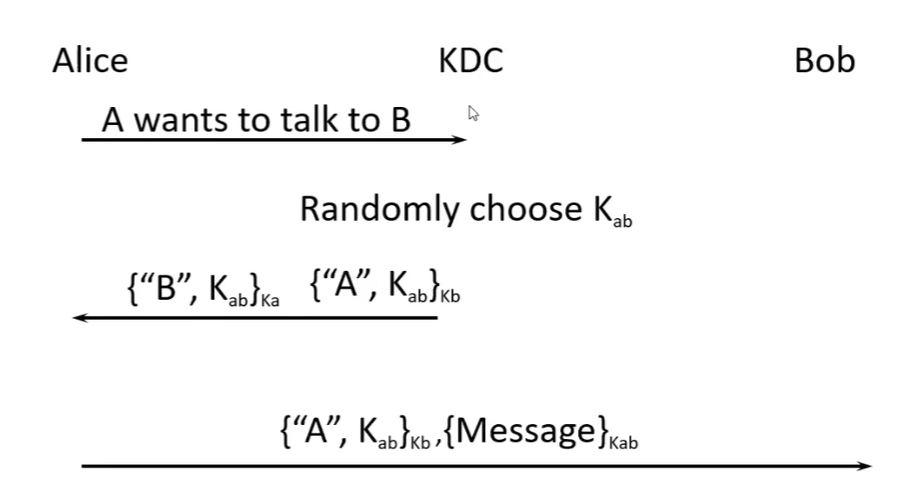
Design Key Distribution without Public Keys
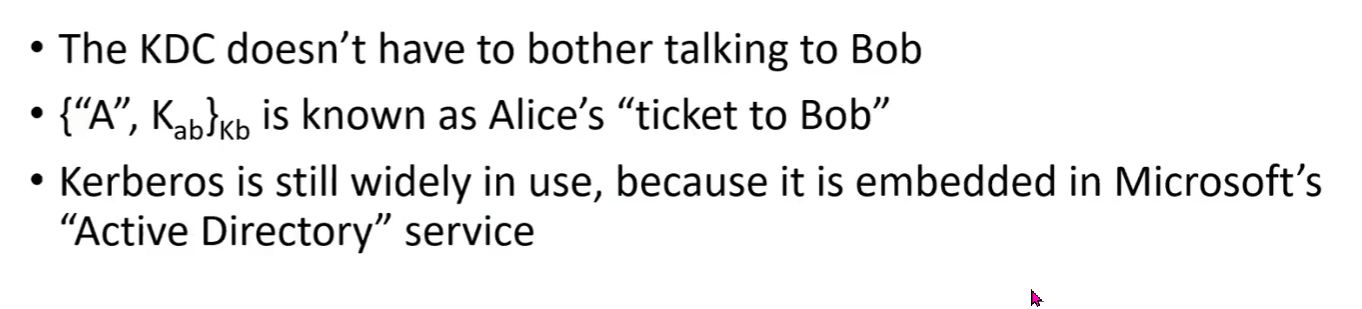
- Kerberos
- Key Distribution Center (KDC) configured with secrets for each Party
- Each Party only needs to know the secret key it shares with the KDC
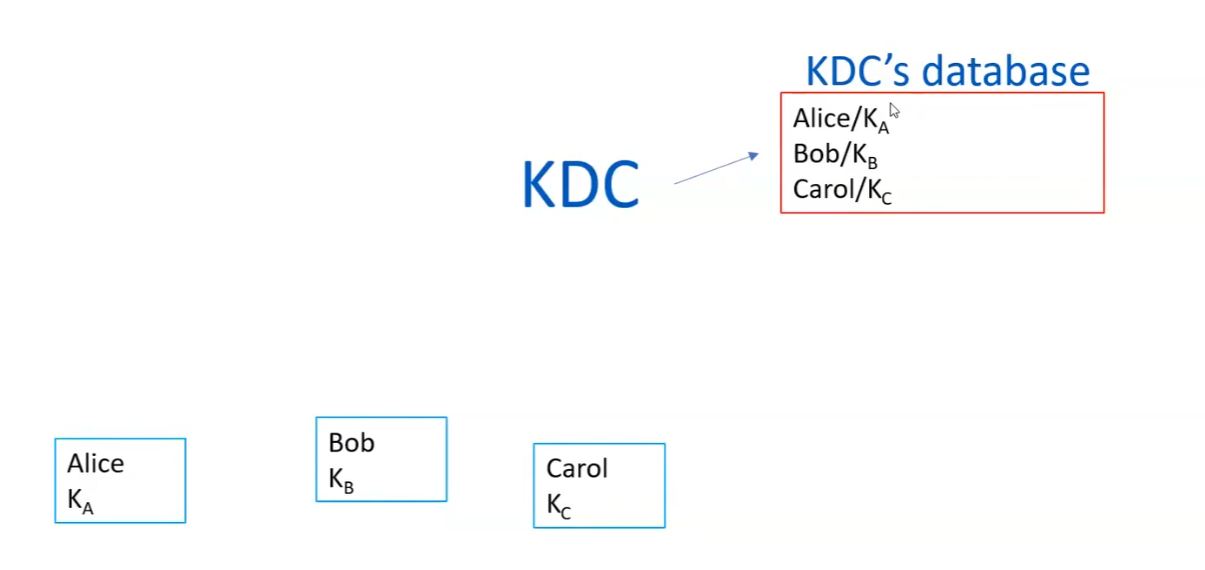
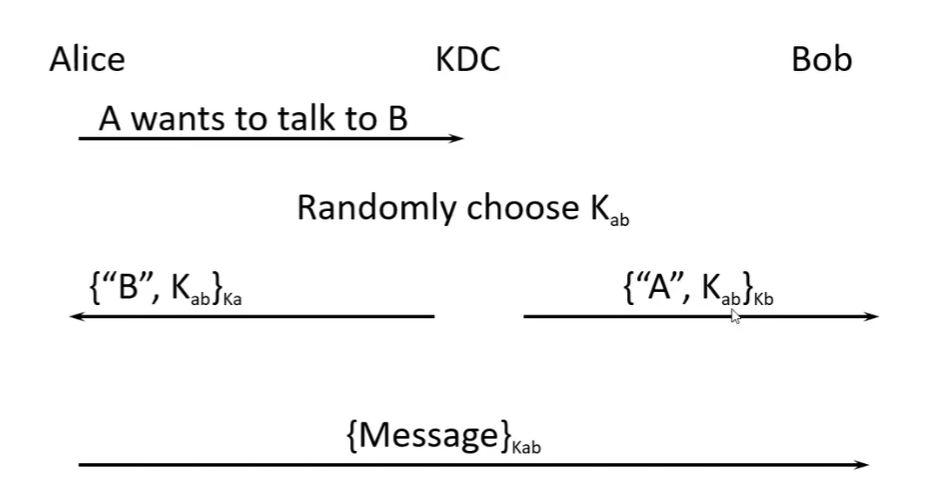
Revocation = making a certificate invalid
Quantum Computer
- A narrow set of algorithms that run faster on a quantum computer than a classical computer
- Shor’s algorithm…factors numbers
- quantum threatens public key (not hashes or secret key)
- no one best algorithm…different tradeoffs of key size, signature size, computation required, some can do only encryption not signatures, etc.
Homework
The course organizers provided us with a warning…
“Do not submit private keys, passwords, tokens, or secrets in your documentation!”
We were given a choice of 9 possible challenges to do:
[x] Create a public/private key pair
[x] Install an SSH public key on a server and use it to log in
[x] Encrypt and decrypt a file
[x] Encrypt a disk, USB stick, directory or file system
[x] Create a file, compute its hash, change the file, and compute the hash again
[ ] Sign a file or message and verify the signature
[ ] Send a digitally signed email
[ ] Install a certificate on a web server, or inspect the certificate of an HTTPS website
[ ] Show or describe how to encrypt a long message for someone using a public key
Optional Advance Questions:
[ ] Research how RSA creates its private key
[ ] Research why faster factoring would break RSA
[ ] Research why the industry is moving away from RSA and other public-key systems
What I have already done
In setting up my gitlab repositories for the Fabacademy, Fabricademy and other Academany programs I have done, I have had to:
- Create a public/private key pair
- Install an SSH public key on a server and use it to log in
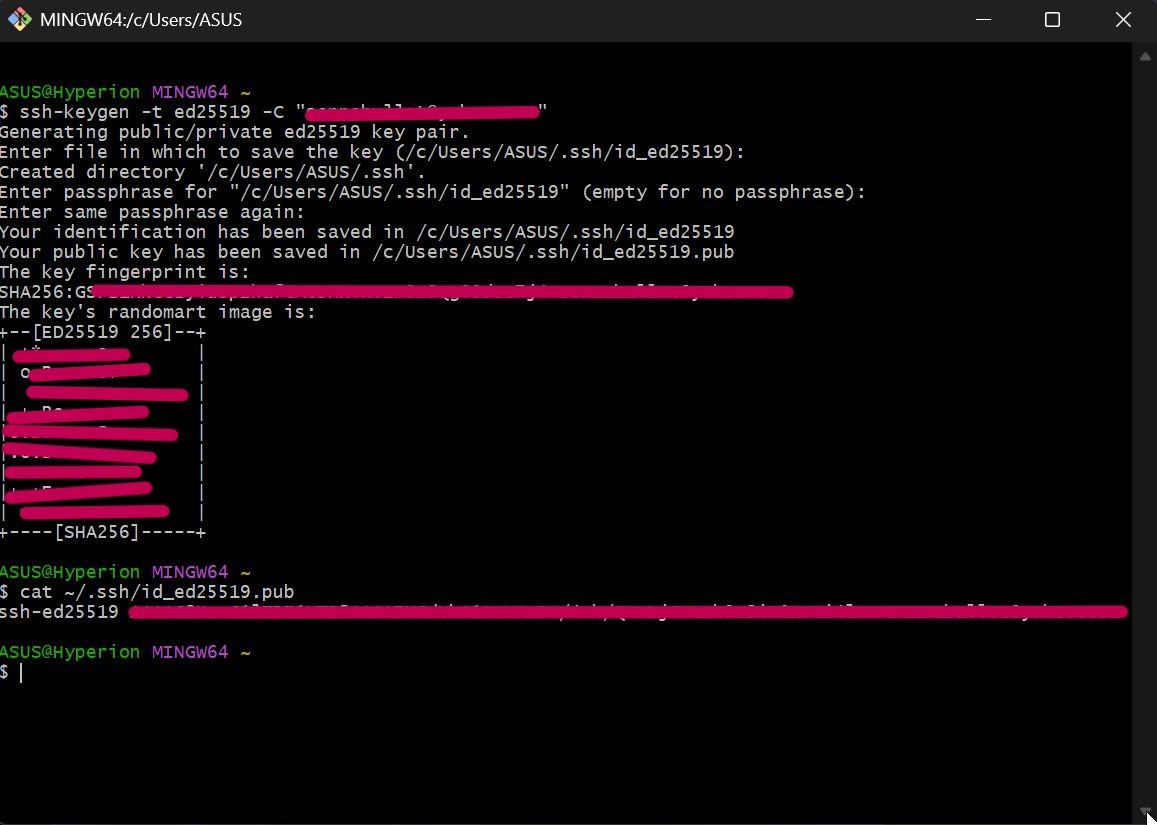
Creating the public/private key pair was done in the Gitbash terminal using the the command
ssh-keygen -t ed25519 -C “my email”
Installing the SSH public key on a server required a couple of procedures. First, in the Gitbash terminal, the public key (id_ed25519.pub) was copied using the command
cat ~/.ssh/id_ed25519.pub
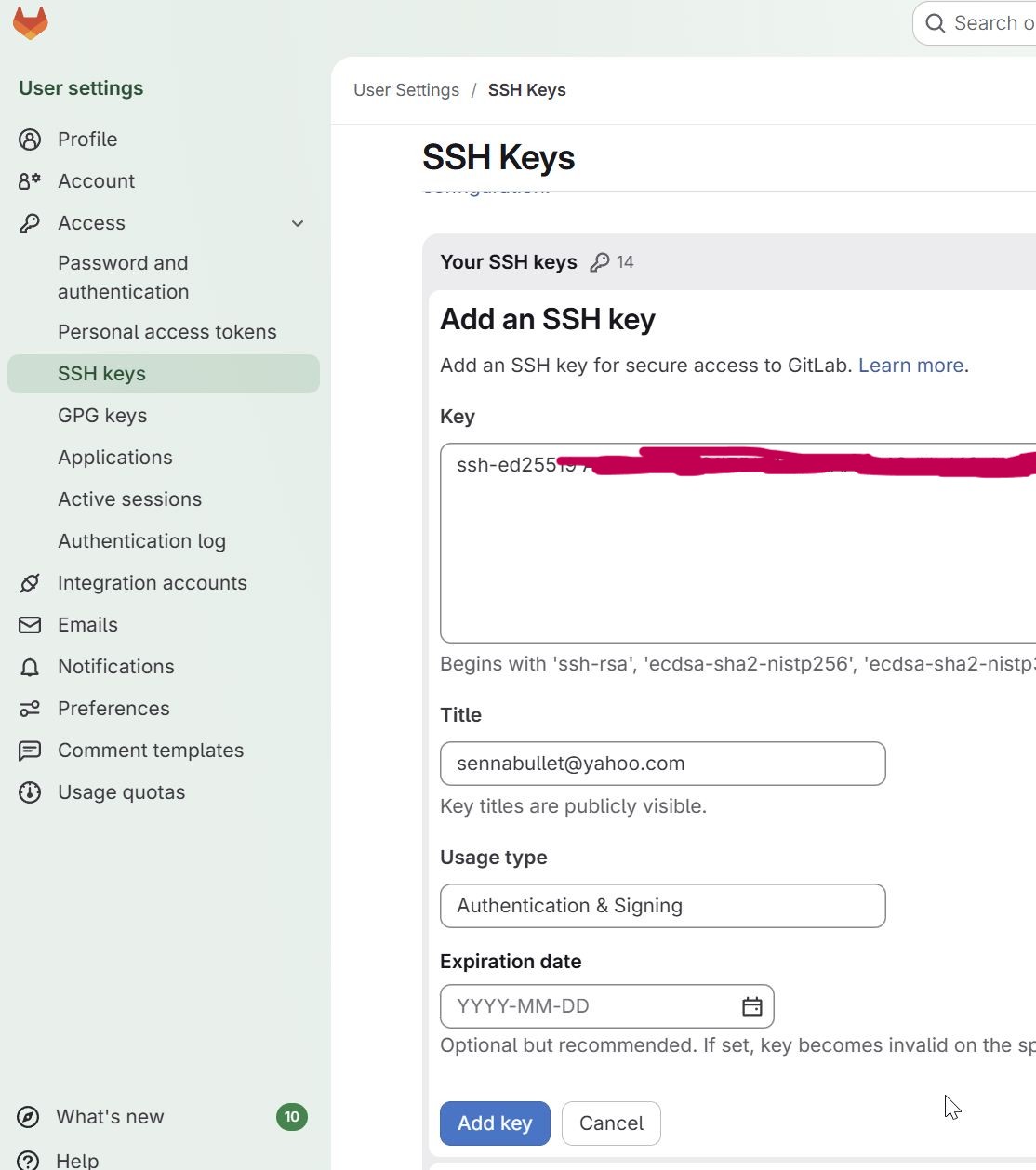
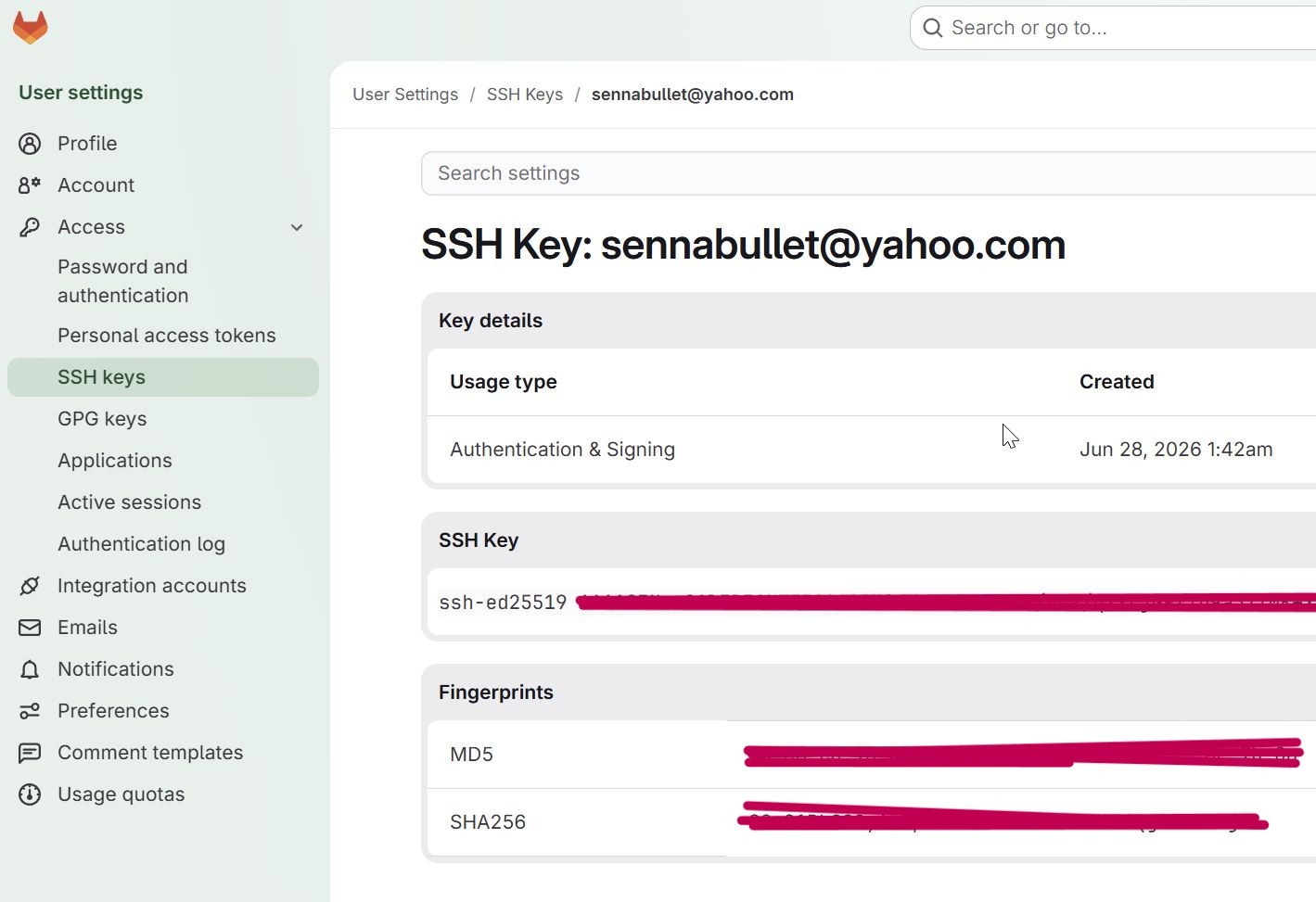
Then in Gitlab, I added the public key by pasting and saving it in the SSH Key section in my profile settings.
What I worked on
Encrypt and Decrypt a File
On YouTube, I watched How to Encrypt and Decrypt a File Using The Windows Command Prompt to do the homework.
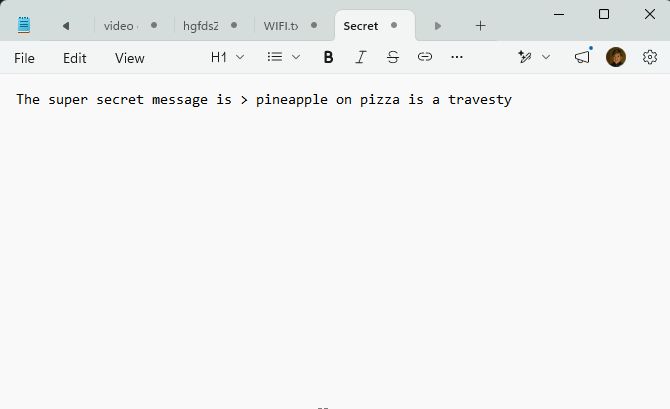
- I created a file to encrypt and decrypt using the Notepad app called ‘Secret Message’and saved it into a folder called ‘test’
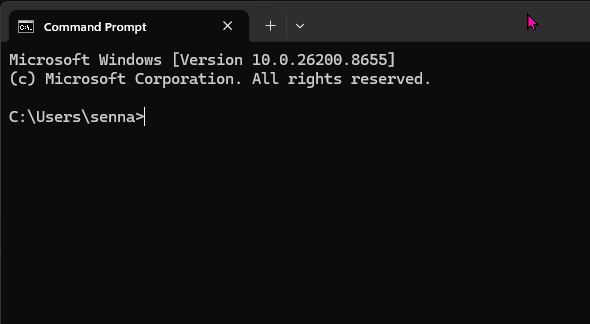
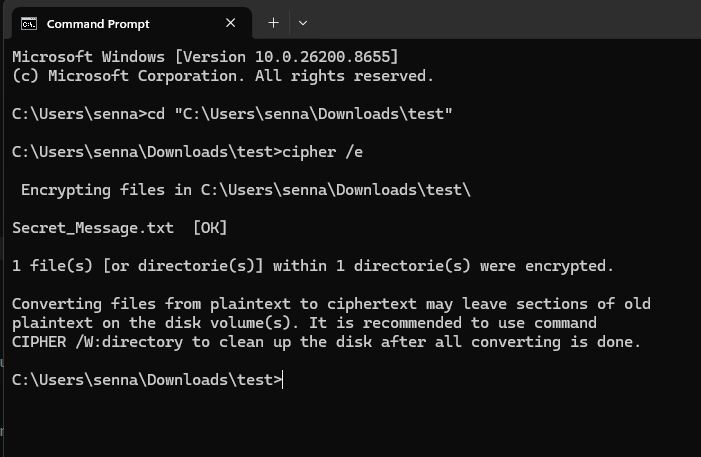
- Then I opened the Windows Command Prompt
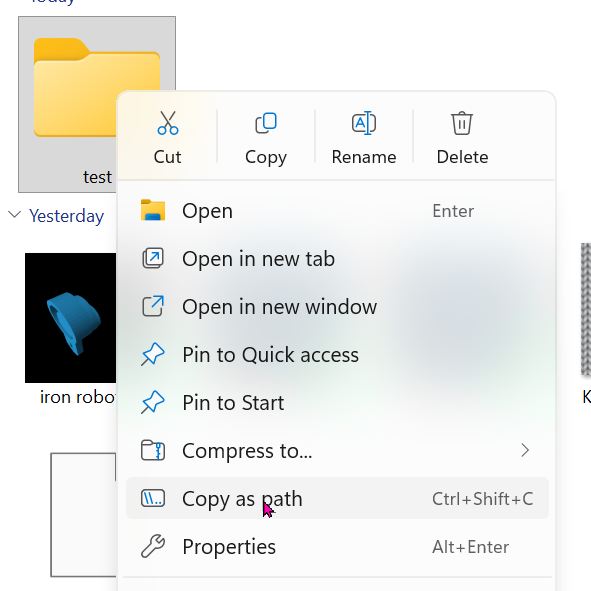
- Right clicking the ‘test’ folder, I chose ‘copy as path’
-
Then in Command Prompt, I typed in 2 commands to encrypt the test folder and all it contents
-
cd > to change the working directory
- cipher/e > to encrypt the directory folder
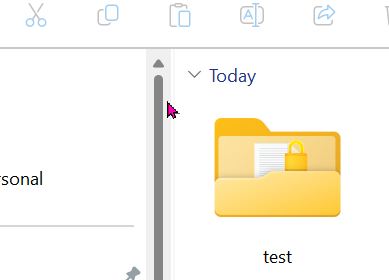
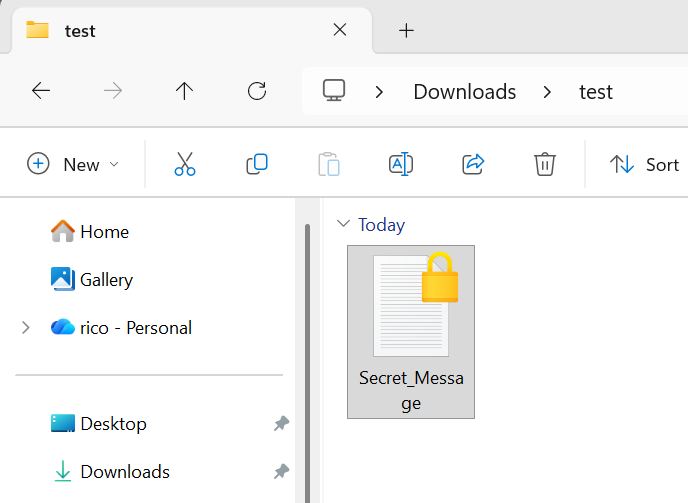
…and the ‘test’ folder and ‘secret_message’ file have lock icons on it.
-
Decrypting requires one command
-
cipher/d > to decrypt the directory folder
Encrypt a disk, USB stick, directory or file system
Googling the solution to this asking “encrypting a usb drive”, I was told to use Bitlocker on my Windows PC to encrypt a USB drive.
- right clicking on the USB drive name in Windows Explorer and choose “turn on BitLocker” and the process begins…
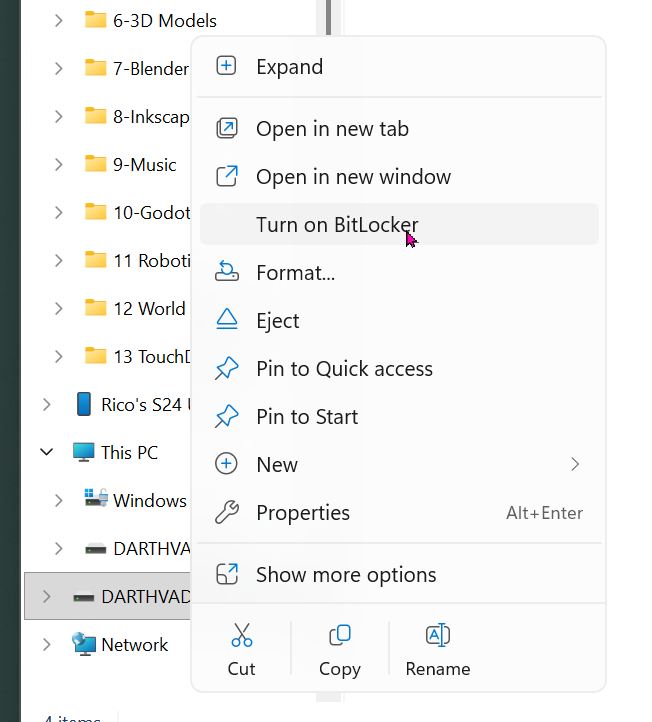
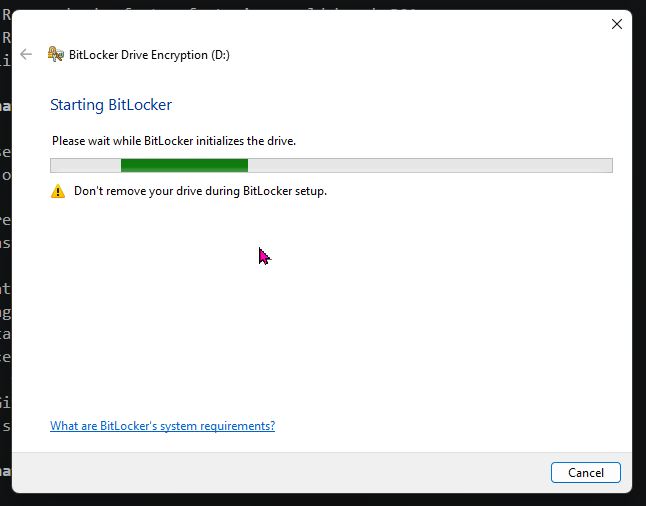
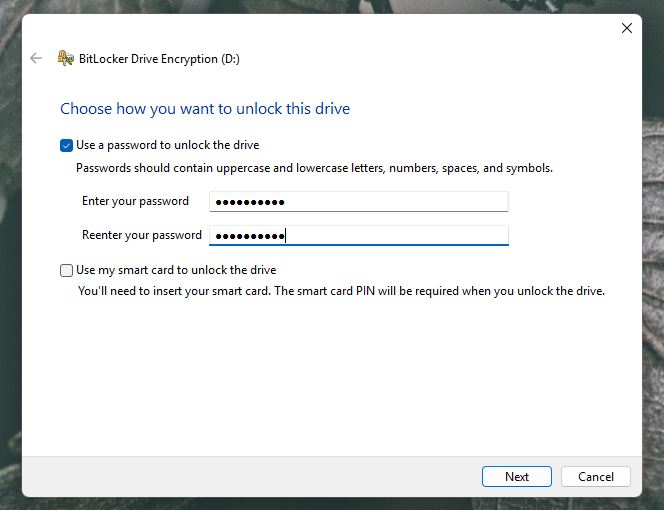
I chose password and to save the recovery key to my Microsoft Account.
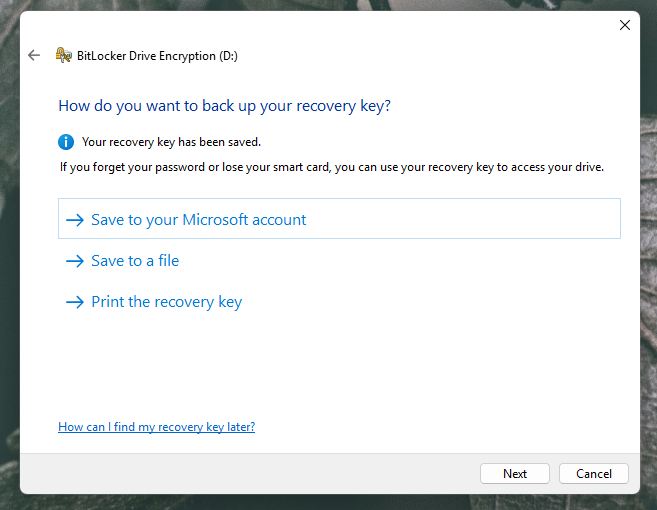
I chose to encrypt the entire USB drive using the ‘New encryption mode’. Then encrypted the drive.
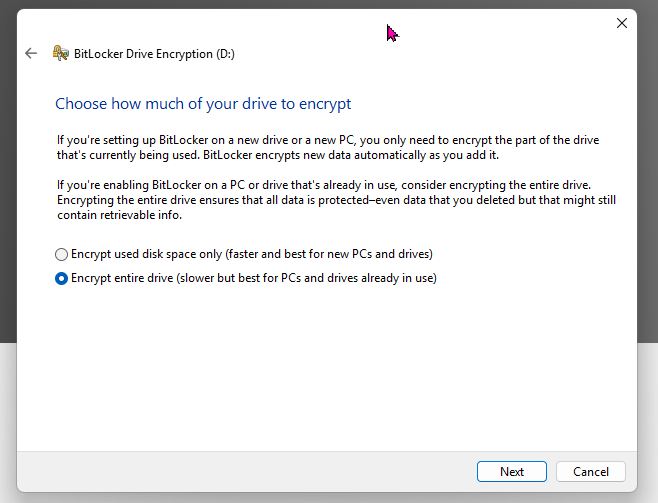
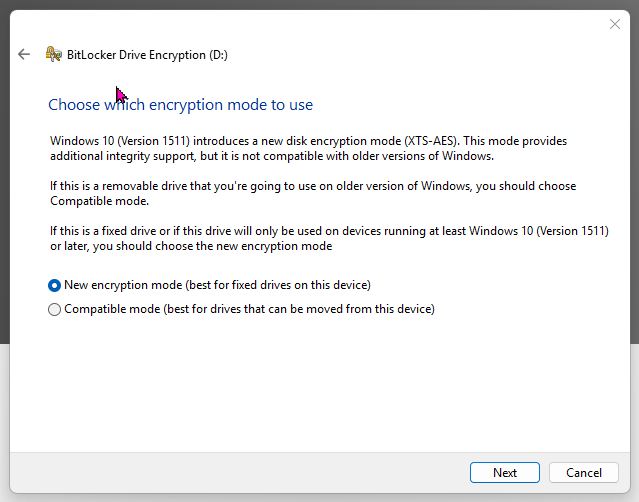
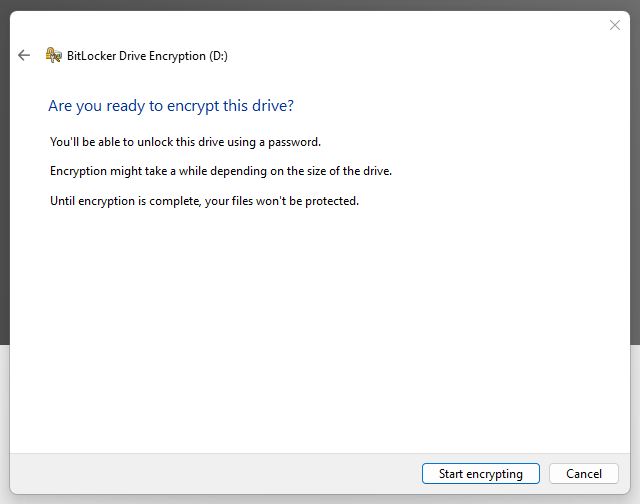
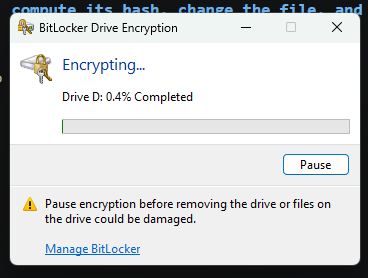
For a small USB drive, the process took a surprisingly long time, taking a full 15 minutes to complete. After the encryption, this window appears when I inserted the drive into my PC again.
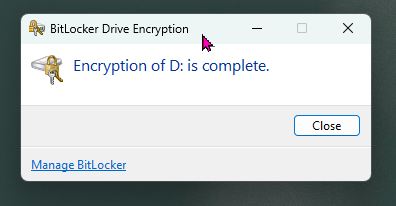
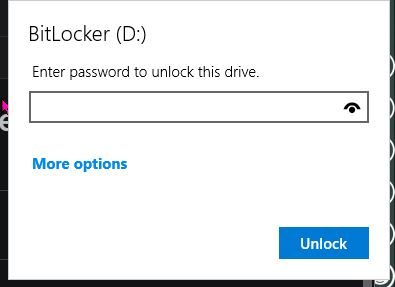
Entering the password, I was able to access the stored files. Success!!
Create a file, compute its hash, change the file, and compute the hash again
First, I needed to understand what a ‘hash’ is. The class explanation was too cryptic (pun intended!).
From What is Hashing? I learned:
- converts input of any length to a fixed sized string of text…using one of many mathematical functions
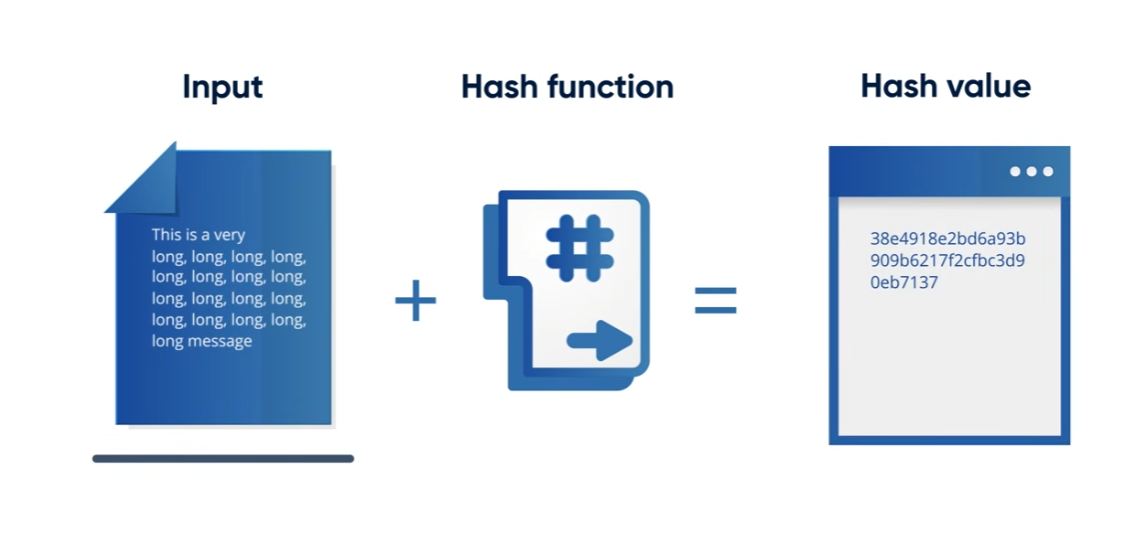
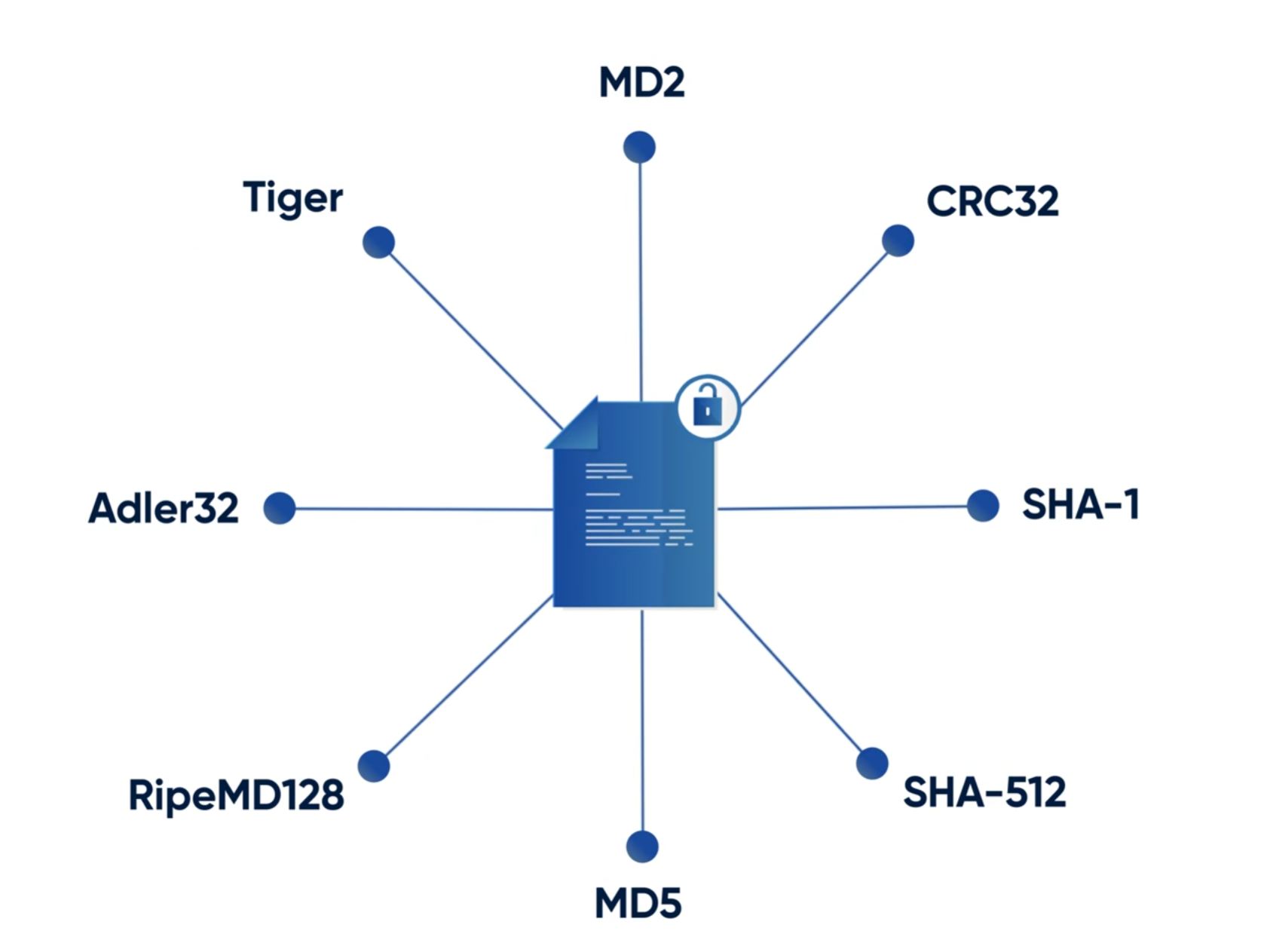
- each unique input will generate a singular unique hash value
- the hash function should be fast
- the hash function should be secure
- hashes are used to determine the current state of a block chain and ensure immutability
Frome SHA: Secure Hashing Algorithm I learned:
- A hash function turns an arbitrary length string into a fixed length bit-string (zeros and ones)
- Pseudo-random
- Can be used for message integrity or certificate verification
- SHA-1 takes any length text and outputs 160-bit value
- Begins with initial state
- …reads blocks of 512-bit length
- Compression Function…scrambles the contents of each block
- Initial state updated with values generated by compression function
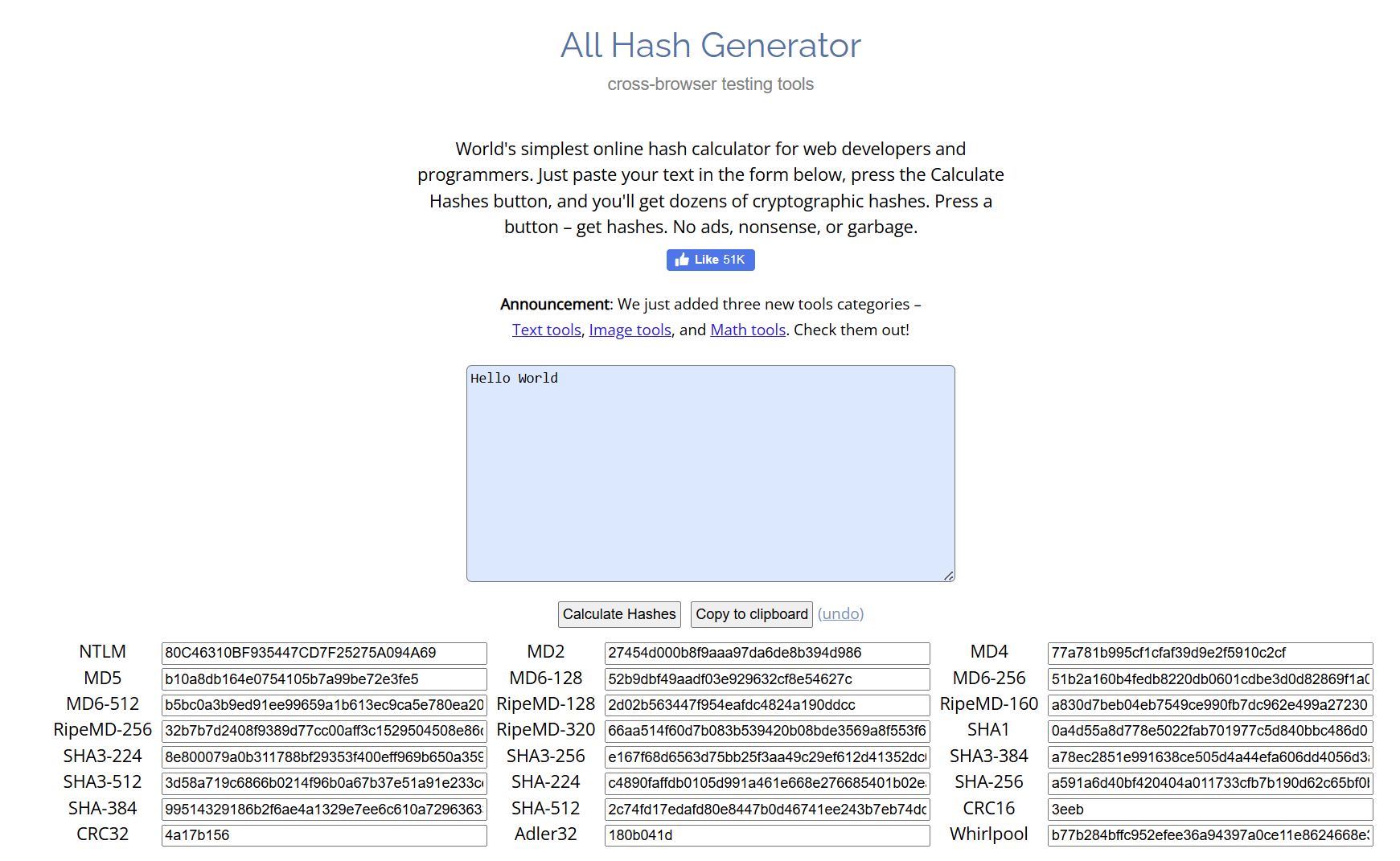
From the second video, I learned that there are programs that generates hash from any text. Googling “free secure hash generator”, Browserline All Hashes online was a recommendation. The interface is reasonably intuitive with a large blue box to enter text string, a button to ‘calculate hashes’ and a bunch of windows next to Hash Function names below.
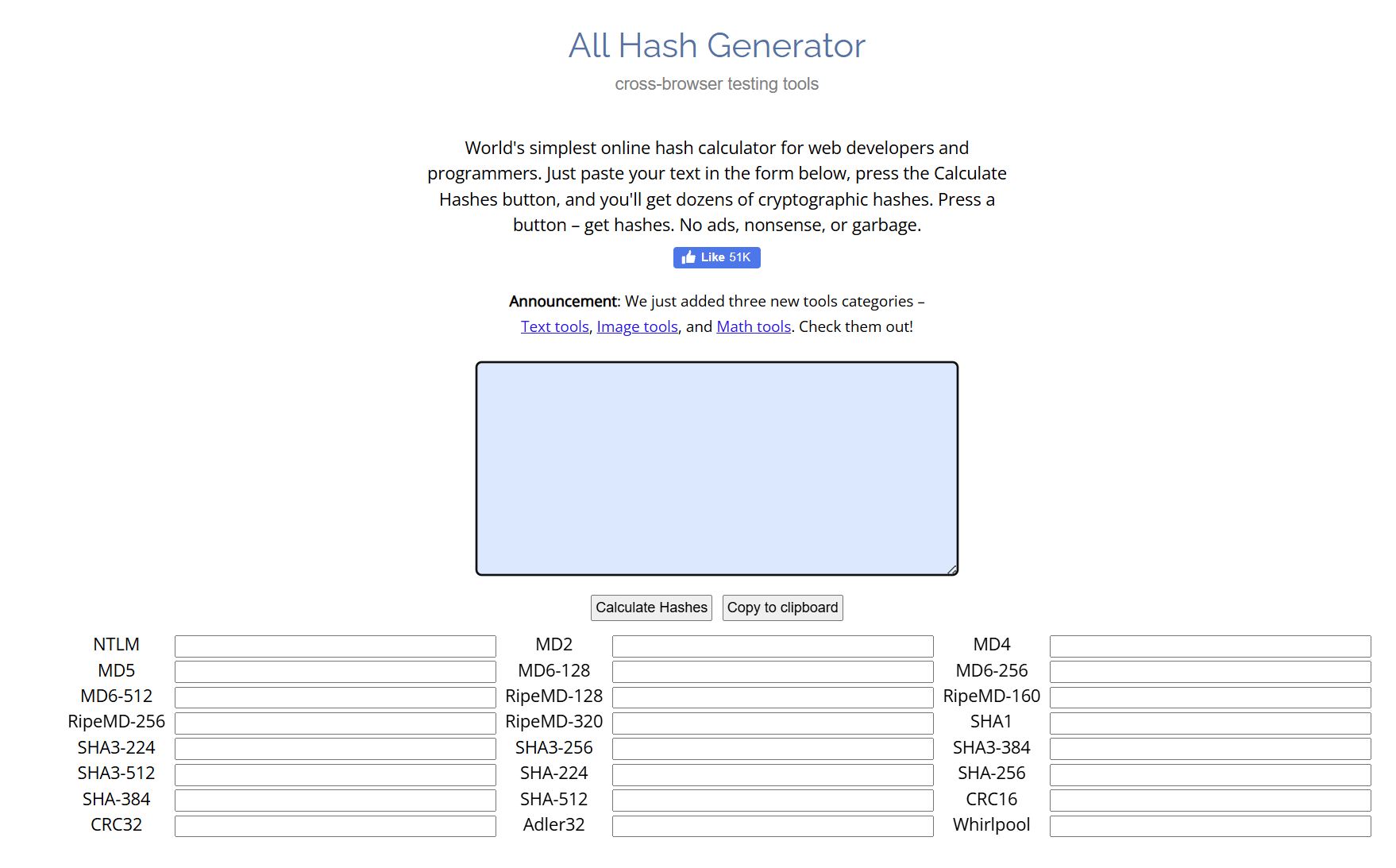
I entered “Hello World” into the text box and pressed the “calculate hashes” button and got these results (almost simultaneously)…
Changing the input text to “Hello Fab World”, calculation resulted in this…
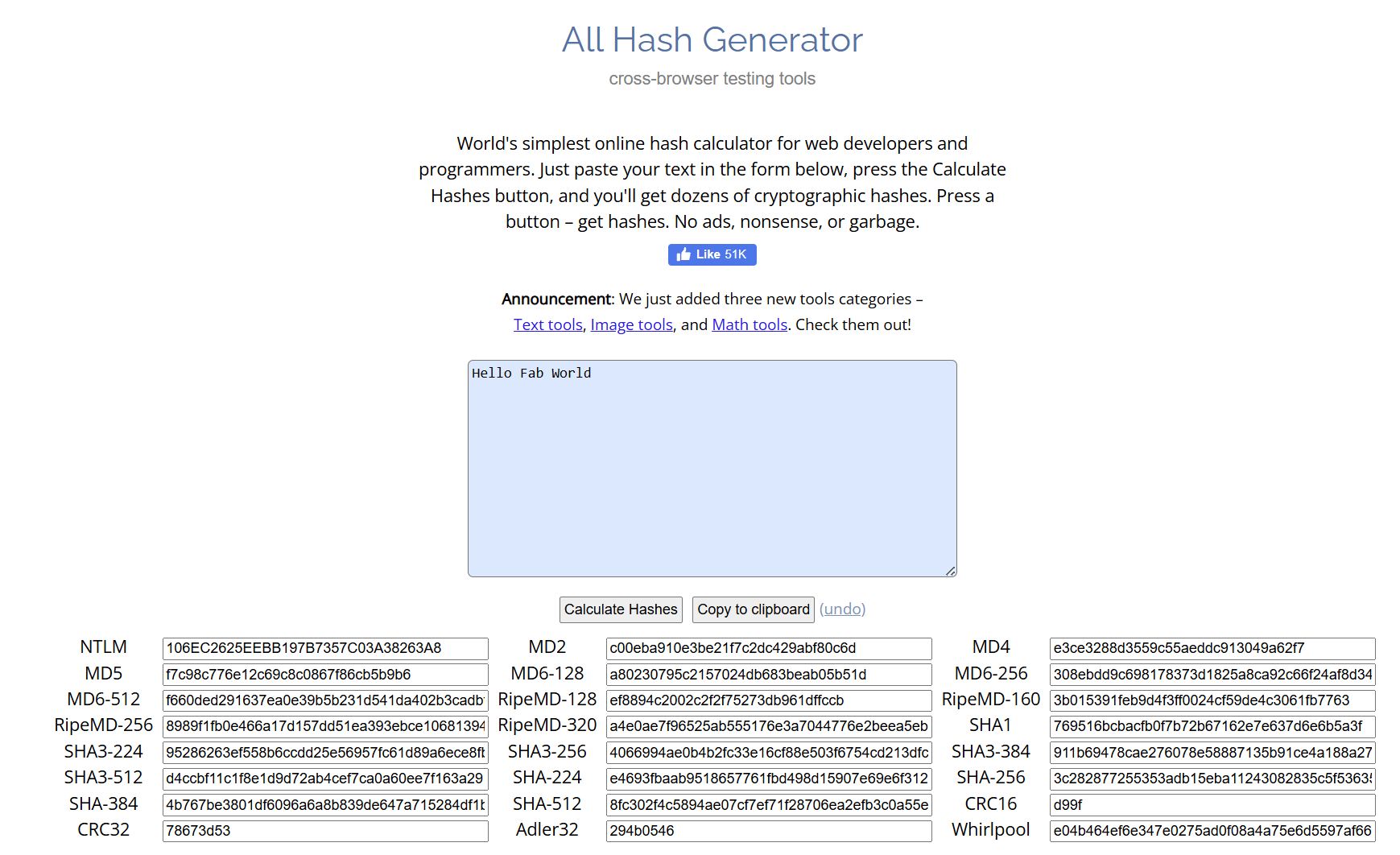
Different input. Different hash values.
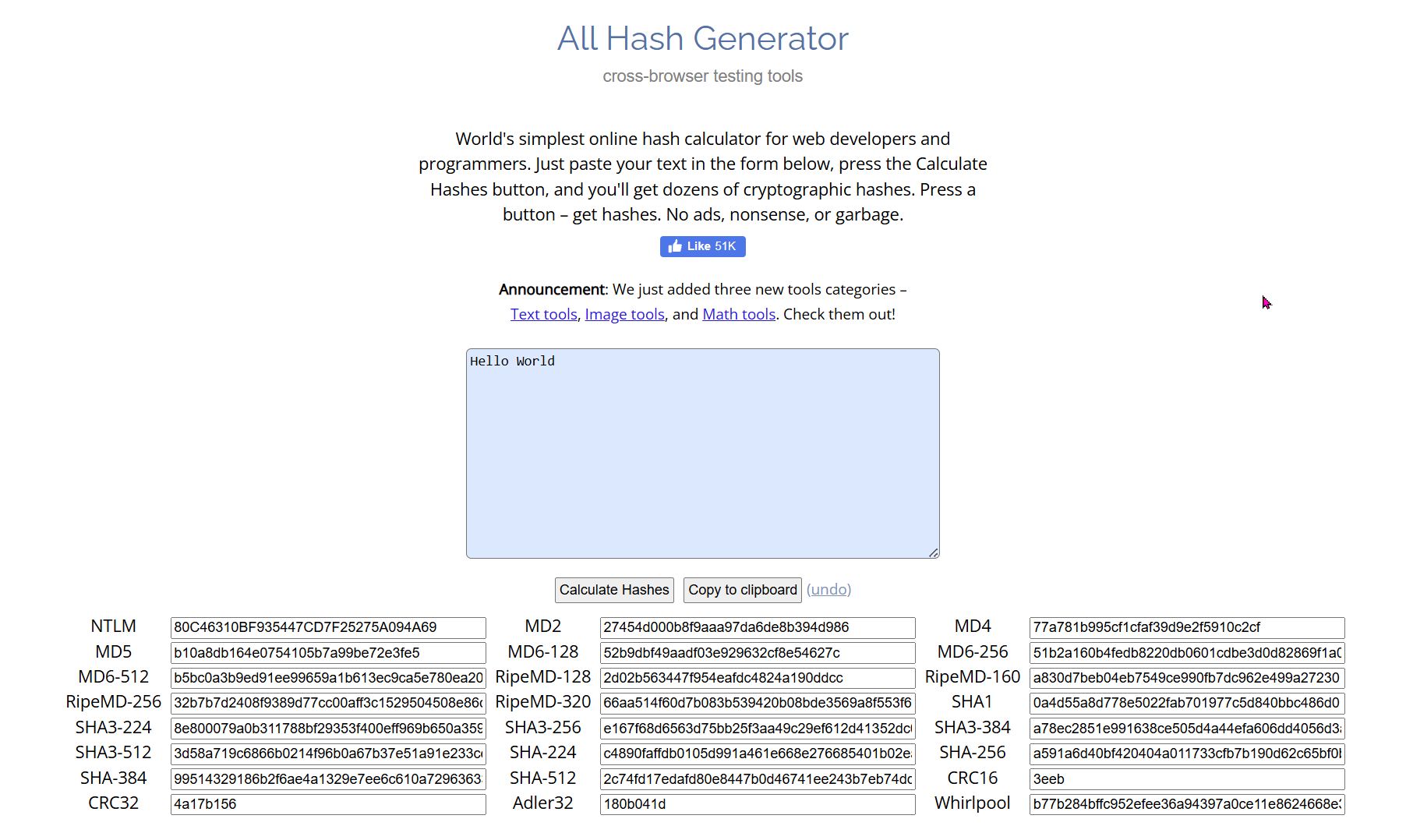
Changing the input text back to “Hello World” results in the original hash values (different screenshot, note the location of the pink cursor)…
Sign a File or Message and Verify the Signature
From the YouTube video What are Digital Signatures? I learned:
Setting Up VirtualBox
I wanted the ability to work locally on my PC, so I went through the process of installing VirtualBox as recommended by the course organizers. It was not an easy or straight forward process, but thanks to ChatGPT, I worked through the process. It took over an hour, but I was successful in the end.